

Revo Uninstaller is a tool designed to help you uninstall unwanted apps and clear up space on your Android device by removing leftover files.
Comprehensive Uninstallation
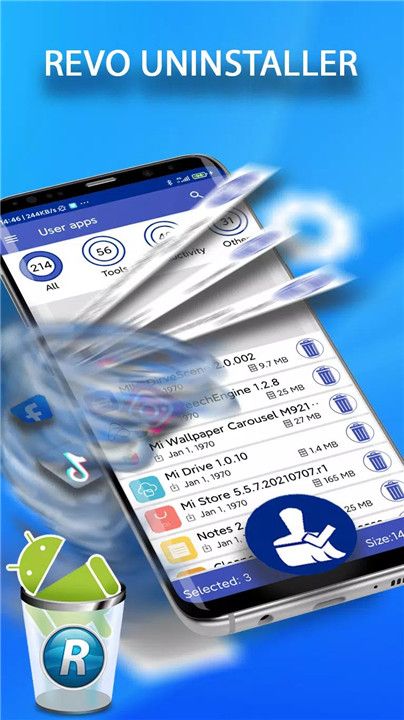
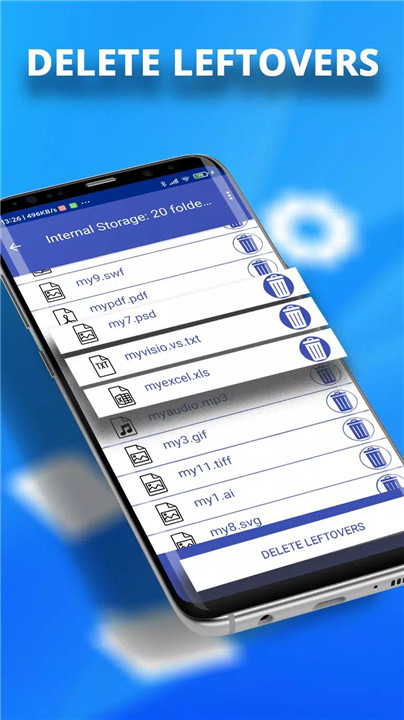
Revo Uninstaller Pro allows you to completely remove apps, including all leftover files and folders that are usually left behind after a standard uninstallation. This ensures your device remains clean and free of unnecessary data.
Ad-Free Experience
Unlike the free version, Revo Uninstaller Pro removes all in-app advertisements, allowing you to enjoy an uninterrupted experience while uninstalling and managing your apps.
Backup Creation
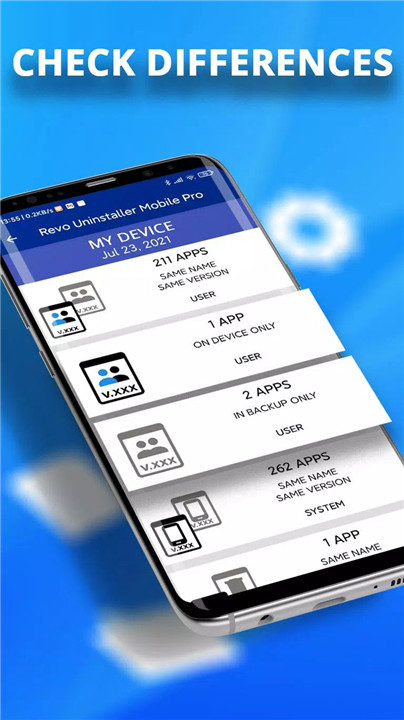
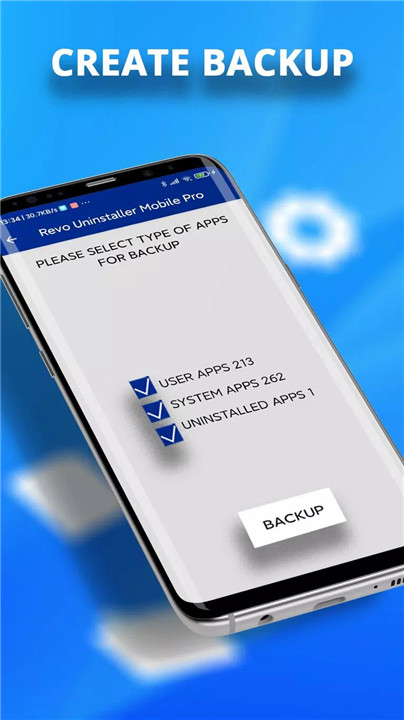
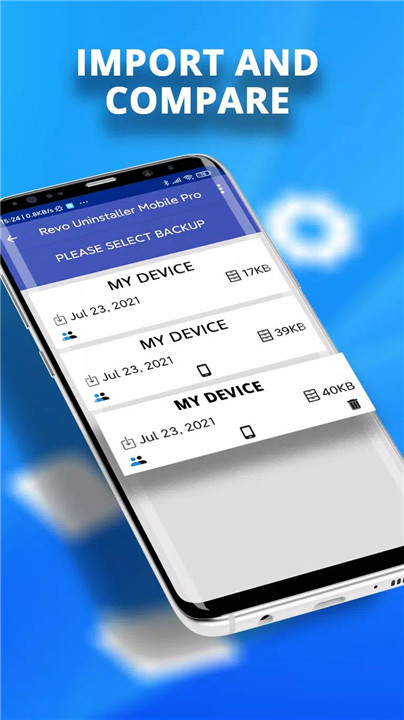
One of the standout features of Revo Uninstaller Pro is the ability to back up your app data, including installed apps, their names, versions, sizes, and categories. You can back up all user apps, system apps, or uninstalled apps, and compare these backups with your current app inventory.
App Categorization
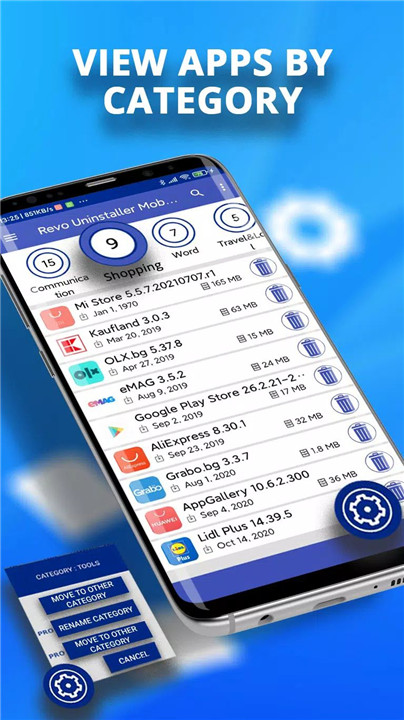
Revo Uninstaller Pro offers smart app categorization, with over 60 predefined categories like Tools, Communication, and Social apps. You can also create custom categories to better organize your apps, making it easier to find and manage them.
Batch Uninstall & Leftover Scan
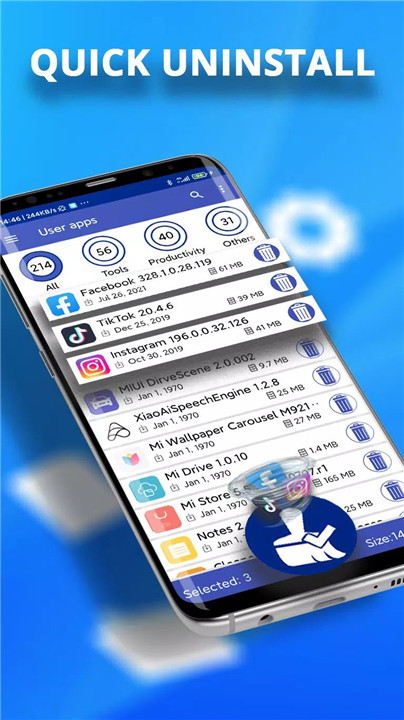
This feature allows you to uninstall multiple apps in a single click, while also scanning for leftover files and folders related to the uninstalled apps. This batch uninstallation saves time and ensures that no unwanted files are left behind.
Quick Boot Mode & App Ranking
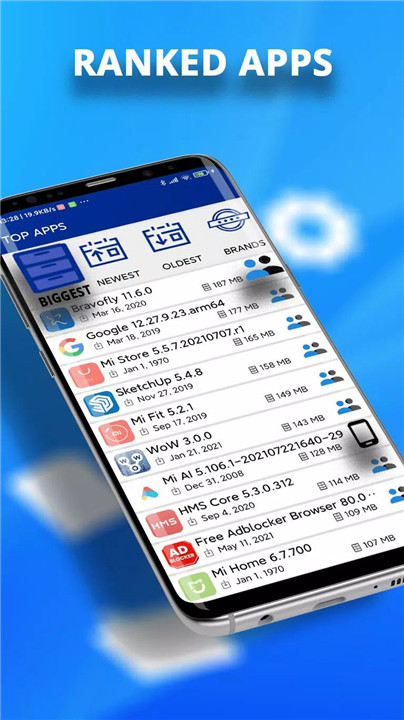
Revo Uninstaller Pro includes a Quick Boot mode that speeds up app loading times. Additionally, it ranks your apps by size, age, or brand, so you can easily identify the apps you use most or those taking up the most space.
Search & Sort Applications
Easily search for and uninstall apps using various filters like app name, category, or size. You can also view app information like installation date, app size, and cache size, as well as open apps directly from the Google Play Store if available.
In-App Permission Checker
This feature allows you to check the permissions your installed apps are requesting, helping you maintain control over your privacy and security.
Language Support & Night Mode
Revo Uninstaller Pro supports 31 languages and offers a night mode for a more comfortable user experience in low-light environments.
System Requirements and Compatibility
Revo Uninstaller Pro is compatible with most Android devices. The app is designed for easy use, with a simple interface and the ability to adjust text size for better readability. It is available in multiple languages, making it accessible to a global audience.
FAQs
1. Is Revo Uninstaller free?
Yes, you can use Revo Uninstaller for free. However, for an ad-free experience and premium support, consider upgrading to Revo Uninstaller Pro for just $3.99/year.
2. Can Revo Uninstaller uninstall pre-installed apps?
Revo Uninstaller cannot remove pre-installed apps due to Android OS restrictions, but it can effectively manage and uninstall user-installed apps and their leftover data.
3. Can I create a backup with Revo Uninstaller?
Yes, Revo Uninstaller Pro allows you to create backups of your app data, including installed apps, versions, and categories, for easy recovery and comparison.
4. Does Revo Uninstaller support batch uninstallation?
Yes, Revo Uninstaller Pro supports batch uninstallation, allowing you to remove multiple apps at once while also scanning for leftover files.
5. Is there a way to remove ads in Revo Uninstaller?
Yes, Revo Uninstaller Pro removes all in-app ads, providing you with a smooth, uninterrupted app management experience.
Version History
v3.3.140G—3 Apr, 2024
- bugs fixed
v3.3.133G—28 Mar, 2024
Updated Google Billing Library 6.0
v3.2.440G—31 Oct. 2023
Updated Google Billing Library 6.0









Ratings and reviews
There are no reviews yet. Be the first one to write one.