






PixFolio is the ultimate photo gallery and slideshow app designed specifically for Google Photos. This app brings your pictures to life with a wide range of customization options and seamless integration with your Google Photos account.
Slideshow
PixFolio is more than just a gallery; it’s an app designed to turn your photos into captivating slideshows:
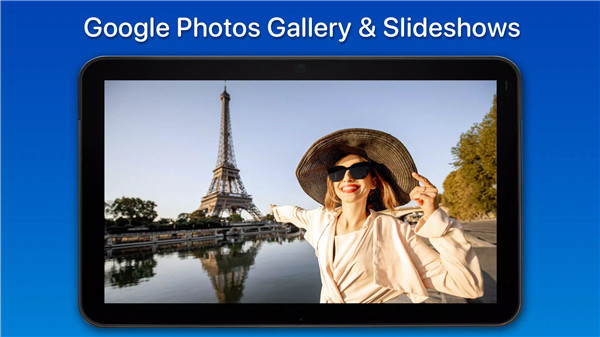
Slideshow Google Photos & Videos: Play a continuous slideshow of your Google Photos and videos.
Randomized Slideshows: Enjoy a shuffled slideshow for a more spontaneous feel.
Enhanced Backgrounds: Add effects like a blurred background or resize images to fit the screen perfectly.
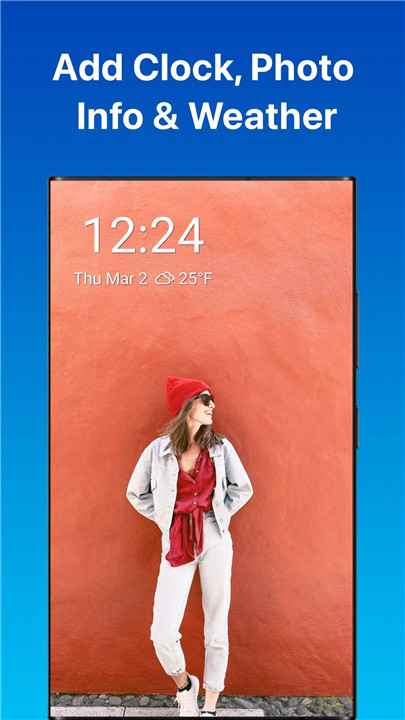
Additional Info: Show the clock, weather, and photo info as part of your slideshow for a more informative and immersive display.
Auto Start: The slideshow can automatically start when you launch the app, saving you time and effort.
Local Photos
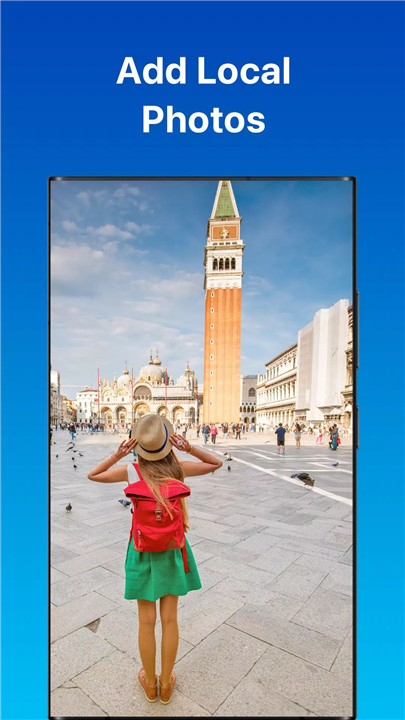
In addition to Google Photos, PixFolio also allows you to display and slideshow your local photos. You can connect your USB drive to your TV to showcase your local photo library, alongside Google Photos, for a seamless experience.
Chromecast and Android TV
PixFolio makes displaying your photos and videos on a larger screen incredibly simple:
Chromecast: Cast your Google Photos photos and videos to your smart TV or Chromecast for the best viewing experience.
Android TV: Play dynamic slideshows directly on your Android TV. The app supports fast, animated slideshows, perfect for enjoying your memories on the big screen.
Download and Save
Want to download images from Google Photos to keep them on your device? PixFolio offers a convenient download feature, allowing you to save individual photos or entire albums directly to your device. This ensures your photos are always available, even when you’re offline.
Great Features
Dynamic Slideshows: Animated photo and video slideshows bring your memories to life.
Smart TV Streaming: Stream photos and videos effortlessly to your smart TV or Chromecast.
Save and Download: Download photos or albums directly to your device.
Customizable Settings: Adjust settings like background blur, image fit, and slideshow speed.
Digital Signage: Use PixFolio to create digital signs by displaying menus, schedules, or announcements.
FAQs
1. What is PixFolio?
PixFolio is a photo gallery and slideshow app that allows you to create dynamic slideshows from your Google Photos. You can stream these slideshows to your Android TV or Chromecast, or display them on your device with various customization options.
2. How do I reset the app?
To reset PixFolio, follow these steps:
Open your device settings.
Navigate to Apps > Manage Installed or All Apps.
Find PixFolio and select Storage.
Click on "Clear Storage." This will reset the app to its original state.
3. Why might photos be really slow to load?
If your photos are slow to load, it could be due to network issues. Check if your router is using IPv6 and ensure it isn’t relying on an IPv4 DNS. The DNS should be set to the IPv6 equivalent to avoid potential timeouts.









Ratings and reviews
There are no reviews yet. Be the first one to write one.