

Screen Guard - Privacy Screen APK
2.8.2
Screen Guard - Privacy Screen
Screen Guard - Privacy Screen APK
Download for Android
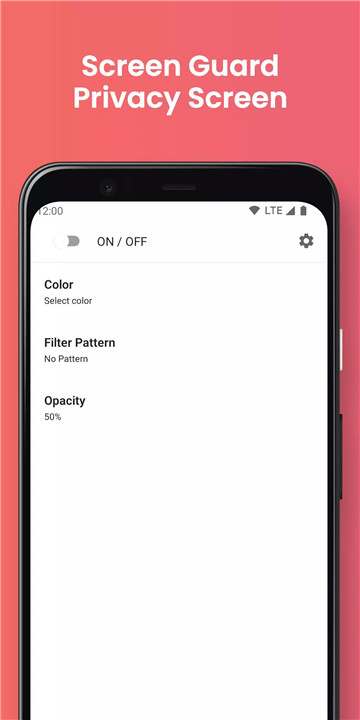
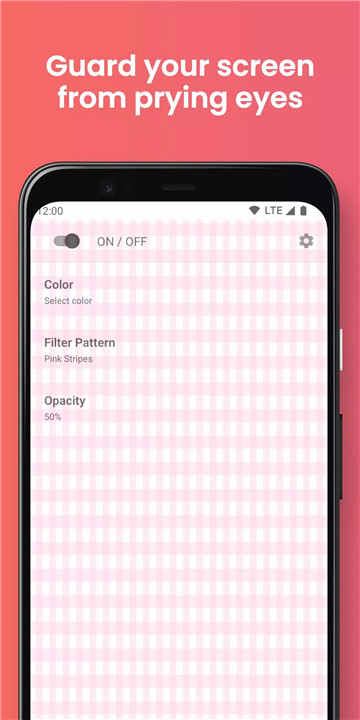
In today's digital age, privacy is more important than ever. With Screen Guard - Privacy Screen/Privacy Filter, you can easily protect your personal information from unwanted attention. This simple yet effective app lets you use your phone with confidence, knowing that your sensitive content, such as emails, SMS messages, or browsing activity, is shielded from view.
Privacy Protection
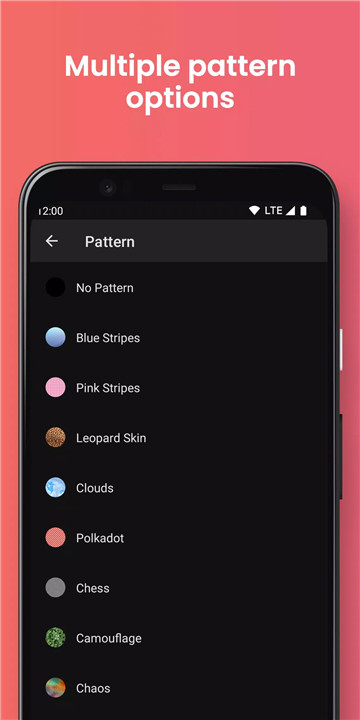
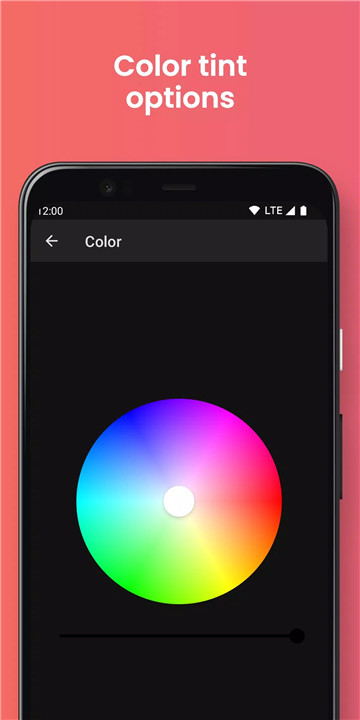
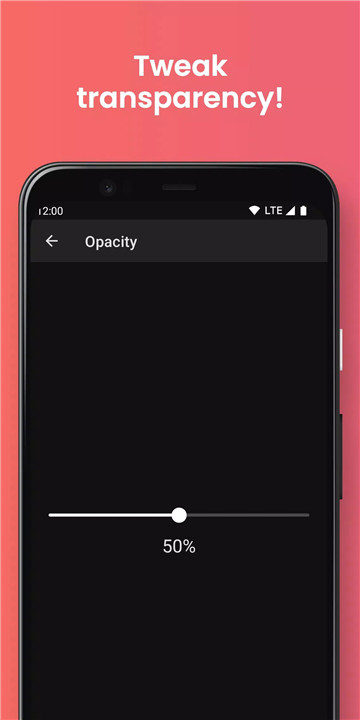
Screen Guard lets you choose from a wide variety of filter colors and patterns to cover your screen. By adjusting the transparency and selecting your desired pattern, you can easily hide your screen from onlookers while still being able to see it clearly. Whether you're checking emails or texting, your screen will remain private.
Customizable Filter Options
With a broad selection of filter patterns and colors, Screen Guard gives you the freedom to customize the privacy settings according to your preference. You can choose a solid color or select a pattern that adds an extra layer of privacy, ensuring that only you can view your content.
Blue Light Filter / Screen Dimmer
Screen Guard isn’t just a privacy screen—it also works as a blue light filter. By turning off the pattern feature, you can use the app to reduce blue light exposure and minimize eye strain during extended phone use. The adjustable transparency allows you to set the level of dimming that’s most comfortable for you.
Ease of Use
One of the standout features of Screen Guard is its simplicity. Unlike many other privacy screen apps, this one is user-friendly and straightforward to set up. The easy-to-navigate interface allows you to adjust settings in a matter of seconds, making it the go-to choice for people who want a hassle-free privacy solution.
FAQs
1. What does Screen Guard do?
Screen Guard is an app designed to protect your phone screen from prying eyes by adding privacy filters. It hides your screen content while you're in public spaces.
2. Can I customize the privacy filter?
Yes, Screen Guard offers a wide range of filter colors and patterns. You can choose your preferred design and adjust the transparency to your liking.
3. Can Screen Guard be used as a blue light filter?
Absolutely! By turning off the pattern feature, Screen Guard functions as a blue light filter, helping to reduce eye strain and improve comfort during prolonged use.
4. How easy is it to use Screen Guard?
Screen Guard is very user-friendly. The app is designed to be intuitive and easy to navigate, allowing you to adjust your privacy settings and screen dimming with just a few taps.
5. Is Screen Guard free to use?
Yes, Screen Guard is a free app available for download. It provides effective privacy protection and screen dimming without any cost.
Version History
v2.8.2—16 Mar, 2025
- Minor performance improvements, upgrades and bug fixes.
v2.8.1—9 Jun, 2024
- Minor performance improvements, upgrades and bug fixes.
v2.7.3—4 Jun, 2024
- Minor performance improvements, upgrades and bug fixes.









Ratings and reviews
There are no reviews yet. Be the first one to write one.