

Fujiten – Japanese Dictionary App
Fujiten is a Japanese dictionary application built with the Flutter framework.
It draws definitions and kanji data from the EDICT dictionary, which has been compiled into a database through the edict_database project.
Setup
To use Fujiten, you’ll need two essential components:
• Expression Database
• Kanji Database
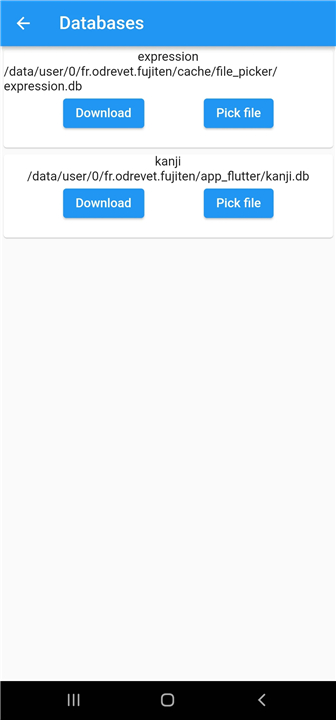
You can install both directly from Fujiten via the Settings → Databases menu, or download them manually from the edict_database repository.
Top Menu Overview
1. Bars
• Access the Settings Menu, where you can:
+ Download or update dictionary databases
+ Adjust display brightness
• View legal and licensing information
2. Insert Options
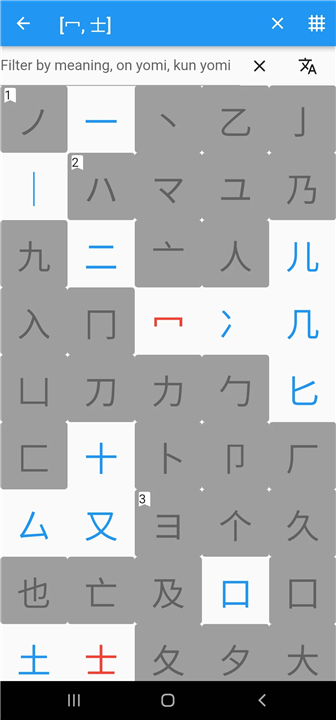
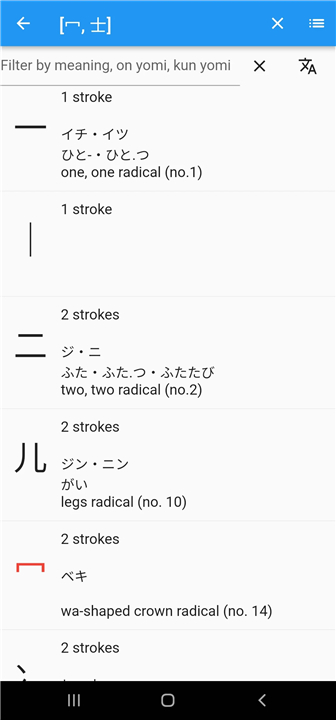
• Radicals ‹› – Finds kanji that contain the selected radicals
• Kanji Character (Ⓚ) – Matches any kanji character
• Kana Character (㋐) – Matches any hiragana or katakana character
• Joker (.*) – Matches any sequence of characters
3. Convert
If your device doesn’t have a Japanese keyboard, Fujiten can convert romaji (Latin letters) to kana automatically:
• Lowercase romaji → Hiragana
• Uppercase romaji → Katakana
Search Functions
When performing a search, select the mode that fits your goal:
• Kotoba Mode: Searches for words or expressions
• Kanji Mode: Searches specifically for kanji
Other tools include:
• Clear: Erases the current input
• Search: Executes the search query
Tips for Effective Searching
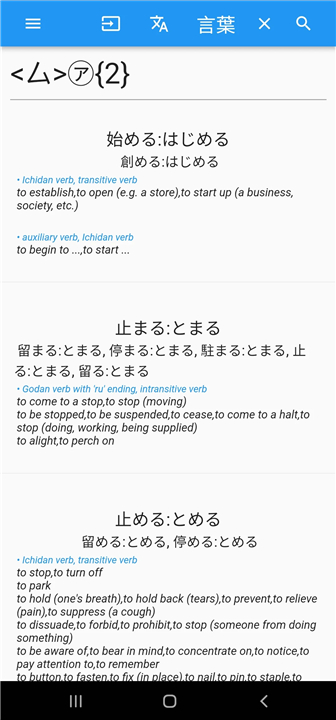
• Fujiten supports regular expressions, so you can use quantifiers ({}) and meta-characters (like .) to refine your search.
• Use radical search ‹› when you recognize some parts of a kanji but not the full character (e.g., ‹化›).
• If your search returns no results, try adding ".*" at the start or end of your query to expand matches.
FAQ
Q: Do I need to install any additional files before using Fujiten?
A: Yes, Fujiten needs two main databases to function properly—the Expression Database and the Kanji Database. You can download both directly within the app by heading to Settings and selecting the Databases section, or you can grab them manually from the edict_database repository if you prefer.
Q: How do I access the settings in Fujiten?
A: You can get to the settings by tapping the Bars icon at the top of the app. From there, you’ll find options to adjust your display brightness, update the dictionary databases, and view details about licensing and source data.
Q: Can Fujiten convert romaji into Japanese characters?
A: Yes, Fujiten can automatically convert romaji into kana. Typing in lowercase letters will give you hiragana, while uppercase letters will produce katakana. It’s a handy feature if you don’t have a Japanese keyboard installed on your device.
Version History
v2.3.0——28 Oct 2025
Fujiten is a japanese dictionary with advanced search features Download the latest version of Fujiten to enjoy new features and updates immediately!
*2.3.0
Theme menu: dynamic color on android / accent color on linux
Fix downloading databases concurrently
*2.2.0
Settings menu in a drawer
ctrl-j keyboard shortcut to convert input to/from romaji / hiragana / katakana
dark/light set theme earlier at start
use kanjivg to show the kanji drawing (kanji images to be downloaded in dataset menu)
*2.0.0
* Layout improvements and fixes : new result layout
* Display fields, reference words and antonym.
* Defaults to GLOB pattern matching if REGEXP extension not enabled on Sqlite









Ratings and reviews
There are no reviews yet. Be the first one to write one.