

My Expenses
Empower Your Financial Journey
• Take charge of your financial destiny with My Expenses, a powerful tool designed to simplify your money management and give you the clarity to reach your life goals.
Core Features
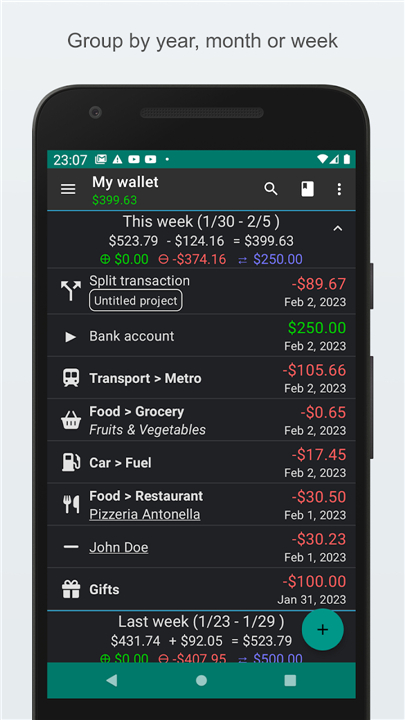
• Track with Ease: Seamlessly monitor your income and spending across your smartphone and tablet.
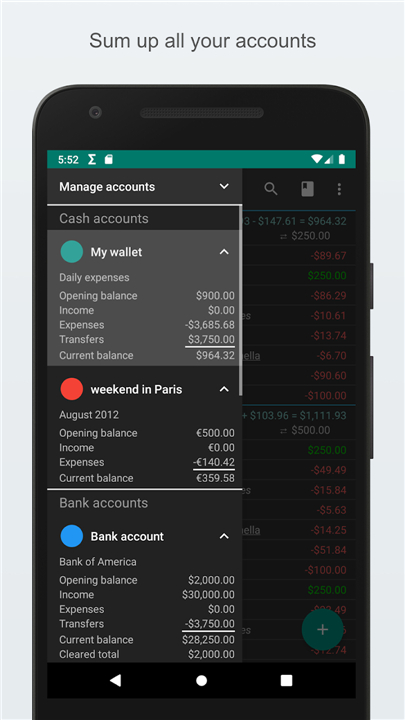
• Global Flexibility: Manage multiple accounts and transfer funds between different currencies with ease.
• Smart Scheduling: Plan ahead for future financial success by setting up recurring transactions.
• Precise Reconciliation: Match your app data directly with bank statements to ensure absolute accuracy.
• Robust Security: Keep your private financial records secure with password or device lock protection.
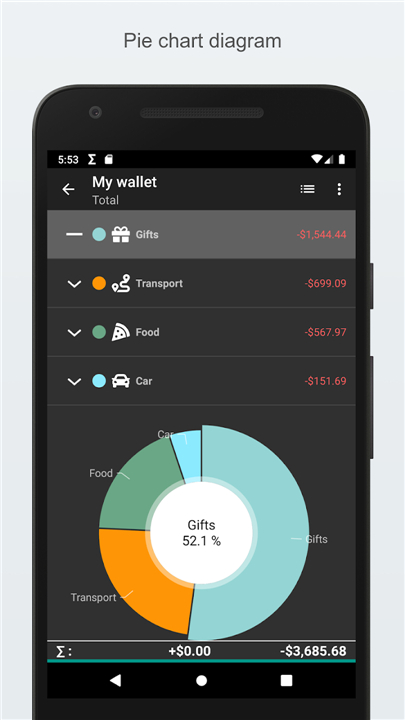
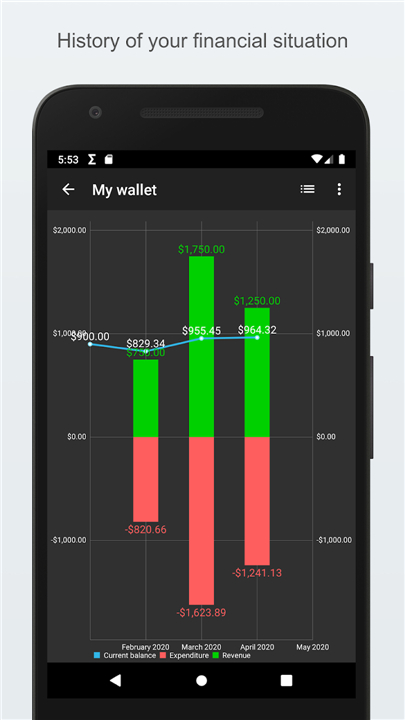
• Visual Insights: Understand your spending habits with dynamic charts and advanced data filtering.
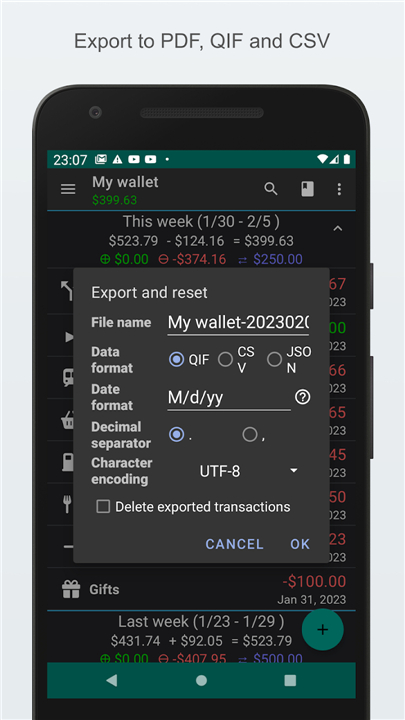
• Seamless Portability: Quickly import and export your records using universal QIF and CSV formats.
• Personalized Interface: Customize your view with tailored themes, font sizes, and convenient home screen widgets.
Premium Upgrades
• Contrib Key: Enjoy an ad-free environment and unlock unlimited accounts and scheduled plans.
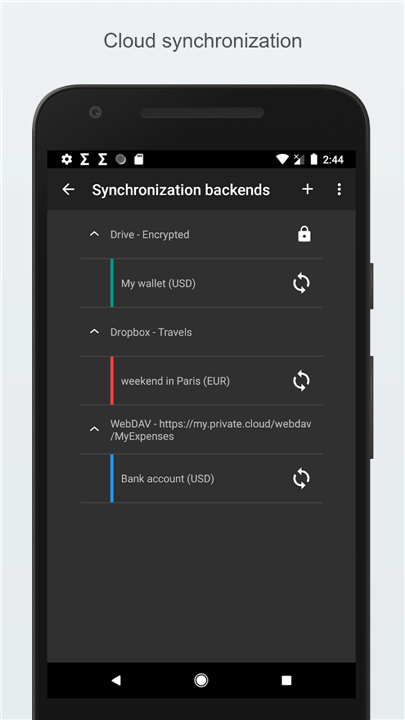
• Extended Key: Safeguard your progress with automated cloud backups, multi-device synchronization, and advanced CSV imports.
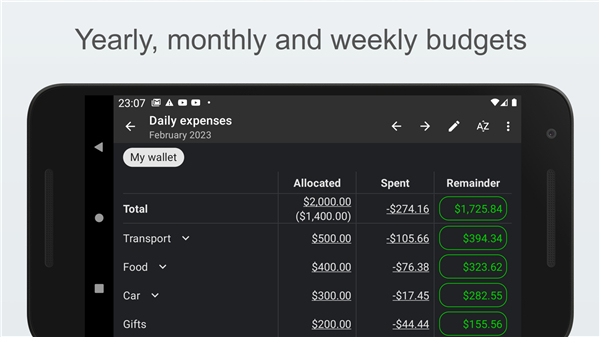
• Professional Key: Supercharge your financial management with advanced budgeting tools, receipt scanning, and priority email support.
Required Permissions
• Calendar: Allows you to store and view upcoming and recurring transactions.
• Internet: Powers cloud synchronization, secure backups, and anonymous crash reporting.
• Accounts: Enables seamless data sharing across your personal devices.
Your path to financial freedom starts today
• Download My Expenses and transform the way you manage your money.
FAQ
Q: Can I use the app on both my smartphone and my tablet simultaneously?
A: Yes, the app is designed to work seamlessly across different mobile devices, allowing you to monitor your financial activity wherever you are. If you upgrade to the Extended Key, you can even take advantage of multi-device synchronization to ensure that your records are always up to date on every piece of hardware you own.
Q: How does the app handle transactions if I travel or deal with multiple currencies?
A: The app offers global flexibility by allowing you to manage multiple accounts and transfer funds between different currencies with ease. This makes it an ideal companion for frequent travelers or anyone who maintains financial accounts in more than one country.
Q: Is there a way to automate my regular monthly bills within the app?
A: You can certainly plan for future financial success by utilizing the smart scheduling feature to set up recurring transactions. This ensures that your regular bills and income are accounted for automatically, saving you time and helping you avoid any missed payments.
Version History
v4.1.0.2——10 Aug 2026
Manage money easily with My Expenses, a powerful expense tracker. Sync accounts, track spending, and secure your financial data. Download the latest version of My Expenses to enjoy new features and updates immediately!
*4.1.0.2
Minor bug fixes and improvements. Install or update to the newest version to check it out!
*4.0.9.1
Minor bug fixes and improvements. Install or update to the newest version to check it out!
*4.0.9
Minor bug fixes and improvements. Install or update to the newest version to check it out!











Ratings and reviews
There are no reviews yet. Be the first one to write one.