

New PDF Reader
Overview
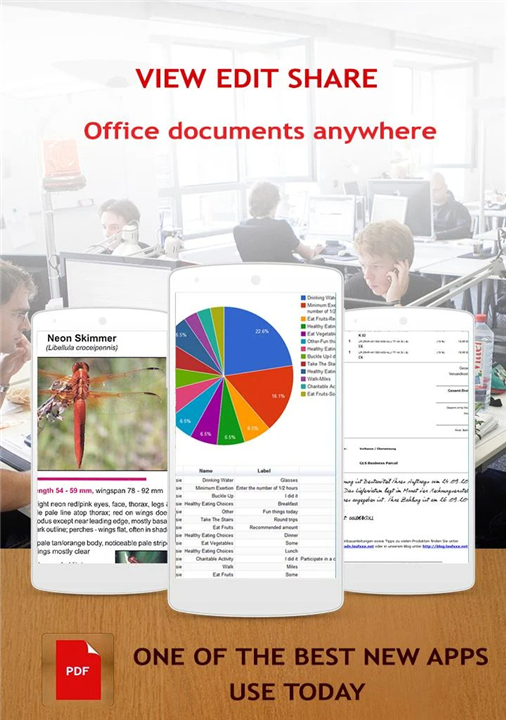
• Introducing the ultimate PDF Reader, a comprehensive mobile office solution meticulously designed for modern professionals, students, and casual readers.
• This application serves as much more than a basic document viewer; it is a full-featured management system that bridges the gap between desktop software and mobile convenience.
• Whether you are reviewing academic papers, processing business invoices, or reading your favorite e-books, this tool ensures a seamless and efficient digital experience.
Comprehensive Annotation and Editing Suite:
The application is built to maximize your productivity regardless of your location, allowing you to be as effective on the road as you are in front of a computer.
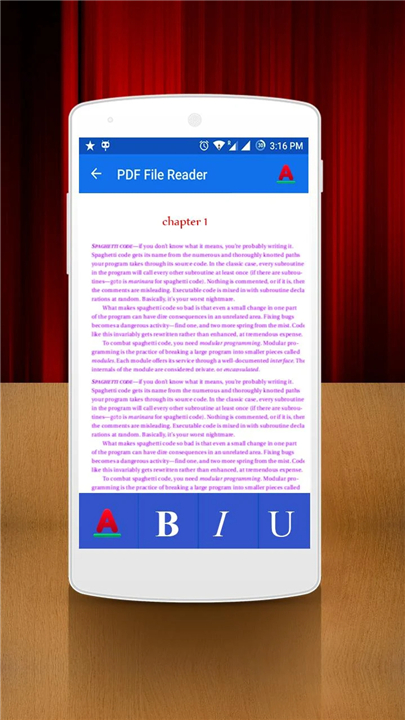
• Interactive form filling capabilities for processing official digital paperwork.
• Secure contract signing features to authorize important documents in seconds.
• Freehand writing and drawing tools for personalized notes, sketches, and diagrams.
• Text box insertion for adding detailed comments, corrections, or additional data.
• Vibrant highlighting and sticky notes for effective document review and collaboration.
• Professional stamp tools to quickly categorize files as urgent, approved, or confidential.
Customized Viewing and Reading Comfort:
Engineered for long-form reading and high-pressure tasks, the interface adapts to any lighting condition or physical environment.
• Stable and high-speed performance that eliminates lag even when opening large, image-heavy files.
• Intuitive zoom controls to examine fine print or obtain a full-page overview.
• Static orientation settings to lock the view and prevent unwanted screen rotation when the device tilts.
• specialized Day and Night modes to reduce eye strain during late-night study or work sessions.
• Manual brightness adjustments for optimal visibility in bright outdoor or low-light indoor settings.
Utility and Scanning Features:
The application simplifies the digitalization process through integrated smartphone technology.
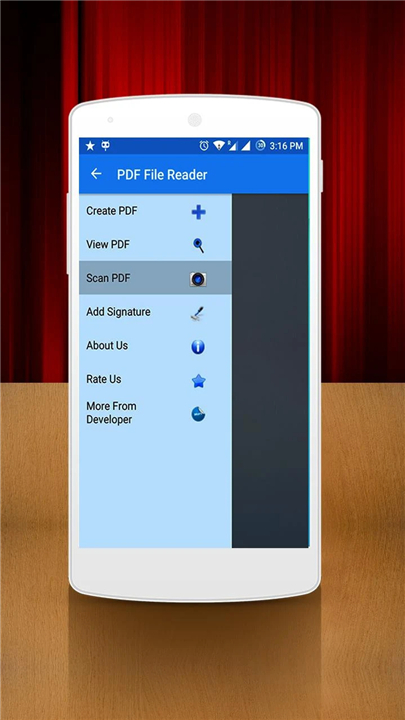
• Rapid one-touch scanning that transforms physical receipts or notes into sharp PDF files.
• Simplified creation of new PDF documents directly from your mobile device.
• Streamlined navigation to help you find and organize your digital library with ease.
Support and Community Feedback:
• If you find that this application enhances your daily workflow, please consider supporting our development by rating us five stars in the Google Play Store.
• We value your input and encourage you to submit suggestions or technical feedback via a review or through our official email address.
• Thank you for choosing our PDF Reader.
FAQ
Q: Is this tool just a basic document viewer or does it offer more features?
A: It is much more than a basic viewer because it functions as a full-featured management system for your digital files. While you can certainly use it for reading your favorite e-books, it is also equipped to handle heavy-duty tasks like processing business invoices and reviewing complex academic papers with high efficiency.
Q: Can I use this app to fill out official forms and paperwork?
A: Yes, the application includes interactive form-filling capabilities specifically designed for processing official digital paperwork. This allows you to complete required fields and handle administrative tasks directly from your mobile device without needing to print anything out.
Q: Is there a way to sign contracts or legal documents using the reader?
A: The app features secure contract signing tools that enable you to authorize important documents in just a few seconds. This is a vital feature for professionals who need to finalize agreements and keep projects moving forward while they are away from their offices.
Version History
v5.5——6 Apr 2026
Want to browse and search PDFs you have? We got it covered! Download the latest version of New PDF Reader to enjoy new features and updates immediately!
*5.5
Minor bug fixes and improvements. Install or update to the newest version to check it out!
*5.4
Minor bug fixes and improvements. Install or update to the newest version to check it out!
*5.3
Minor bug fixes and improvements. Install or update to the newest version to check it out!









Ratings and reviews
There are no reviews yet. Be the first one to write one.