

VidVault
Overview
• In an era where video content dominates our digital lives, managing an ever-growing library can become an overwhelming task.
• Files are often scattered across various hard drives, cloud services, and mobile devices, leading to wasted time and lost inspiration.
• VidVault emerges as the definitive solution to this digital chaos.
• It serves as a comprehensive video management and editing ecosystem, specifically engineered for digital creators, casual hobbyists, and professional archivists who require a centralized, high-performance workspace for their visual media.
Video Editor for Everyone
• VidVault acts as the bridge between raw footage and a polished final product.
• By consolidating management and essential editing into one platform, it empowers users to reclaim their time and focus on the art of storytelling rather than the frustration of file hunting.
Intelligent Library Organization
VidVault goes beyond simple storage by providing a sophisticated architecture for your assets, ensuring that every clip is exactly where it needs to be.
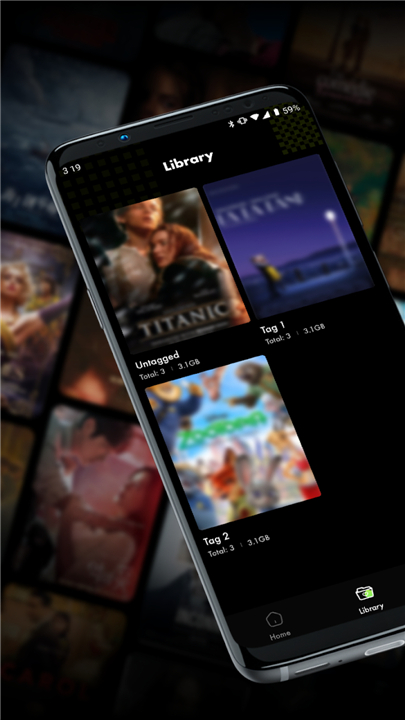
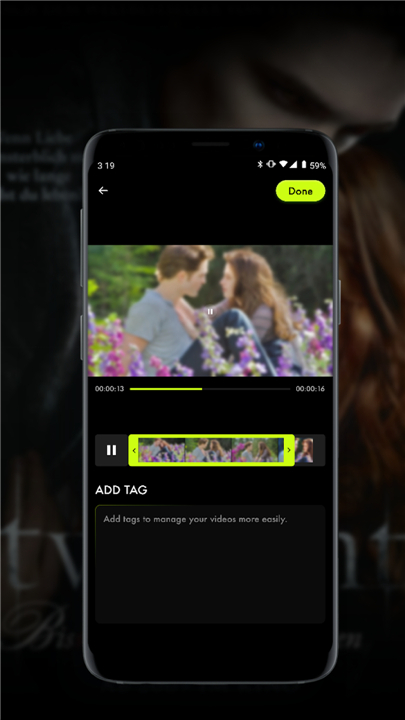
• Advanced categorization tools allow users to tag, filter, and sort footage based on specific project requirements, dates, or custom metadata.
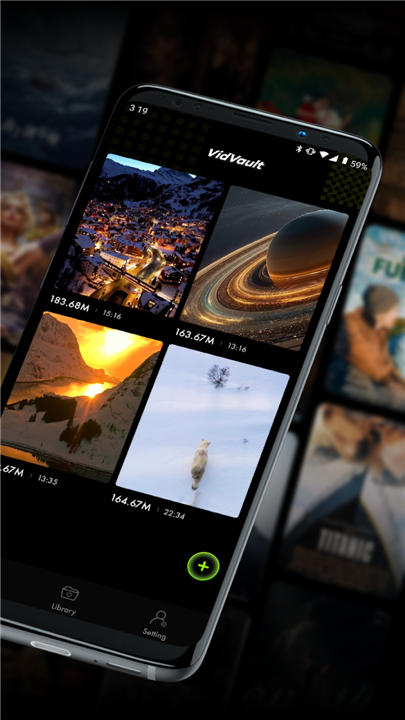
• Centralized media access eliminates the need to jump between multiple applications or directories to locate a single specific clip.
• Smart search functionality enables users to find content within seconds, reducing the cognitive load of managing thousands of files.
• Customizable folder structures adapt to individual workflows, whether you are preserving personal family memories or managing high-stakes professional project assets.
Efficient Editing and Creation
Modern content demands speed, and VidVault provides the essential tools to move from organization to production seamlessly within the same interface.
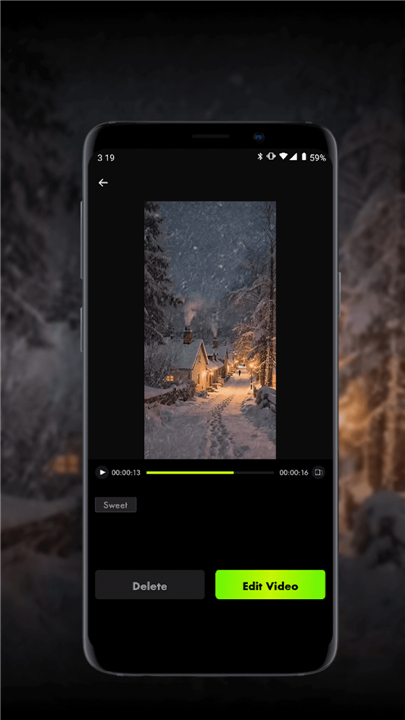
• An integrated editing suite focuses on high-speed trimming, splicing, and basic adjustments to ensure clips are ready for final assembly.
• High-fidelity preview windows allow for real-time viewing of edits without the need for constant rendering.
• Format versatility ensures the application handles a wide range of video codecs, maintaining compatibility regardless of the source device or camera brand.
• Streamlined exporting options are optimized for various social media platforms and professional delivery standards, allowing for quick sharing.
Intuitive Interface and Accessibility
Accessibility is at the core of the VidVault experience, ensuring that technical barriers do not hinder the creative process for users of any skill level.
• A minimalist user interface prioritizes clean aesthetics and logical navigation, making the transition from other software effortless.
• Drag-and-drop functionality simplifies the process of importing, arranging, and reordering media within the primary workspace.
• Lightweight performance benchmarks are designed to run smoothly on diverse hardware configurations without compromising system speed or stability.
Download VidVault today to transform your cluttered files into a professional, accessible video library.
Take control of your media and start creating faster.
FAQ
Q: Is VidVault intended for professional archivists or casual hobbyists?
A: The platform is built to be versatile enough for everyone, from professional archivists who need high-performance asset management to casual hobbyists looking to preserve family memories. Its scalable architecture ensures that whether you are managing a handful of clips or tens of thousands of professional assets, the experience remains smooth and efficient.
Q: How does VidVault handle the organization of files that are currently scattered across different locations?
A: VidVault provides a sophisticated architecture that serves as a centralized hub for all your media assets. By using advanced categorization tools and customizable folder structures, the software allows you to bring files from various sources into one logical workspace without the frustration of jumping between different directories or cloud services.
Q: Can I use custom metadata or tags to sort through my video library?
A: Yes, the platform offers advanced categorization tools that allow you to tag, filter, and sort your footage based on specific project requirements, dates, or custom metadata. This ensures that every clip is precisely where it needs to be, making it easy to categorize content according to your unique personal or professional workflow.
Version History
v1.1.5——2 Mar 2026
Edit, manage your video. Download the latest version of VidVault to enjoy new features and updates immediately!
*1.1.5
Minor bug fixes and improvements. Install or update to the newest version to check it out!
*1.1.4
Minor bug fixes and improvements. Install or update to the newest version to check it out!
*1.1.3
Minor bug fixes and improvements. Install or update to the newest version to check it out!









Ratings and reviews
There are no reviews yet. Be the first one to write one.