

CoKa Camera
Overview
• CoKa Camera is a comprehensive photography and videography application designed for Android users who want to transcend the limitations of their device’s stock camera software.
• This application bridges the gap between casual mobile snapshots and professional-grade imaging by offering a suite of sophisticated tools.
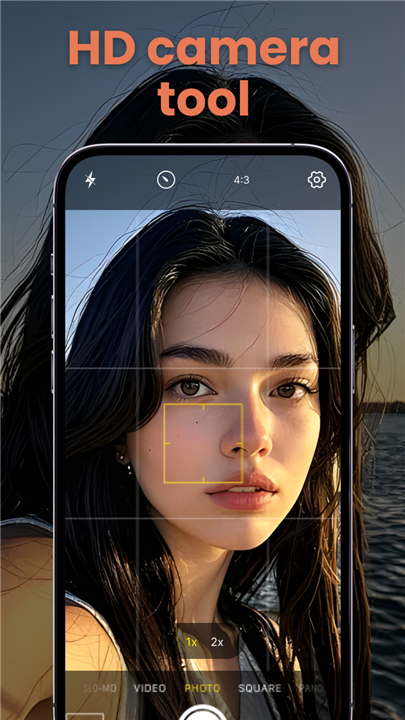
• Whether you are capturing the fleeting colors of a picturesque sunset, taking a high-profile selfie, or filming cinematic footage for a digital platform, CoKa Camera provides the clarity and control necessary to produce high-definition results.
Professional Manual Controls
• Manual adjustment of ISO settings allows users to manage light sensitivity in challenging environments.
• Precise manual focus controls enable the creation of artistic depth-of-field effects and sharp foreground subjects.
• Shutter speed customization provides the ability to freeze fast-moving action or create long-exposure motion blur.
• Professional mode offers a streamlined interface for experienced photographers to fine-tune every technical aspect of the shot.
High-Resolution Video and Motion
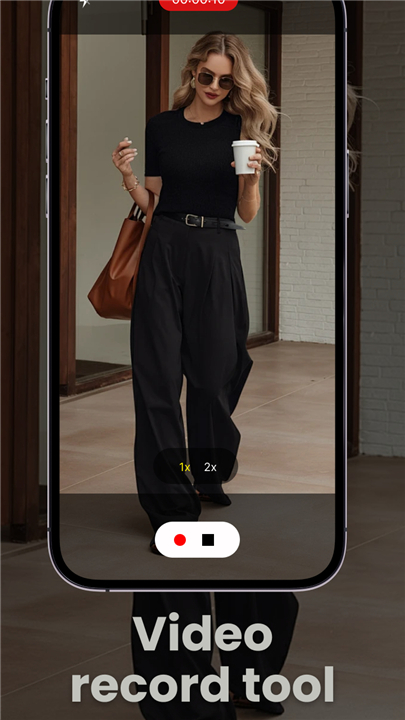
• Support for 4K video recording ensures that every frame is captured with cinema-level detail.
• Dedicated Vlog mode provides specialized features for content creators looking to produce high-quality storytelling videos.
• Time-lapse photography settings allow for the compression of long events into short, engaging visual sequences.
• Continuous shooting mode ensures that users never miss a critical moment during high-speed activities.
Portrait and Beauty Optimization
• The selfie-optimized camera includes instant beauty filters that enhance skin tones and features in real-time.
• Integrated face recognition technology ensures that the camera maintains focus and proper exposure on human subjects.
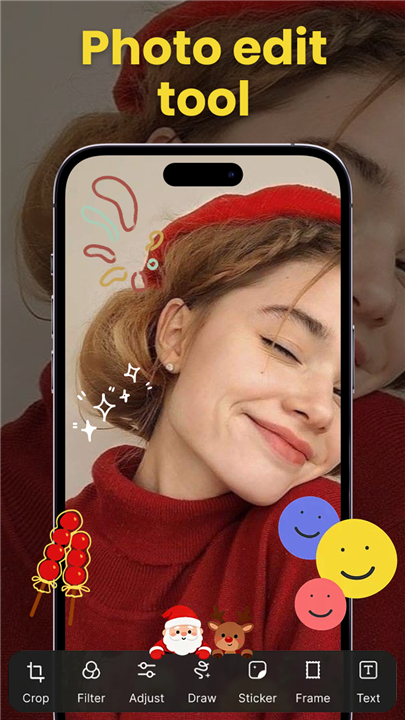
• High-definition photo effects and a built-in photo editor allow for immediate post-processing within the application.
• Auto-focus systems work seamlessly to maintain clarity even when the subject is in motion.
Landscape and Creative Utilities
• Panorama mode enables the capture of wide-angle landscapes and architectural vistas with seamless stitching.
• Built-in timing modes facilitate group photos and hands-free photography sessions.
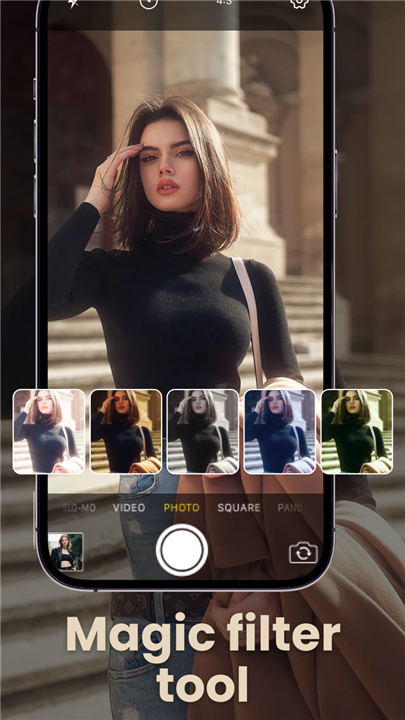
• Specialized high-definition effects are available to transform standard images into professional-grade assets.
• The application is optimized for Android hardware to ensure smooth performance and high-speed processing during intensive shooting sessions.
FAQ
Q: How does CoKa Camera help me take better photos in low-light conditions?
A: By providing manual ISO settings, CoKa Camera allows you to manage light sensitivity exactly how you need it for challenging environments. Instead of relying on an automatic setting that might create too much digital noise, you can fine-tune the ISO to strike the perfect balance between brightness and image clarity, ensuring your night or indoor shots look clean and professional.
Q: Can I achieve a blurred background effect like a professional DSLR?
A: Yes, you certainly can thanks to the precise manual focus controls integrated into the application. By taking manual control over the focus, you can easily create an artistic depth-of-field effect where your foreground subject remains perfectly sharp while the background transitions into a soft, beautiful blur, which is often difficult to achieve with standard automatic camera apps.
Q: What features are available for users who want to capture fast-moving action?
A: If you are trying to capture high-speed sports or moving vehicles, CoKa Camera offers shutter speed customization and a continuous shooting mode. Adjusting the shutter speed allows you to freeze a split-second moment with total clarity, while the continuous shooting feature lets you take a rapid series of photos so you never miss the peak of the action.
Version History
v3.1——13 May 2026
So you can take amazing high-quality photos and videos anytime and anywhere. Download the latest version of CoKa Camera to enjoy new features and updates immediately!
*3.1
fix some error.










Ratings and reviews
There are no reviews yet. Be the first one to write one.