

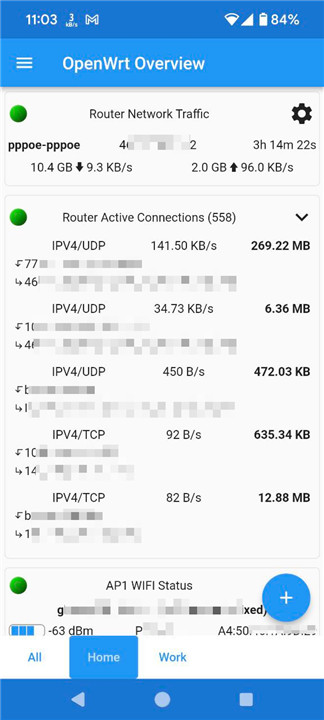
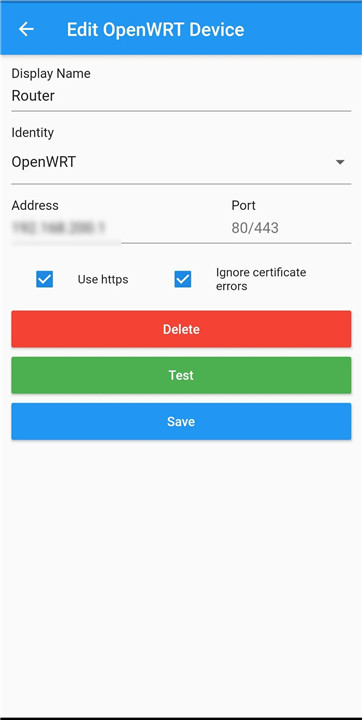
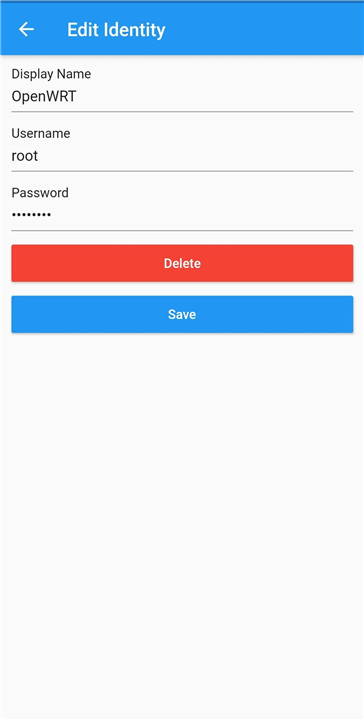
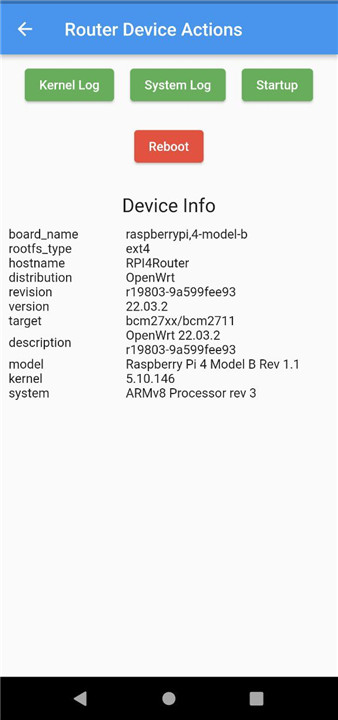
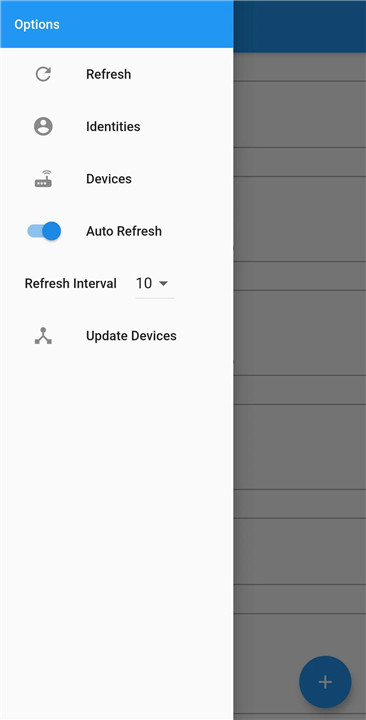
This application is crafted to streamline the monitoring and management of your OpenWrt devices using LuCI commands. To make the most of this app, it is crucial to have LuCI correctly installed on your OpenWrt device, enabling smooth communication and functionality.
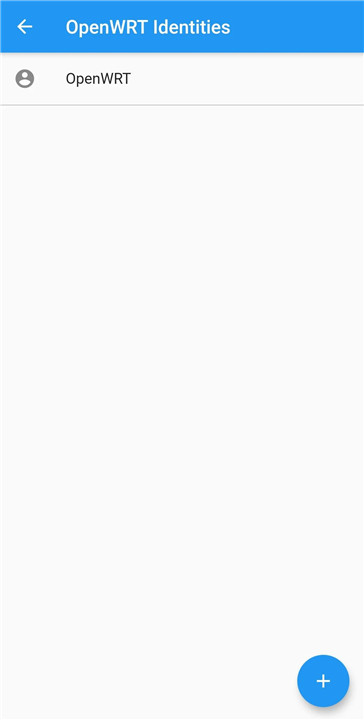
A standout feature of this app is its ability to connect to multiple OpenWrt devices at once. Users can choose which specific information they want to display, simplifying the management and monitoring of several devices from a single interface.
Currently, the app mainly focuses on allowing users to view data and status updates for their connected devices. This includes real-time metrics and monitoring options that are essential for ensuring optimal device performance.
Beyond just viewing device status, the application provides several actionable features to enhance user control.
Here are the actions you can take:
+ Reboot the device:
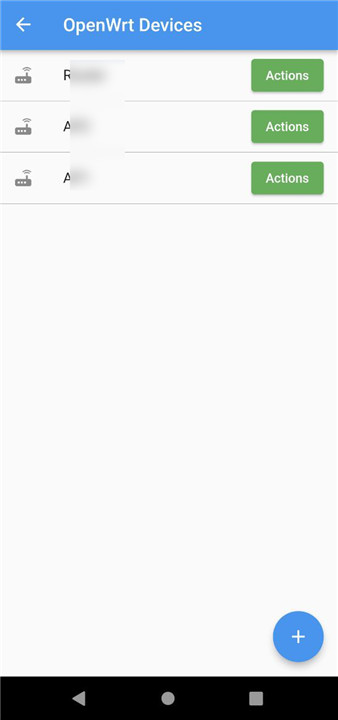
This option is available on the Devices Page, enabling you to restart a selected device with just a few taps, ensuring your devices can be refreshed or troubleshot effectively.
+ Disconnect a selected Wi-Fi client:
Users can easily manage Wi-Fi clients by long-pressing on a client from the list to disconnect it. This feature is particularly useful for controlling network access and maintaining security.
+ Restart the network interface:
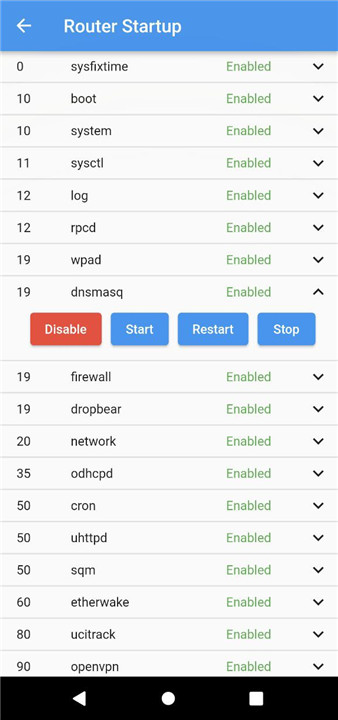
This action refreshes the network connection, which can help resolve connectivity issues or apply configuration changes that necessitate a restart.
For improved security, it is strongly advised that users enable HTTPS for LuCI on their devices. This adds a vital layer of protection when accessing your network devices, ensuring that the data exchanged between the app and your devices is encrypted and secure.
The app is entirely free to use, and its source code is accessible for anyone interested in contributing to its development or exploring its features. You can check out the repository on GitHub at https://github.com/hagaygo/OpenWRTManager.
At present, the app is compatible with several versions of OpenWrt, making it suitable for a variety of device configurations. The supported versions are:
- OpenWrt 19.07
- OpenWrt 21.02
- OpenWrt 22.03
- OpenWrt 23.05
- OpenWrt 24.10
With this robust app, managing and monitoring your OpenWrt devices has never been simpler, more effective, or more intuitive. Whether you're a home user seeking enhanced control over your network or a professional overseeing multiple devices, this app equips you with the necessary tools to remain informed and in command.
FAQ
Q: Can I manage multiple OpenWrt devices with this app?
A: Yes, the app is designed to connect to and manage multiple OpenWrt devices simultaneously. You can add and configure multiple devices from a single interface, making it easier to monitor and control your network.
Q: Is the app free to use?
A: Yes, the OpenWrt Device Manager App is entirely free to use. Additionally, the source code is open-source and available on GitHub at https://github.com/hagaygo/OpenWRTManager.
Q: Is the app suitable for both home users and professionals?
A: Yes, the app is designed to be user-friendly and suitable for both home users and professionals. Whether you are managing a small home network or overseeing multiple devices in a professional setting, the app provides the necessary tools to keep your OpenWrt devices running smoothly and securely.
Version History
v1.38.0——17 Mar 2025
Manage your OpenWrt device from your phone Download the latest version of OpenWrt Manager 1.38.0 to enjoy new features and updates immediately!
Added self signed certificate pinning.
Internal changes.









Ratings and reviews
There are no reviews yet. Be the first one to write one.