

GPS Race Timer
Overview
• The GPS Race Timer transforms your everyday smartphone into a high-precision performance measurement tool, allowing car enthusiasts and drivers to accurately gauge their vehicle's acceleration capabilities without the need for expensive, dedicated hardware.
• Leveraging your device's built-in GPS, it provides reliable data for crucial metrics directly from your pocket.
Core Capabilities & Design:
This intuitive app enables direct measurement of key acceleration benchmarks, including:
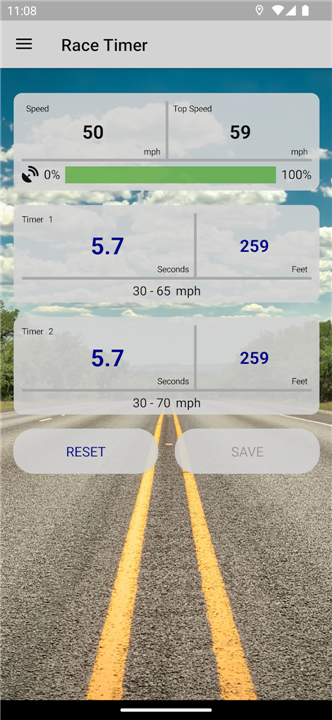
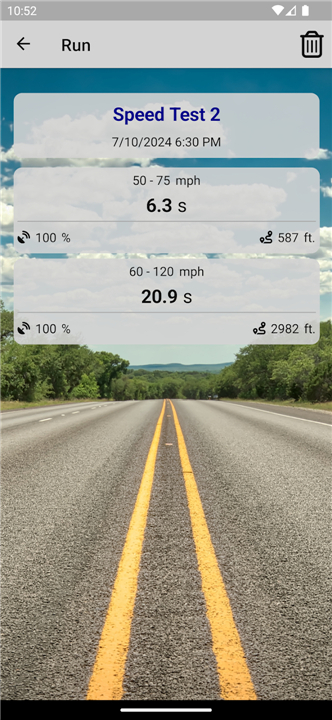
• Speed Intervals: Track 0 - 60 mph, 60 - 120 mph, 0 - 100 km/h, and more.
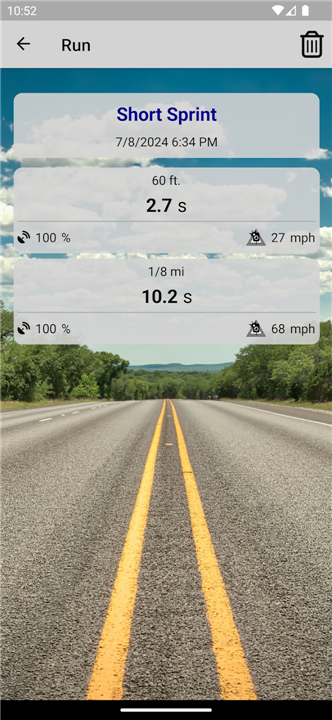
• Distance Sprints: Precisely time your 1/4 mile (quarter mile), 1/8 mile, or other custom distances.
• Accuracy: Delivers accurate results using only your smartphone's GPS.
• Safety First: The app is specifically designed for safe operation; all timer setups and configurations are completed while the vehicle is stationary.
• Automatic Start: Measurements initiate automatically once the predetermined target speed is reached or an initial movement (start) is detected.
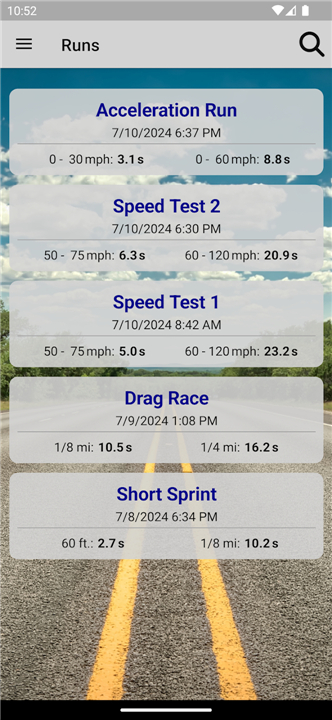
• Data Management: Results can be saved locally on your device and easily exported or transferred for review, comparison, or sharing.
Comprehensive Timer Options:
The GPS Race Timer boasts an extensive library of preset timers, catering to a wide range of performance testing:
• Distance-Based: 60 ft, 1/8 mile, 1/4 mile, 1/2 mile, 1 mile.
• Speed Intervals (MPH): 0 – 60 mph, 0 – 120 mph, 50 – 75 mph, 60 – 120 mph.
• Speed Intervals (KM/H): 0 – 100 km/h, 0 – 200 km/h, 80 – 120 km/h, 100 – 200 km/h.
+ All timers are fully adjustable, providing flexibility to set custom ranges, and support both imperial (mph) and metric (km/h) units.
+ The free version allows you to measure up to two different timers concurrently per run.
User-Friendly Operation:
Using the app is straightforward:
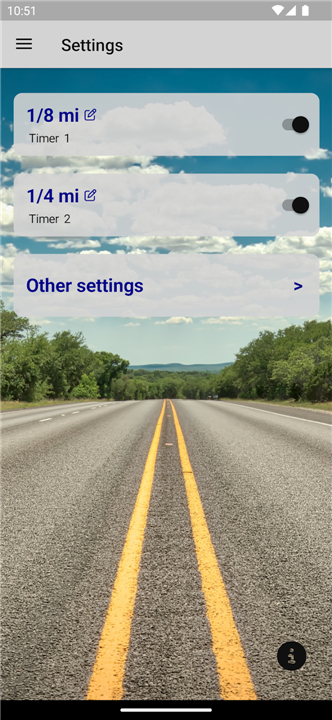
1. Check Settings: On the start screen, quickly review the chosen timer settings.
2. Secure Placement: Place your phone securely within the car, ensuring it has optimal GPS reception.
3. Start Test: Begin your acceleration run; the app will automatically detect the start and begin timing.
4. Adjust Timers: To customize any timer, navigate to the "Settings" screen, tap on the relevant timer, make your adjustments, and then return to the race screen for your next test.
Unlock Enhanced Features with PRO Version:
For users seeking more advanced capabilities, an optional PRO version is available as an in-app purchase, offering significant upgrades:
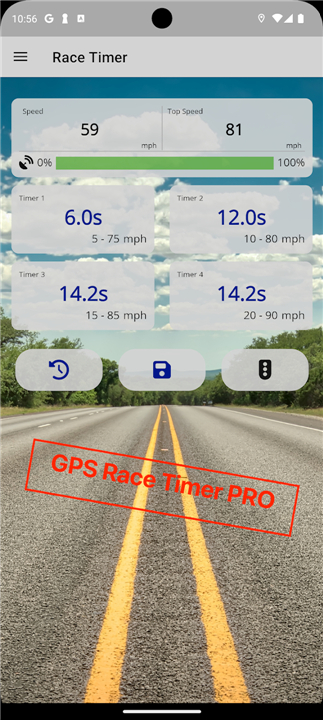
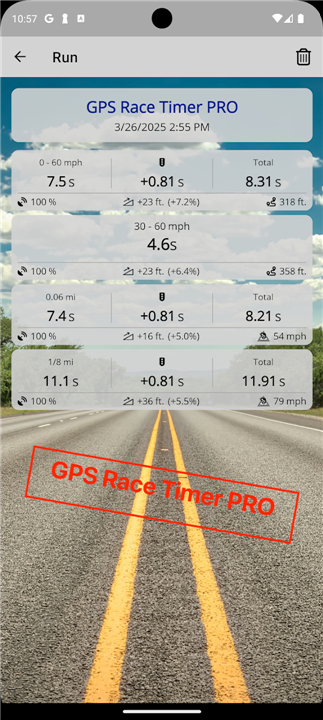
• Increased Parallel Timers: Measure up to four different timers simultaneously per run, enhancing your data collection.
• Precise Elevation-Difference Calculation: Gain a more accurate understanding of your performance by factoring in elevation changes during tests.
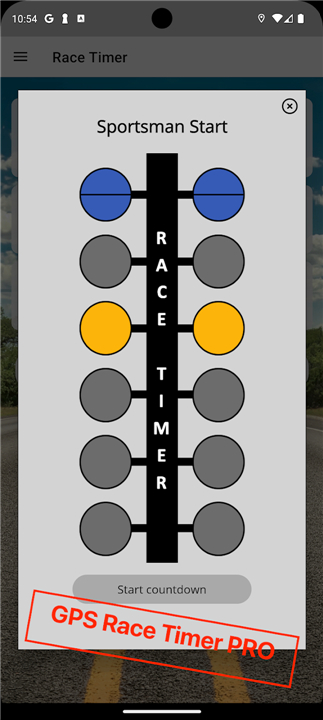
• Sportsman-Start Simulation: Practice launch techniques and measure your reaction time with a dedicated simulation.
• Ad-Free Experience: Enjoy an uninterrupted user experience without any ad banners.
FAQ
Q: How does the app measure acceleration times using just a smartphone's GPS?
A: The app leverages your smartphone's integrated GPS receiver to track your vehicle's speed and distance in real-time. By monitoring these GPS signals, it precisely calculates the time it takes to reach specific speed intervals or cover set distances, providing accurate performance metrics.
Q: What kinds of acceleration metrics can I measure with this app?
A: You can measure a wide range of crucial acceleration benchmarks! This includes popular speed intervals like 0-60 mph, 60-120 mph, 0-100 km/h, and 0-200 km/h. It also precisely times distance sprints such as the 1/4 mile, 1/8 mile, 60 ft, 1/2 mile, and 1 mile. There are many presets, and you can even set custom ranges.
Q: How accurate are the results from the GPS Race Timer?
A: The app is designed to deliver accurate results by utilizing your smartphone's GPS capabilities. While GPS-based timing can be influenced by factors like signal strength and satellite availability, the app is engineered to provide reliable performance data directly from your device.
Version History
v3.5——9 Mar 2026
Measure your car’s 0 - 60 mph, 60 - 120 mph and 1/4 mile times Download the latest version of GPS Race Timer to enjoy new features and updates immediately!
*3.5
GPS Race Timer accuracy and performance have been further improved.
Added a new tips pop-up to help you get the best results.
*3.2
Optimized sensitivity for starts from standstill.
Introduced PRO version which provides the following additional features:
1. Up to four timers in parallel
2. Accurate determination of altitude differences
3. Simulation of Sportsman Start and reaction time measurement
4. No ad banners anymore!
*3.0
The app crash on Android versions 8 and 9 has been fixed.









Ratings and reviews
There are no reviews yet. Be the first one to write one.