

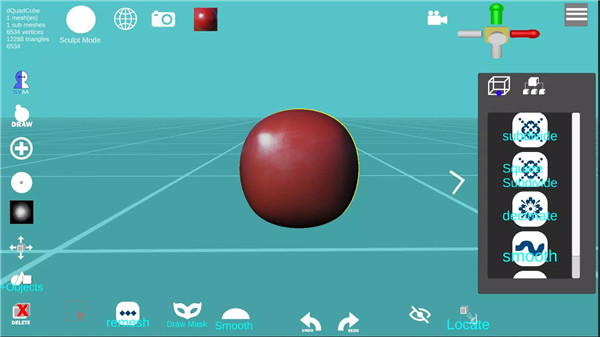



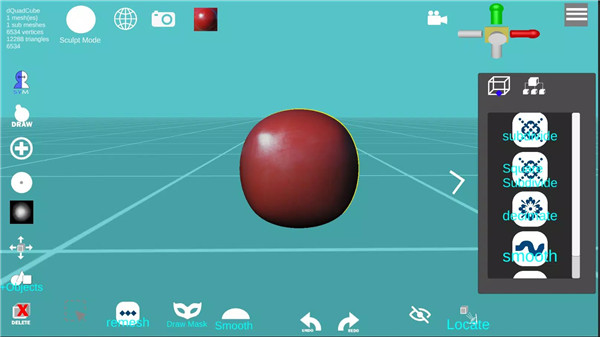
d3D Sculptor is a powerful digital sculpting tool designed to help artists and 3D enthusiasts create detailed 3D models. Combining sculpting, texturing, and painting features, this intuitive app offers an accessible way to bring your creative visions to life.
Import and Export OBJ Formats
d3D Sculptor supports the import and export of OBJ files, making it easy to collaborate with other 3D designers or use your creations in other design software.
Face Extrude and Intrude
Create more complex shapes with ease using the Face Extrude and Intrude tools. These features allow you to add depth or modify the surface of your models.
Modify Vertices, Faces, and Edges
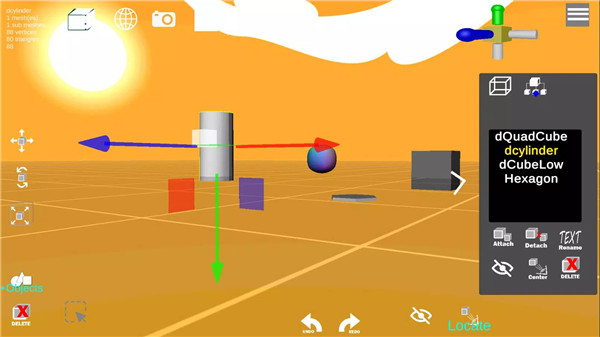
With d3D Sculptor, you have full control over your model's structure. You can manipulate vertices, faces, and edges individually, allowing for fine-tuned adjustments that help shape your 3D object exactly how you envision it.
Dynamic Topology
d3D Sculptor offers dynamic topology that enables you to add new details where needed while maintaining the integrity of your model. This feature helps you create high-detail designs without worrying about excessive polygon counts.
Sculpt with Alpha Textures
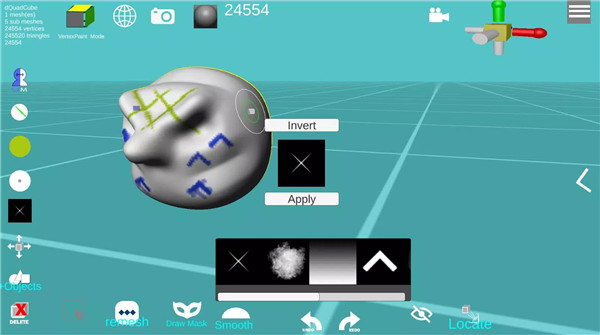
Sculpt your models with alpha textures to add intricate surface details. This powerful feature gives your 3D objects a realistic, refined finish, perfect for creating textures like skin, fabric, or other complex surfaces.
Paint and Texture
Paint and texture your 3D models directly within d3D Sculptor. This feature allows you to bring your creations to life with custom colors and textures, which you can easily export for use in other programs or to enhance your models' realism.
Custom MatCaps
Upload your own custom MatCaps to give your models unique and personalized looks. This feature helps you visualize your 3D designs in different lighting and material settings, providing a more refined way to present your work.
UV Editor and AI UV Unwrap
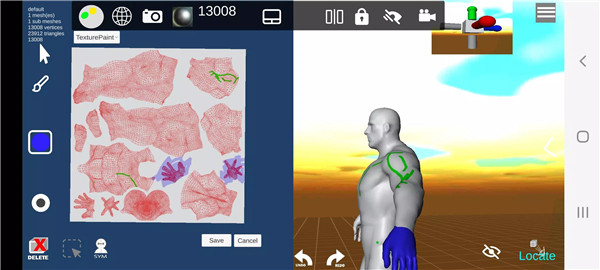
The UV Editor lets you tweak and manage the UV coordinates of your model, ensuring that your textures map correctly. Use the AI-powered UV Unwrap tool for an automatic and more efficient unwrapping process, making it easier to paint and apply textures.
Boolean Operations
Perform boolean operations such as Intersect, Subtract, and Union to combine or subtract different parts of your models. These tools allow you to create complex shapes and structures quickly and effectively.
FAQs
1. What file formats does d3D Sculptor support?
d3D Sculptor supports the import and export of OBJ files, making it compatible with a wide range of 3D design programs.
2. Can I customize my model's textures?
Yes! d3D Sculptor allows you to paint and texture your models directly in the app, and you can also sculpt with alpha textures for more intricate details.
3. Is there a limit to the number of vertices in the free version?
The free version of d3D Sculptor allows unlimited exports for models with up to 65k vertices. There is also a limit of 5 undo and redo actions.
---------------------------
What's New in the Latest Version 10
Last updated on Dec 14, 2024
Reduced debug logs
Fixed memory leak









Ratings and reviews
There are no reviews yet. Be the first one to write one.