

MESH client - remote forensics APK
0.1.7-alpha
MESH client - remote forensics
MESH client - remote forensics APK
Download for Android
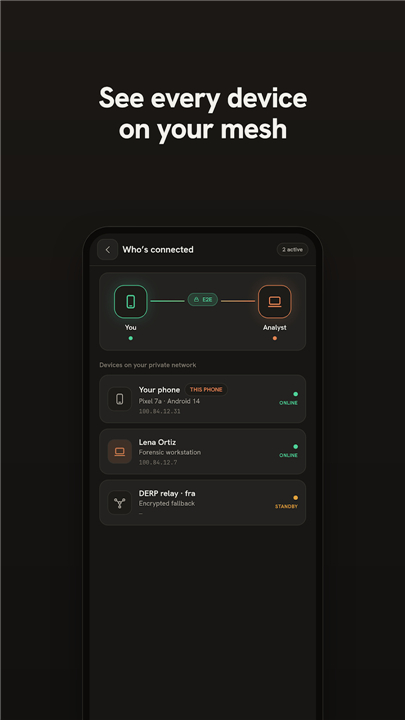
MESH client - remote forensics
Empowering Secure Remote Forensics
1. Seamless Expert Connection:
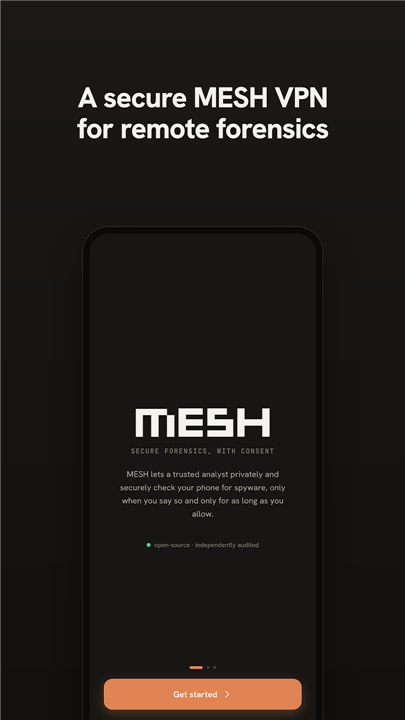
• The MESH client bridges the gap between Android devices and trusted analysts, enabling safe, remote mobile forensics from anywhere in the world.
2. Advanced Debugging Access:
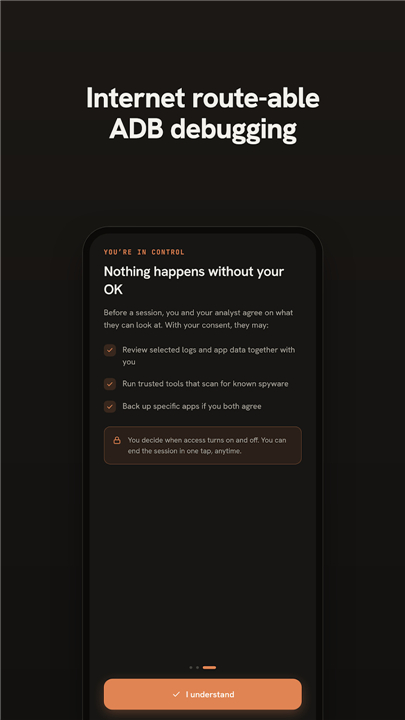
• Mobile devices gain secure, controlled network pathways required for deep forensic inspection and wireless debugging.
Overcoming Network Barriers
1. Transcending Connectivity Limits:
• Restrictive mobile networks, firewalls, and NAT often block vital investigative access, but MESH unlocks seamless communication without compromise.
2. Beyond Risky Workarounds:
• Traditional approaches rely on dangerous port-forwarding or cumbersome VPN servers; MESH replaces these hazards with a modern, streamlined connection.
3. Next-Generation Encrypted Tunnels:
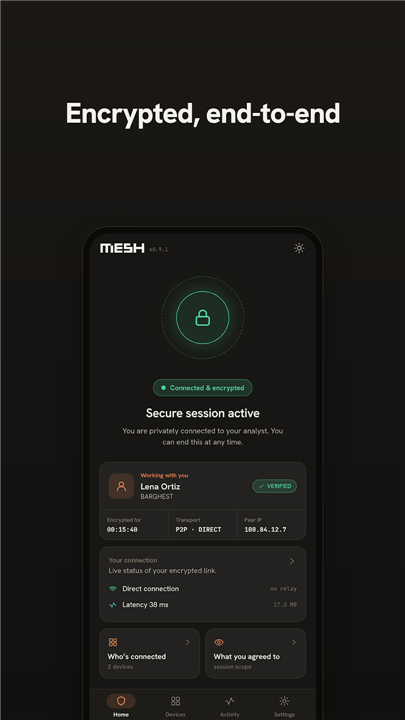
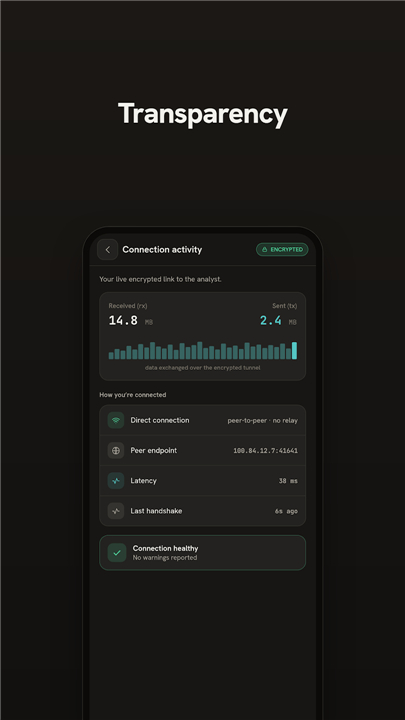
• Powered by WireGuard tunneling and Tailscale coordination, MESH grants each device a private network address, allowing it to communicate with forensic infrastructure as effortlessly as a local network connection.
Purpose-Driven and Secure Infrastructure
1. Native Android Integration:
• MESH utilizes Android’s VpnService API to create a specialized virtual network interface (TUN), securely routing essential data for tools like ADB wireless debugging.
2. Targeted Safety Boundaries:
• The network interface is strictly dedicated to authorized forensic tasks; it is not a general-purpose VPN and does not offer anonymous web browsing.
3. Controlled Operation:
• Designed with security at its core, MESH operates only when paired with verified, analyst-managed infrastructure, preventing unauthorized independent use.
Unlocking Powerful Investigation Tools
1. Protected Device Environment:
• Devices interact safely with industry-standard forensic tools—such as WARD, MVT, AndroidQF, and libimobiledevice—without ever exposing the user directly to the public internet.
2. Safeguarded Data Pathways:
• Critical investigative workflows run efficiently while maintaining complete isolation from external cyber threats.
Explore and Build
• Review the technical implementation and inspect the open-source codebase on the official MESH repository: https://github.com/BARGHEST-ngo/MESH
FAQ
Q: How does the MESH client overcome tricky network barriers like firewalls and NAT?
A: Mobile networks, strict corporate firewalls, and Network Address Translation often block the direct communication channels that investigators need to do their work. MESH solves this by creating an intelligent, encrypted pathway that bypasses these connectivity hurdles entirely. It ensures that the device and the forensic infrastructure can talk to each other seamlessly, regardless of the restrictive network environments they might be operating under.
Q: Why is MESH a safer choice compared to traditional remote access methods like port forwarding?
A: Traditional methods usually force investigators to rely on risky workarounds like open port forwarding or setting up complex, cumbersome VPN servers, which can expose the device to cyber threats. MESH replaces these outdated and hazardous practices with a modern, streamlined connection. It minimizes the attack surface during an investigation, ensuring that only the necessary forensic traffic travels through a highly secure, private tunnel rather than exposing the device to the wild internet.
Q: What technologies does MESH use to establish its secure tunnels?
A: Under the hood, MESH relies on a powerful combination of WireGuard tunneling and Tailscale coordination. By leveraging these modern, state-of-the-art networking technologies, MESH assigns a unique, private network address to each connected device. This setup allows the device to communicate with the investigator's forensic infrastructure as effortlessly and securely as if they were plugged into the same local network.
Version History
v0.1.7-alpha——20 Aug 2026
MESH enables remote wireless debugging for Android, providing mobile forensics. Download the latest version of MESH client - remote forensics to enjoy new features and updates immediately!
*0.1.7-alpha
Minor bug fixes and improvements. Install or update to the newest version to check it out!
*0.1.6-alpha
Minor bug fixes and improvements. Install or update to the newest version to check it out!
*0.1.5-alpha
Minor bug fixes and improvements. Install or update to the newest version to check it out!











Ratings and reviews
There are no reviews yet. Be the first one to write one.