


Facer Watch Faces: Your Ultimate Smartwatch Customization Platform
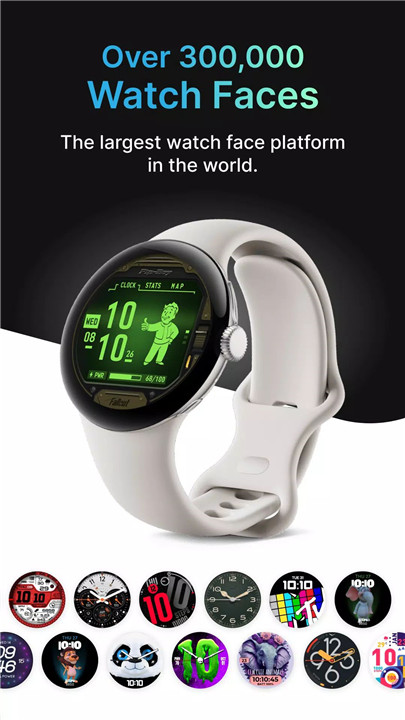
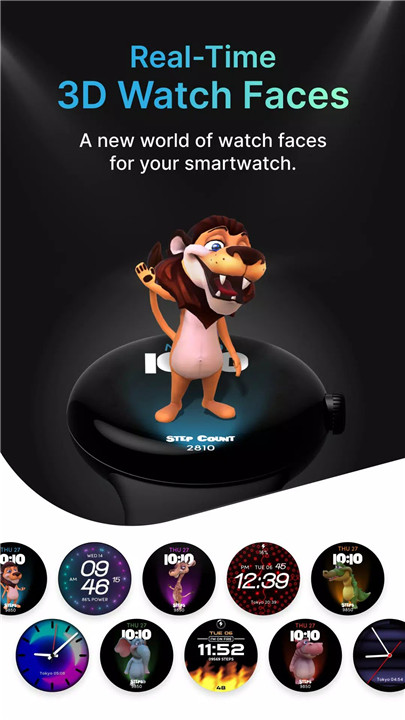
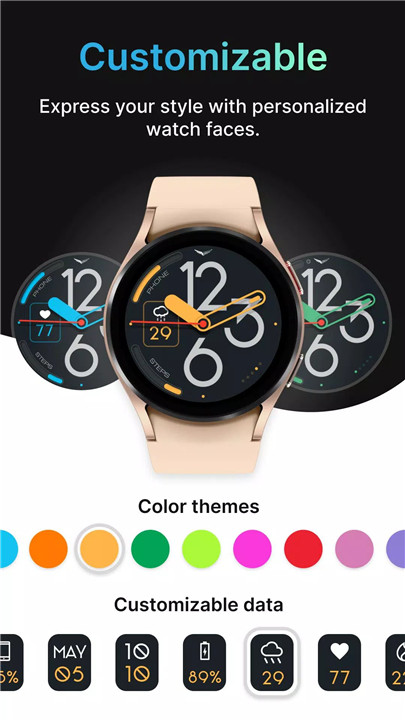
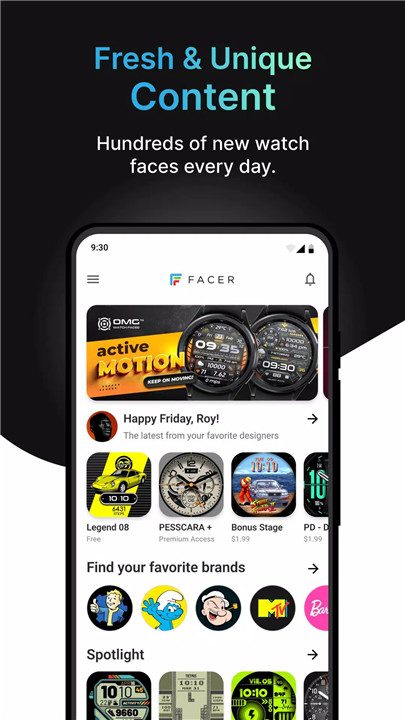
Facer is the ultimate smartwatch face customization platform for Wear OS and Tizen smartwatches. With over 300,000 free and premium watch faces curated from top brands and independent artists, Facer provides plethora of watch faces for users to express their personal style effortlessly.
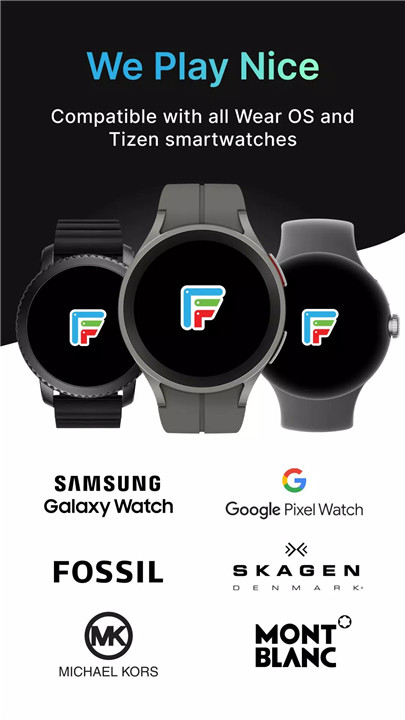
FACER IS COMPATIBLE WITH ALL YOUR FAVORITE SMARTWATCHES
Samsung Galaxy Watch5 and Galaxy Watch 5 Pro
Samsung Galaxy Watch4/Watch4 Classic
Samsung Tizen-based smartwatches: Samsung Galaxy Watch3 and older
Fossil smartwatches
Mobvoi Ticwatch Series
Oppo Watch
Montblanc Summit Series
Asus Gen Watch 1, 2, 3
CASIO Series
Guess Wear
Huawei Watch 2 Classic/Sport
Huawei Watch
Hublot Big Bang e
LG Watch Series
Louis Vuitton Smartwatch
Moto 360 Series
Movado Series
New Balance Run IQ
Nixon The Mission
Polar M600
Skagen Falster
Sony Smartwatch 3
SUUNTO 7
TAG Heuer Connected
ZTE Quartz
Installation for Tizen Users (Galaxy Watch 3 and older)
1. Download the "Facer" app from the Google Play Store.
2. Ensure your Samsung watch is paired with your smartphone via the "Galaxy Wearable" app with Bluetooth enabled on both devices.
3. Download and install "Facer Companion for Samsung Watch" from the Samsung Galaxy App Store.
4. Long press on your Samsung smartwatch, scroll to select "Facer" as your preferred watch face, and you're all set!
Extensive Selection of Watch Faces
Explore Facer's vast collection featuring over 100,000 watch faces, including free and premium options. Discover the latest trends or search for specific themes to find the perfect watch face that suits your mood and style.
Top Brands and Original Designs
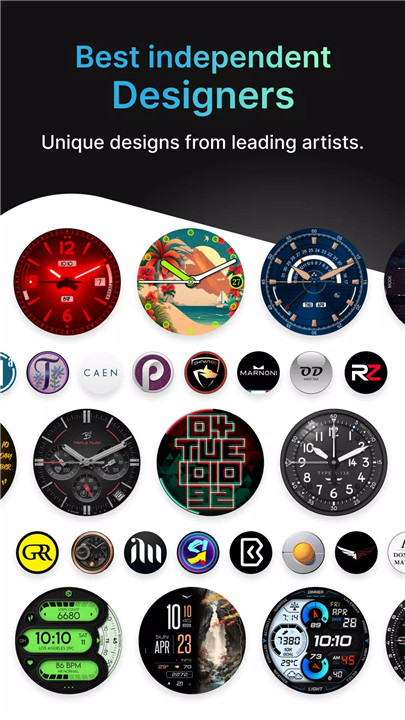
Browse premium faces from renowned brands such as Tetris™, Star Trek, Garfield, and more. Facer also showcases original designs from talented artists, ensuring a diverse selection of beautiful and dynamic watch faces for every preference.
Create and Publish Your Designs
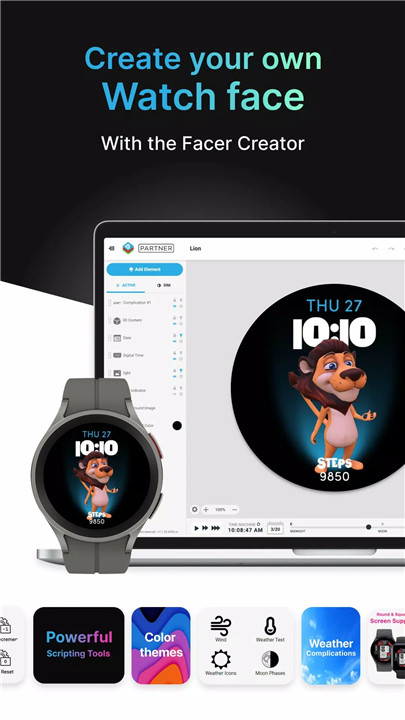
Unleash your creativity with Facer's powerful web-based editor. Design your own watch faces and share them with the Facer community. Are you a budding artist? Facer welcomes you to join its community of Facer-certified designers. For more information, contact us: hello@facer.io
Permissions
Facer requires optional permissions such as location for displaying weather data and fitness/health for features like step counters and heart rate monitoring, ensuring a personalized and functional experience tailored to your needs.
Facebook: https://www.facebook.com/groups/facercommunity/
Facer Creator & Community: www.facer.io
Instagram: https://instagram.com/getfacer/
Twitter: https://twitter.com/GetFacer
What's New in the Latest Version 7.0.40_1109790.phone
Last updated on Dec 30, 2024
- Misc bug fixes and optimizations









Ratings and reviews
There are no reviews yet. Be the first one to write one.