


Saby
A Unified Space for Collaboration and Communication
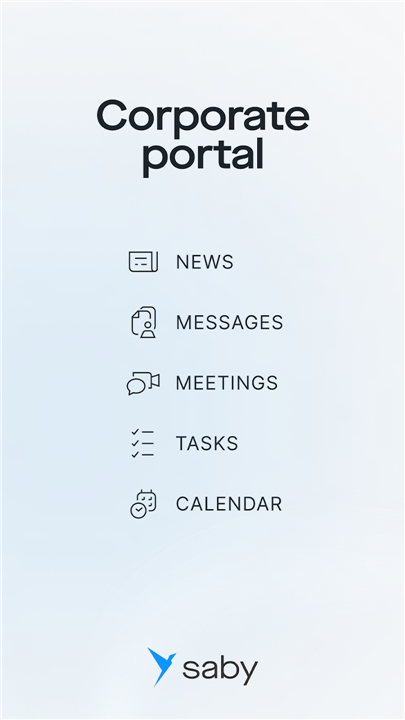
• Saby provides an integrated digital environment where employees, teams, and management can connect, share information, and work together efficiently.
• The platform combines multiple tools that streamline communication, task management, and organizational processes.
1. Business Messenger
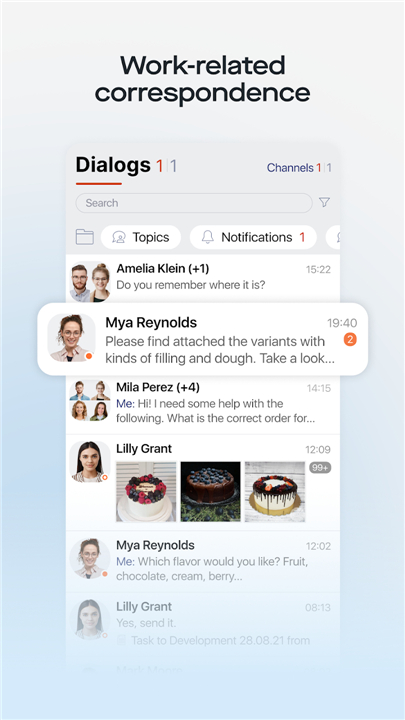
• Enables instant text communication between individuals or groups within the company.
• Supports the exchange of documents and files directly in chat, including those that require an electronic signature for secure approvals.
• Facilitates quick decision-making by reducing the need for lengthy email correspondence.
2. Calls and Video Communication
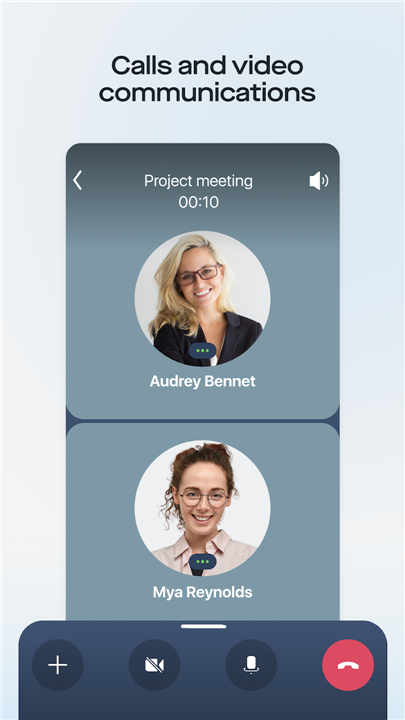
• Offers voice and video calls for one-on-one or group discussions.
• Supports large-scale video conferences and webinars for training, presentations, or company-wide meetings.
• Enhances collaboration with screen sharing and real-time interaction.
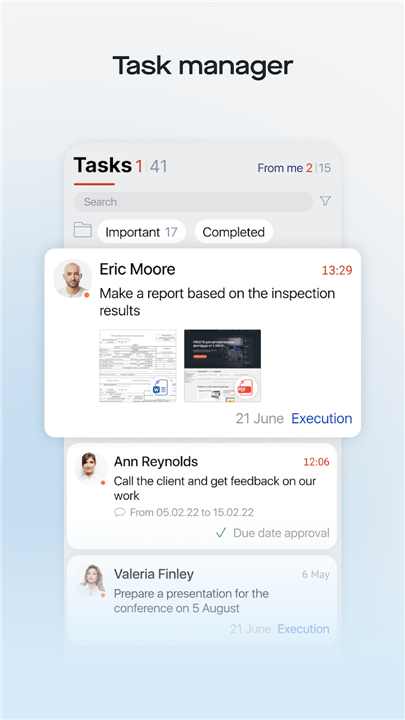
3. Task Manager
• Allows creation, assignment, and tracking of tasks.
• Managers can monitor progress and deadlines, ensuring accountability and timely completion.
• Enables prioritization of workloads and better resource allocation.
4. News Feed
• Displays updates about company changes, new orders, and internal announcements.
• Encourages interaction through likes, reposts, and comments.
• Serves as a hub for staying informed about organizational activities.
5. Badges for Achievements and Faults
• Recognizes employee contributions with acknowledgements and bonuses.
• Records and communicates penalties or performance issues, fostering transparency.
6. Work Calendar
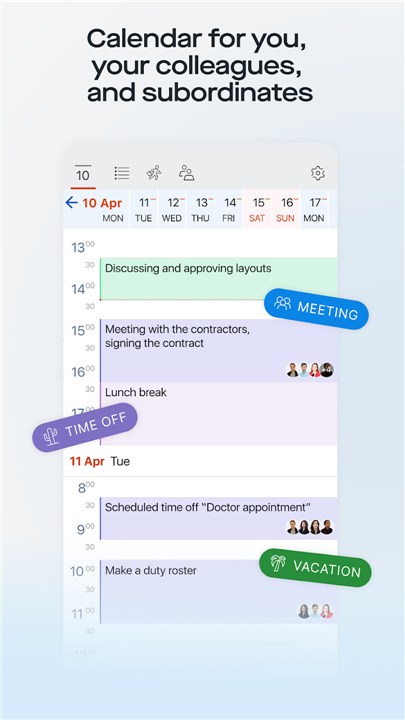
• Shows personal and colleagues’ schedules for better coordination.
• Manages vacation requests, sick leave, times off, and business trip planning.
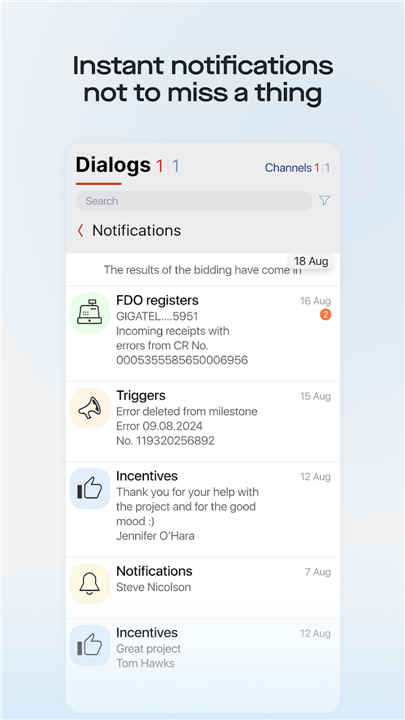
7. Notifications
• Alerts employees about important documents, requirements, and report submissions.
• Keeps users updated on procurement activities and deadlines.
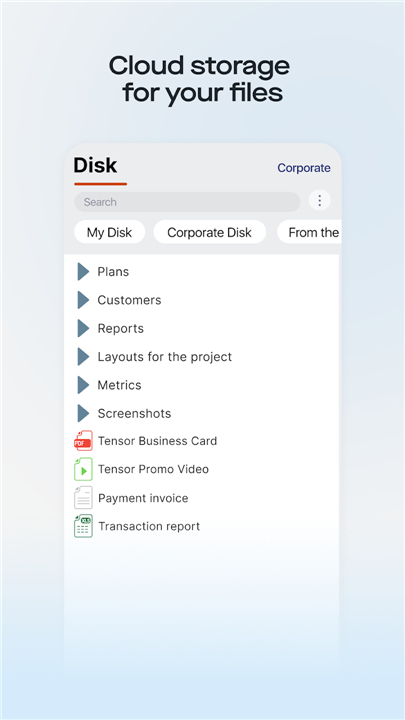
8. Cloud Storage
• Provides secure, centralized storage for files and documents.
• Facilitates simultaneous editing and version control for collaborative work.
Saby’s comprehensive set of tools offers a streamlined workspace, enhancing productivity, communication, and team cohesion across the entire organization.
FAQ
Q: How do I set up my Saby account and start collaborating?
A: Getting started with Saby is straightforward. An administrator will invite you via email, and once you accept, you can personalize your profile, set your availability, and join relevant teams or channels. From there, you can immediately send messages, schedule meetings, create tasks, and explore other features without additional downloads or complex configurations.
Q: What distinguishes Saby’s business messenger from regular chat tools?
A: Unlike typical consumer chat apps, Saby’s business messenger is built for enterprise needs. It supports not only one-on-one and group conversations but also secure exchange of files, document signing workflows with electronic signatures for approvals, and integration with your task lists and calendar. This eliminates the need to juggle separate email threads or third-party signing services.
Q: How do I exchange files and obtain electronic signatures within the messenger?
A: When you attach a document in a Saby chat, you can flag it for signature. The platform routes it to the designated approvers, tracks who has signed, and automatically notifies all parties once the process is complete. Every signed document is stored in your cloud repository with an audit trail, so you always know when and by whom it was signed.
Version History
v25.6113——19 Jan 2026
Messenger, tasks, calendar and your company news. Download the latest version of Saby to enjoy new features and updates immediately!
*25.6113
— Added a welcome page containing an insipirational quote, daily agenda (tasks and appointments), message status, and missed calls.
— Colors for different events (work days, business trips, leaves, etc.) are now consistent across all views: in the calendar, in schedules, and reports. This makes everything more visual and easier to understand.
*25.5239
In the Electronic Signature section, you can now submit an application for an unqualified e-signature (UES), register or issue a GosKey, and manage your existing electronic signatures.
*25.5211
Added new notification types: for work devices and for surveys.









Ratings and reviews
There are no reviews yet. Be the first one to write one.