

Batch Rename and Organize APK
7.5.0
Batch Rename and Organize
Batch Rename and Organize APK
Download for Android
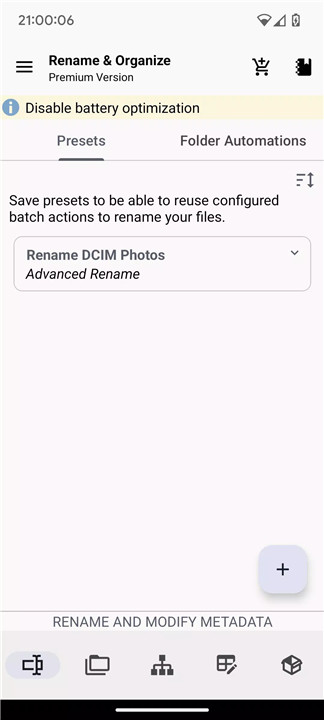
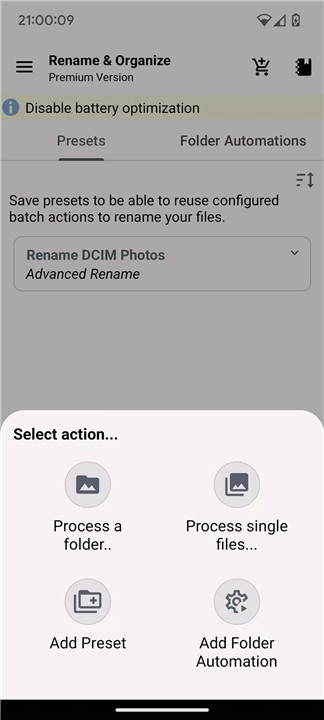
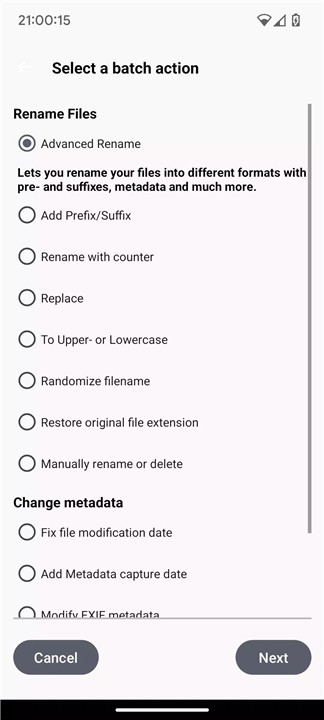
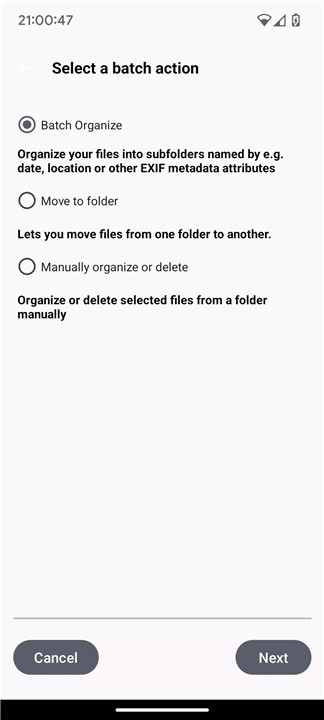
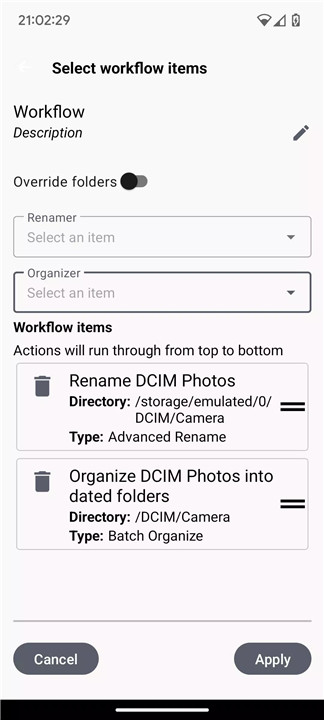
Managing files on your device can be a time-consuming and frustrating task, especially when you have hundreds or thousands of files to rename or organize. Batch Rename and Organize is designed to simplify this process by offering powerful tools for batch renaming, folder automation, and workflow creation.
Easy Batch Renaming
It's in the title: Rename multiple files in just a few clicks. You can create customizable naming formats that include timestamps, metadata, and even randomized names. Add prefixes, suffixes, and counters, or replace text to fit your specific needs.
Automatic File Organization
Automatically sort files into folders by date, location, or metadata. This feature removes the need for manual sorting and ensures that your files are always organized the way you want them.
Folder Automations
Set up folder monitoring to automate the renaming or moving of files as soon as they are saved. Create custom rules for specific folders to ensure your files are always named correctly and stored in the right location. This feature saves you from having to manually handle new files and ensures that your folder structure remains tidy.
Powerful Workflows
Combine multiple batch renaming presets to create seamless workflows. You can schedule workflows to run on specific days or set intervals. Once set, the app runs in the background, processing your files automatically without interrupting your tasks.
Effortless File Moving
Move files between internal storage, SD cards, or even network storage like SMB with ease. Filters and keywords ensure that only the files you want are moved, helping you stay organized across different storage devices.
Tasker Integration
For those who want even more control, the app integrates with Tasker, allowing you to automate batch renaming and organizing tasks based on triggers you set.
Advanced Image Management
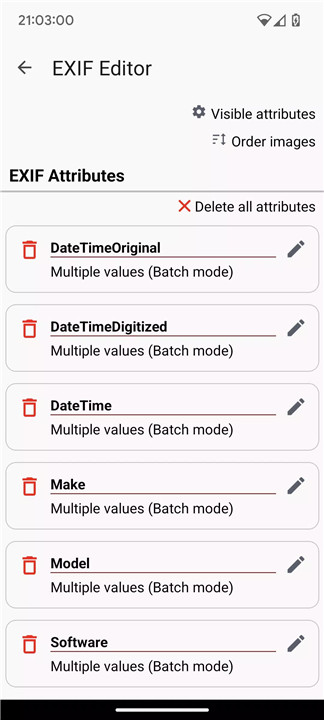
- EXIF Editor: Edit EXIF metadata for your images, such as setting dates or correcting timestamps across multiple files.
- Image Optimization: Resize and compress images to reduce file sizes without losing quality.
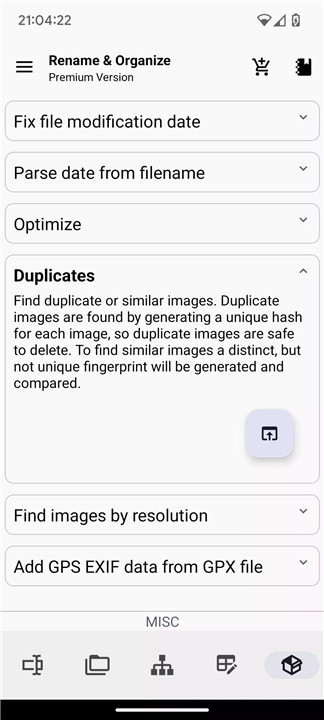
- Find Duplicates & Similar Images: Quickly identify and delete duplicate images or organize similar images based on advanced algorithms.
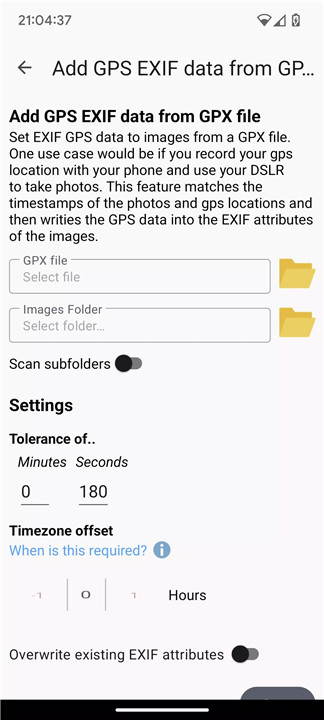
- GPS Data Sync: Add GPS data from GPX files to images that lack it, ensuring accurate location information.
Premium Features
Unlock even more powerful features with the premium version, including real-time folder monitoring, multiple renaming presets, and full SMB support for managing network files.
FAQs
1. What does the app do?
Rename and Organize Files helps you automate the process of renaming files, sorting them into folders, and creating workflows for efficient file management. You can organize files by date, metadata, and more.
2. How does the app automate file organization?
The app offers folder automation that can monitor specific folders for new files and automatically rename or move them according to custom rules you create. This ensures your files are always organized.
3. What are the benefits of using Tasker with the app?
Tasker integration allows you to automate file renaming and organizing tasks based on specific triggers you set. This means you can automate repetitive tasks, saving time and effort.
--------------------------
What's New in the Latest Version 7.5.0
Last updated on Jan 7, 2025
7.5.0
• Removed Google Play Installation protection to allow installation outside of playstore
• Remember directory when selecting storage path.
7.4.x
• Resolved Android Edge to Edge UI issues on Android 15
• Fixed writing metadata with exiftool not working
• Fixed single files selection not working with SMB/ext. SDcard on older Android versions
• Some UI optimzations and bugfixes









Ratings and reviews
There are no reviews yet. Be the first one to write one.