

Easy Contacts Backup & Restore APK
16.5.1
Easy Contacts Backup & Restore
Easy Contacts Backup & Restore APK
Download for Android
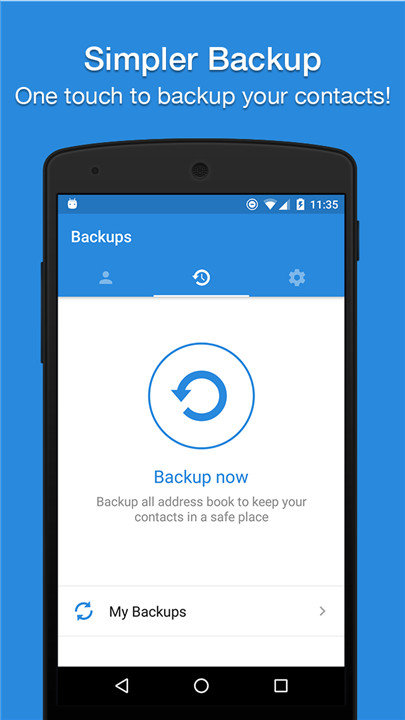
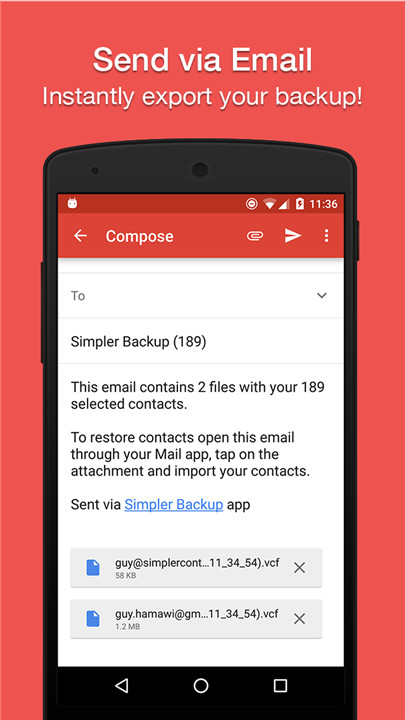
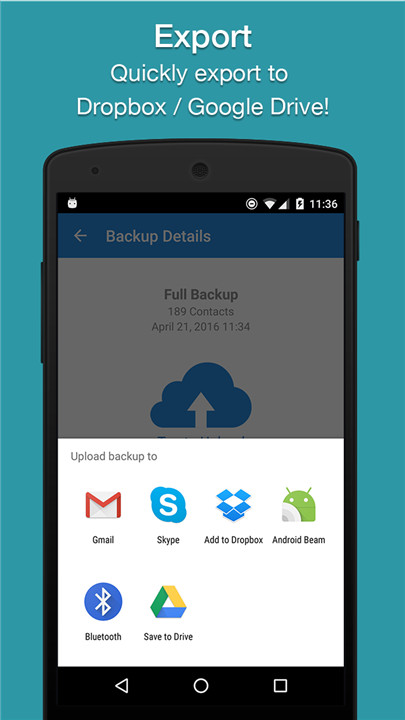
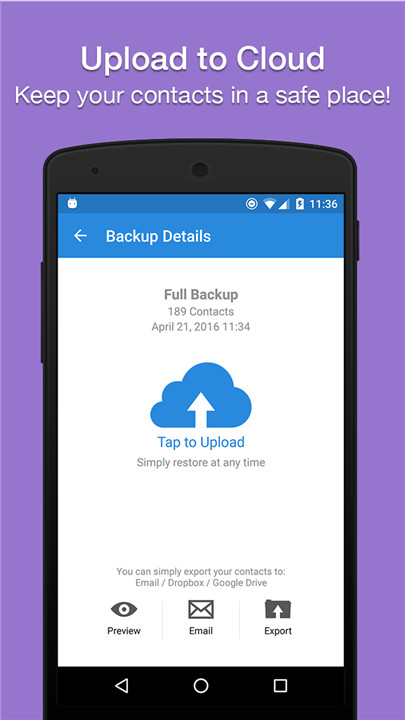
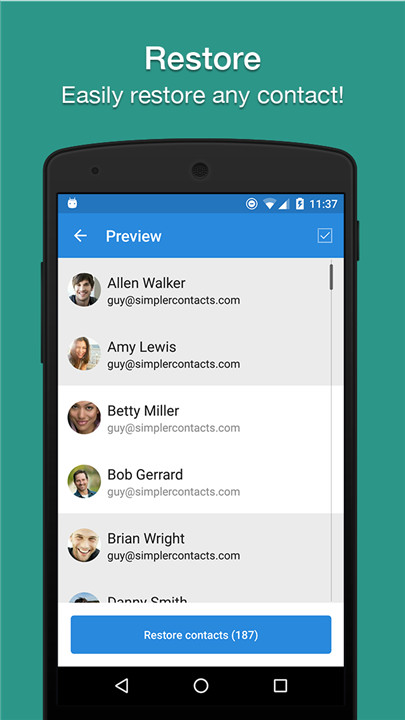
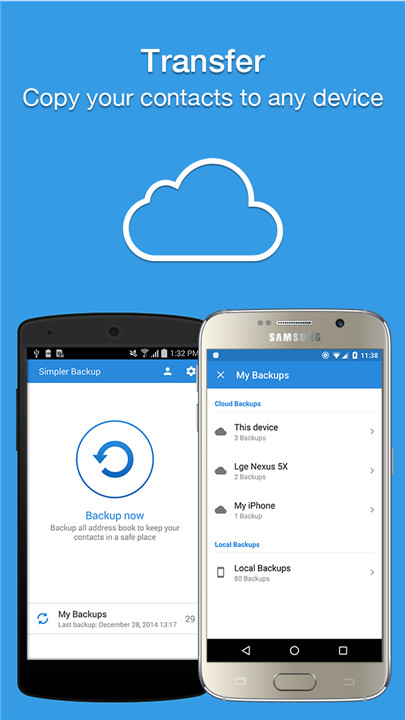
Easy Backup offers a seamless and rapid solution for backing up, restoring, and transferring your contacts across mobile devices.
+ With Easy Backup, you can secure your entire contacts list with just one tap, uploading them to a protected cloud for safekeeping!
+ Need to export your contacts? Effortlessly send a backup .vcf file to any email address!
+ You can also share your contacts through various platforms like WhatsApp, Gmail, Google Drive, SMS, Dropbox, Skype, Telegram, and more!
+ Easy Backup is the most straightforward and effective method to transfer and recover the contact information of your friends and family, whether you've lost your smartphone or are upgrading to a new one!
How it works:
- To Backup your contacts:
1. Download Easy Backup on your device.
2. Create an account using your email, Facebook, or Google credentials.
3. Grant Easy Backup access to your contacts.
4. Tap the large “Backup Now” button.
5. That’s all! Your contacts are securely stored in our cloud.
- To Transfer your contacts:
1. Install Easy Backup on your new device.
2. If you're moving to an iPhone, simply use the Easy Backup iOS app.
3. Log in with the same account you used previously.
4. Tap “My Backups” at the bottom of your screen.
5. You now have access to all your cloud backups of your contacts!
- To Restore your contacts:
1. In “My Backups,” select the backup file you wish to restore from.
2. Tap “Tap to download.”
3. Choose “Preview” and select the contacts you want to restore.
4. Tap “Restore Contacts.”
5. That’s it! Your contacts are back!
- To Import/Export your contacts:
1. Navigate to My Backups.
2. Select the local or cloud backup you wish to export.
3. Choose all or specific contacts from the list.
4. Tap “Email” to send a .vcf file via email or “Export” to select from various services for your backups.
5. Open the .vcf file on your new device and update your contacts.
6. It’s that simple!
KEY FEATURES
+ Effortlessly back up your contacts with a single tap!
+ Seamlessly transfer your contacts between mobile devices!
+ Offline backup available—no server sync required. Just email the backup file to yourself.
+ Easy restoration—simply tap the .vcf file in any email client on Android or iPhone.
+ Keep a copy of your backup file on your computer.
+ Backup your contacts in VCF (VCard) format.
+ Quickly export backups to Dropbox, Google Drive, or your SD Card.
+ Transfer contacts between various accounts (Google, Exchange, Gmail, Address Book).
+ Simple management—your backups are automatically saved on your SD Card for easy access later.
+ Ensure you never lose your contacts again.
Easy Backup is compatible with all major providers: Google, Exchange, Yahoo, Facebook, LinkedIn, Gmail, iCloud, Outlook, and more.
FAQ
Q: Is Easy Backup free?
A: Easy Backup offers a free version with basic features. Premium features may require a subscription or one-time purchase. Check the app store for the most current pricing and features.
Q: Can I back up my contacts without an internet connection?
A: Yes, you can create an offline backup. After backing up your contacts, you can email the backup file to yourself or save it to your device's storage.
Q: What format does Easy Backup use for backups?
A: Easy Backup uses the VCF (VCard) format for backups, which is a standard format for storing contact information.
Version History
v16.5.1——10 Mar 2025
Super easy way to backup, restore, export and transfer address book contacts Download the latest version of Easy Contacts Backup & Restore 16.5.1 to enjoy new features and updates immediately!
- Bug fixes and performance improvements.









Ratings and reviews
There are no reviews yet. Be the first one to write one.