

Next Player
The Modern Native Media Experience
• Next Player is a lightweight, high-performance video player crafted in Kotlin and Jetpack Compose.
• Designed for Android, it offers a seamless, clutter-free viewing experience that puts the user in complete control.
• While the project is currently in active development, it stands as a powerful, privacy-first alternative to bloated media apps.
Why Choose Next Player?
• Privacy First: Completely free, open-source, and guaranteed to be free of ads, tracking, or unnecessary permissions.
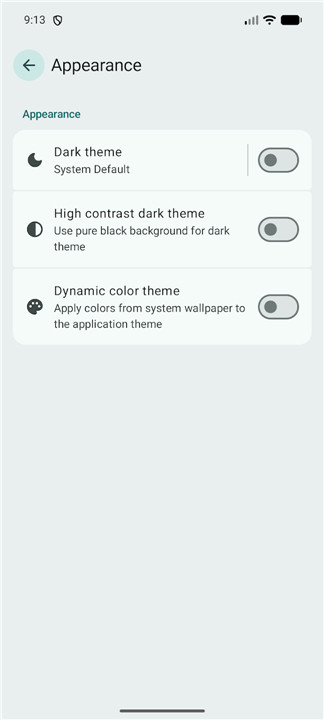
• Modern Design: Built with Material 3 (You) for a sleek, system-integrated aesthetic.
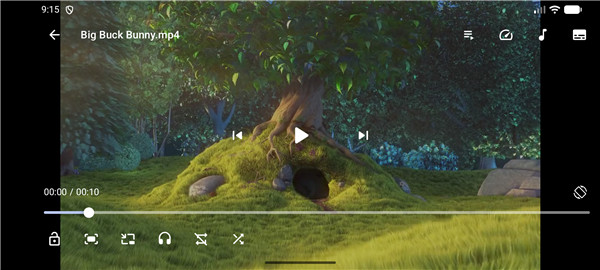
• Intuitive Controls: Master your viewing with seamless gesture support—swipe for brightness and volume, drag to seek, and pinch to zoom.
• Advanced Playback: Includes professional-grade features like playback speed adjustment, volume boosting, resize modes, and Picture-in-Picture functionality.
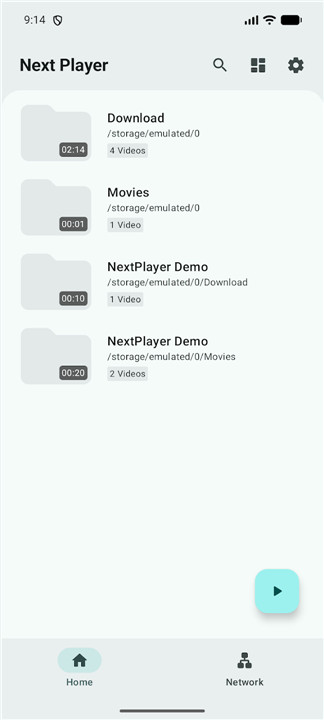
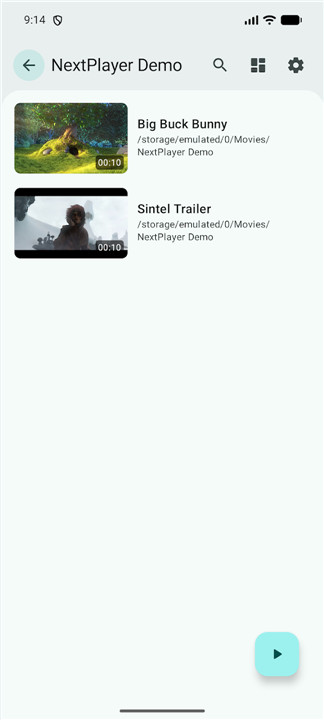
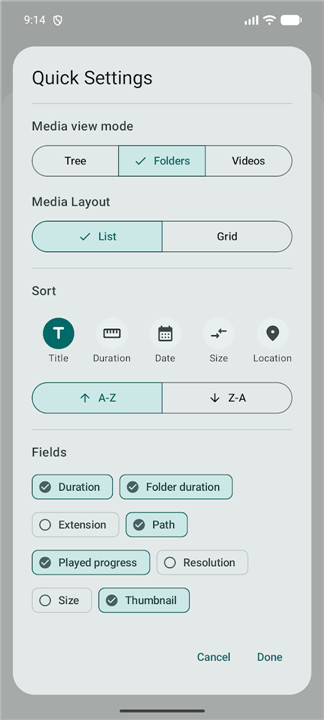
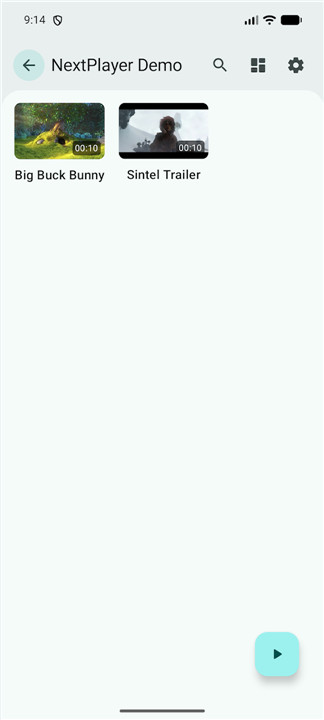
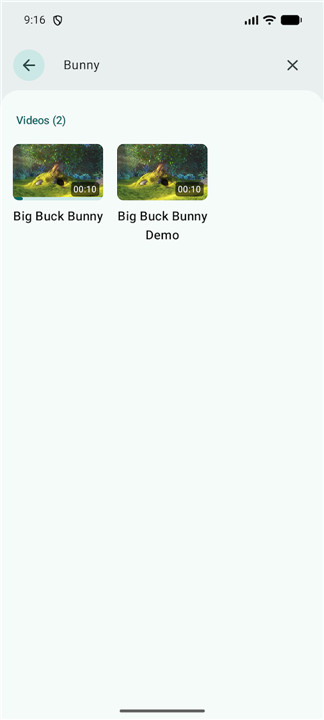
• Smart Media Library: Easily navigate your files with flexible view modes, including tree, folder, and file-based browsing.
Extensive Format Support
Next Player handles a wide array of media with ease:
• Video: H.263, H.264, H.265, MPEG-4, VP8, VP9, and AV1.
• Audio: FLAC, ALAC, MP3, AAC, AC-3, DTS, TrueHD, and more.
• Streaming: Fully compatible with DASH, HLS, and RTSP.
• Subtitles: Comprehensive support for SRT, SSA, ASS, TTML, VTT, and external subtitle loading.
Get Involved
• Explore the codebase or contribute to the project on GitHub: https://github.com/anilbeesetti/nextplayer
Support the Project
• If you value ad-free, open-source tools, please consider supporting the ongoing development of Next Player:
+ UPI: https://pay.upilink.in/pay/anilbeesetti811@ybl
+ PayPal: https://paypal.me/AnilBeesetti
+ Ko-fi: https://ko-fi.com/anilbeesetti
FAQ
Q: Is Next Player truly free of advertisements and tracking?
A: Absolutely. Next Player is a strictly privacy-first application that is entirely open-source. You will never encounter ads, intrusive tracking, or requests for unnecessary system permissions while using the app.
Q: Does the app support Material You design aesthetics?
A: Yes, it does. Next Player is built with Material 3, which means it will adapt its color palette and styling to your device’s current system theme, ensuring that it feels like a native and integrated part of your Android experience.
Q: What kind of gesture controls are available for managing playback?
A: The app provides highly intuitive gesture controls to put you in complete command of your media. You can adjust your screen brightness and media volume by swiping, seek through video timelines by dragging, and perform pinch-to-zoom gestures to adjust your view to your liking.
Version History
v0.17.1——15 Jul 2026
A simple material you video player based on Media3 Download the latest version of Next Player to enjoy new features and updates immediately!
*0.17.1
Fixes
• Fixed SMB connections in minified release builds
• Fixed Natural sort comparator contract violation
• Fixed MediaStore delete request crashes
Full Changelog: v0.17.0...v0.17.1
*0.17.0
New Features
• Added a hidden video vault with PIN lock and hide/unhide support
• Added copy and move actions for media files
• Added initial Android TV support
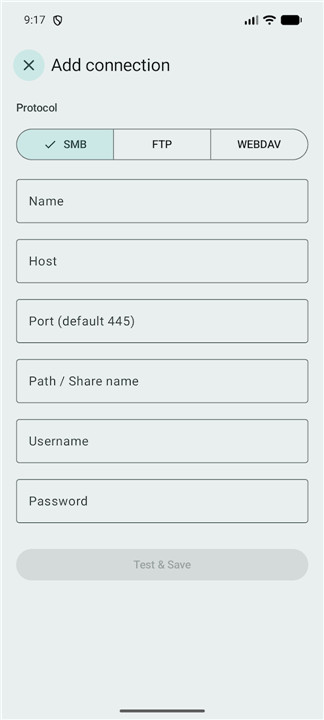
• Added SMB, FTP, and WebDAV network playback
Improvements
• Added the SHA-256 certificate fingerprint for GitHub releases to the README
• Improved media scanning
Fixes
• Fixed subtitle-loading issues while preserving the current orientation and playback speed
• Fixed the video rotation button size
*0.16.3
Fixes
• Fixed adding external subtitle resets position
Full Changelog: v0.16.2...v0.16.3











Ratings and reviews
There are no reviews yet. Be the first one to write one.