

Notepad Vault - Hide Apps APK
3.7.2_2767c621f
Notepad Vault - Hide Apps
Notepad Vault - Hide Apps APK
Download for Android
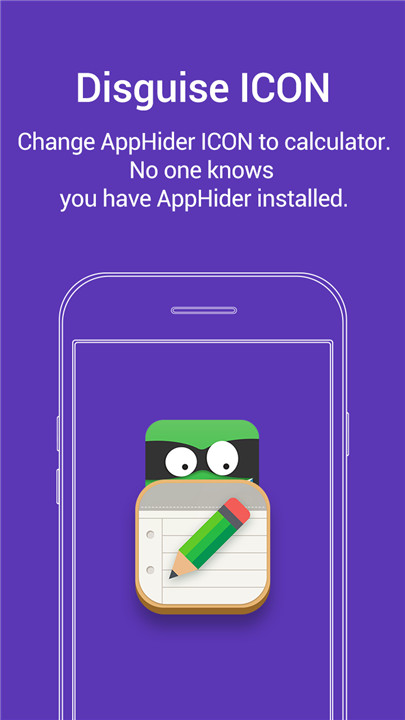

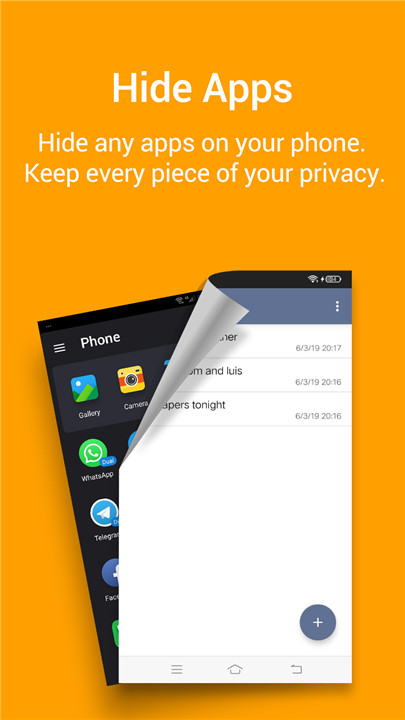

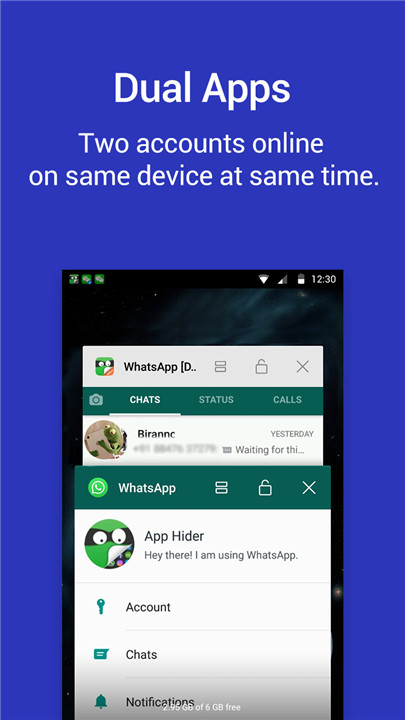
Notepad Vault is specifically designed to conceal applications, photos, and itself, and is also referred to as App Hider. Utilizing app cloning technology, App Hider allows you to hide apps effectively. When you conceal an app within Notepad Vault/App Hider, it creates a separate runtime environment for that app, enabling it to function independently even after the original app is removed from your system. Additionally, you can run multiple instances of apps within Notepad Vault/App Hider, allowing for dual or multiple accounts.
Notepad Vault/App Hider also offers a fantastic feature for hiding photos and videos. It employs a disguised icon resembling a Notepad and a password input interface that mimics a real Notepad, ensuring the security of your apps, photos, and videos.
Key Features:
- App Hiding
Notepad Vault/App Hider can conceal messaging apps such as Facebook, WhatsApp, Instagram, and Telegram, as well as gaming applications. You can also manage multiple accounts in hidden mode within Notepad Vault/App Hider.
- Multiple Accounts/App Cloning
When you hide an app in Notepad Vault/App Hider, you can also create a duplicate of that app. For instance, importing WhatsApp into Notepad Vault/App Hider allows you to clone it, enabling dual mode or multiple accounts. If you clone WhatsApp several times, you can operate multiple accounts simultaneously.
- Photo and Video Hiding
Once you import your photos or videos into Notepad Vault/App Hider, no other applications can access the stored media. Hiding photos and videos is both simple and secure within this platform.
- Disguised Icon and User Interface
Notepad Vault/App Hider features an icon that resembles a standard Notepad. When you launch the app through this icon, a typical Notepad interface appears. It functions like a regular Notepad until you enter your PIN code, at which point your secret space is revealed.
FAQ
Q: How does Notepad Vault hide apps?
A: Notepad Vault hides apps by creating a separate runtime environment for each hidden application. When you conceal an app, it is cloned and stored within Notepad Vault. This clone can function independently, and the original app can be removed from your device without affecting the hidden version.
Q: Can I manage multiple accounts with Notepad Vault?
A: Yes, Notepad Vault supports app cloning, which allows you to run multiple instances of the same app. For example, you can import WhatsApp into Notepad Vault, clone it, and manage multiple accounts simultaneously. This feature is particularly useful for managing different personal and professional accounts.
Q: How do I hide photos and videos in Notepad Vault?
A: To hide photos and videos, simply import them into Notepad Vault. Once imported, these media files are stored in a secure, inaccessible location. No other applications can access the stored media, ensuring that your photos and videos remain private and secure.
Version History
v3.7.2_2767c621f——13 Mar 2025
Hide Apps,Hide pictures / photos and Hide videos,Perfect Camouflage App Hider! Download the latest version of Notepad Vault 3.7.2_2767c621f to enjoy new features and updates immediately!
1. fix bug: number of alarm reach limit of the bound and cause crash again and again except restart the phone
2. fix bug: allow screen capture in Settings not working in some cases
3. fix crash in some cases









Ratings and reviews
There are no reviews yet. Be the first one to write one.