

Indic Keyboard
Why choose Indic Keyboard?
• All‑in‑one solution – Write messages, emails, social posts, or any text field in your native script without leaving the app you’re using.
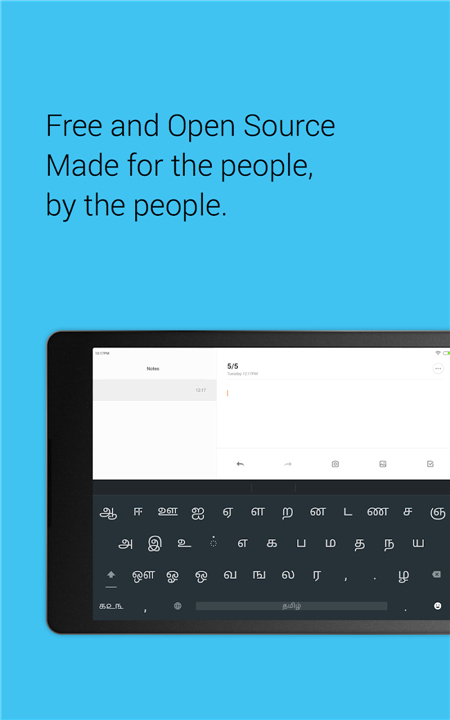
• Free & open‑source – Built by the community, and you can help make it better.
• Native Android feel – Seamlessly blends with the system’s look and behaviour.
Core features
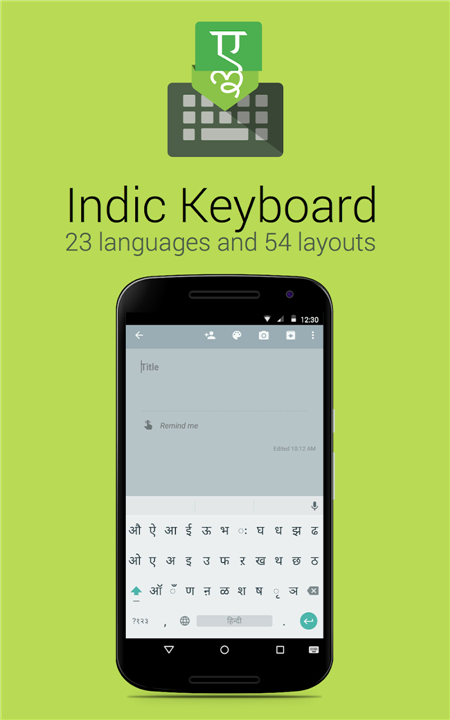
• 23 languages supported – from Hindi and Tamil to Assamese, Burmese and Arabic.
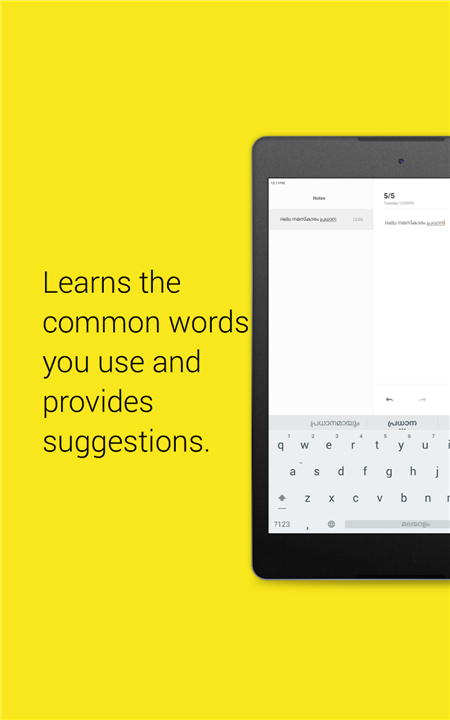
• Smart suggestions – the keyboard learns the words you use most and offers predictive completions.
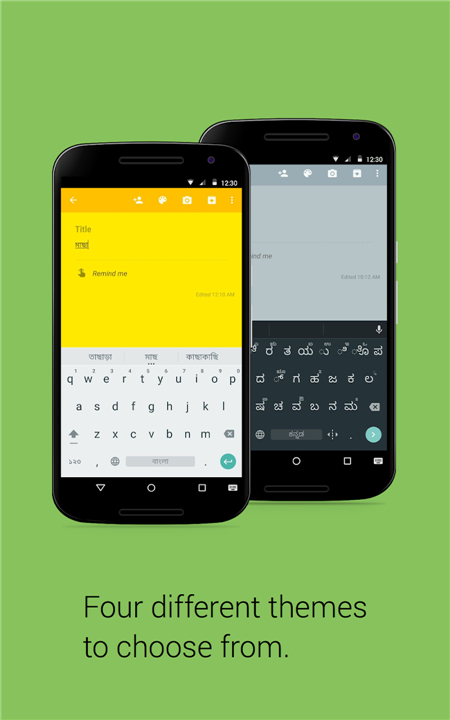
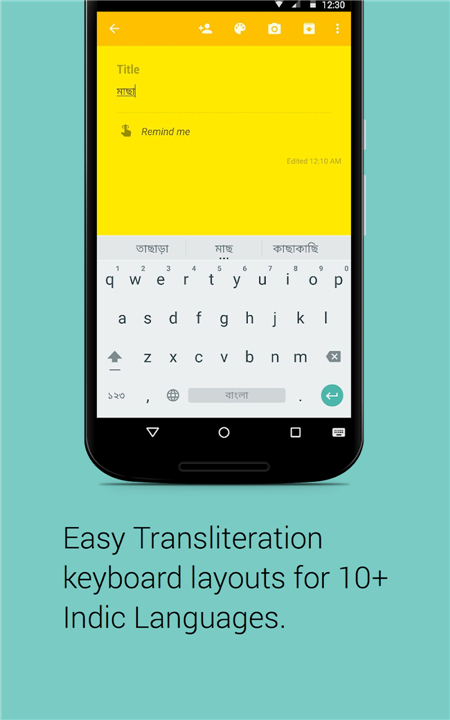
• Multiple layouts – pick the style that fits you: Transliteration, Inscript, Phonetic, Compact, or any language‑specific scheme.
• Transliteration on the fly – type “namaste” in Latin letters and watch it turn into नमस्ते instantly.
• Compact design – long‑press keys for alternate characters, eliminating the need for a shift key.
Languages available
• Assamese, Arabic, Bengali, Burmese, English
• Gujarati, Hindi, Kannada, Kashmiri, Malayalam
• Manipuri, Maithili, Marathi, Mon, Nepali
• Oriya, Punjabi (Gurmukhi), Sanskrit, Santali, Sinhala
• Tamil, Telugu, Urdu
Each language offers one or more of the following layouts:
• Inscript – the official Indian government standard, identical to the desktop version.
• Phonetic/Transliteration – type how the word sounds in English; the app converts it to the target script.
• Compact – all characters reachable through long‑press, no shift key required.
Getting started
1. Install the app from the Play Store.
2. Open the setup wizard; it guides you step‑by‑step to enable the keyboard and select your default language.
3. Choose your preferred layout and start typing wherever the Android keyboard appears.
Learn more
• Website: https://indic.app
• Privacy policy: https://indic.app/privacy.html
Empower your fingertips
• Type in any Indian language with confidence and speed.
FAQ
Q: How many languages does Indic Keyboard support?
A: Indic Keyboard supports 23 different languages, offering a wide range of options from regional Indian scripts to international scripts like Arabic and Burmese.
Q: Which specific languages are available in the app?
A: You can type in Assamese, Arabic, Bengali, Burmese, English, Gujarati, Hindi, Kannada, Kashmiri, Malayalam, Manipuri, Maithili, Marathi, Mon, Nepali, Oriya, Punjabi (Gurmukhi), Sanskrit, Santali, Sinhala, Tamil, Telugu, and Urdu.
Q: Does Indic Keyboard include smart typing and prediction features?
A: Yes, the app features smart suggestions that learn the words you use most frequently, offering predictive completions to help you type in any supported language with confidence and speed.
Version History
v4.0-beta7——19 Aug 2026
Easiest way to type Indian languages, Open Source and Fully Offline Download the latest version of Indic Keyboard to enjoy new features and updates immediately!
*4.0-beta7
Minor bug fixes and improvements. Install or update to the newest version to check it out!
*4.0-beta6
Minor bug fixes and improvements. Install or update to the newest version to check it out!
*4.0-beta5
Minor bug fixes and improvements. Install or update to the newest version to check it out!











Ratings and reviews
There are no reviews yet. Be the first one to write one.