

PDF Reader - All PDF View APK
1.0.6
PDF Reader - All PDF View
PDF Reader - All PDF View APK
Download for Android
PDF Reader - All PDF View
Overview
• PDF Reader - All PDF View serves as a comprehensive digital solution designed to streamline the way users interact with their documents.
• Specifically engineered to be fast, lightweight, and intuitive, this application bridges the gap between basic file viewing and professional document management.
• Whether you are a student navigating complex study materials or a professional coordinating business contracts, this software provides a stable platform to enhance your daily productivity.
High-Performance Reading Experience
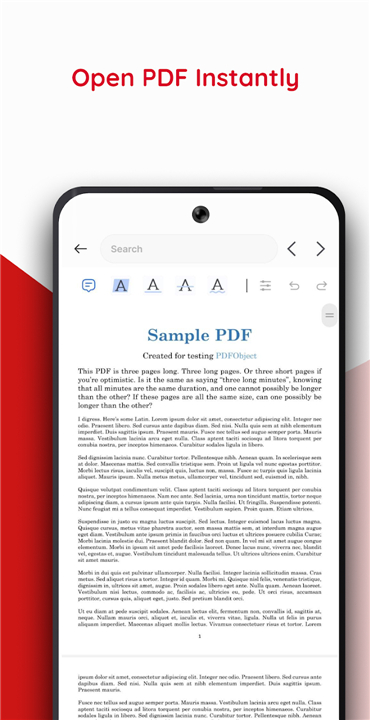
• The core engine of the application is optimized for speed, ensuring that even large or graphic-heavy files open in a matter of seconds.
• Users can enjoy a seamless viewing experience characterized by:
+ Ultra-smooth scrolling that eliminates lag during rapid navigation.
+ High-resolution rendering that keeps text and images sharp at any zoom level.
+ Stable performance that prevents crashes when handling professional reports or scanned archives.
+ Support for various viewing modes to accommodate different reading environments.
Versatile Format Compatibility
• While the name focuses on PDFs, the application functions as a versatile office suite viewer.
• It eliminates the need for multiple apps by providing native support for:
+ Standard PDF documents and encrypted files.
+ Microsoft Word documents including DOC and DOCX formats.
+ Excel spreadsheets for reviewing data on the go.
+ PowerPoint presentations for quick slide reviews before meetings.
Automated File Discovery and Import
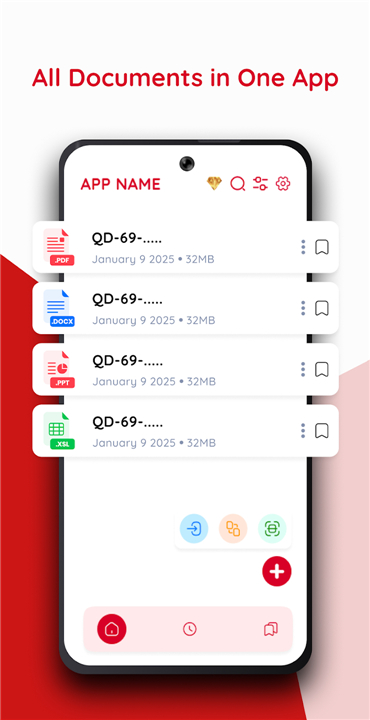
• The application simplifies the process of finding your work by automatically indexing the device's internal storage.
• Key features include:
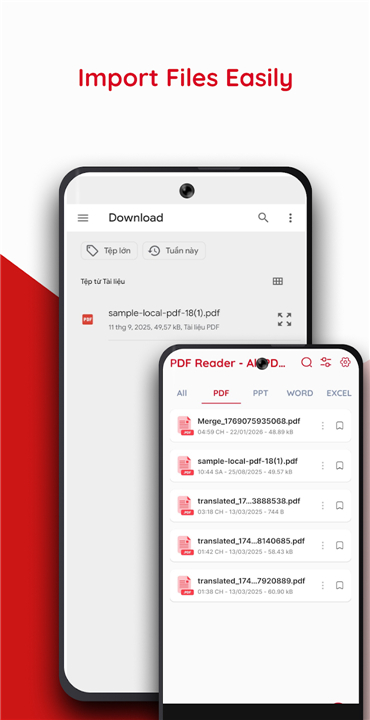
+ Auto-detection of all compatible documents within downloads and archive folders.
+ Instant import functionality that categorizes files for immediate access.
+ A centralized library that removes the need to manually browse through complex folder trees.
Advanced Document Merging and Scanning
• To move beyond simple viewing, the app includes powerful processing tools.
• Users can transform physical paperwork into digital assets or consolidate their work:
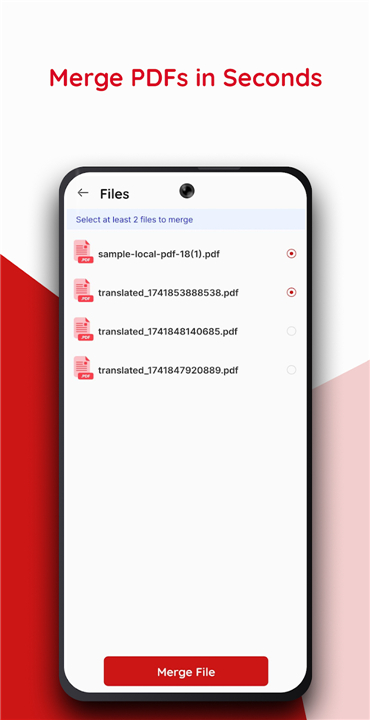
+ The PDF Merger allows for the selection of multiple independent files to be combined into a single, cohesive document.
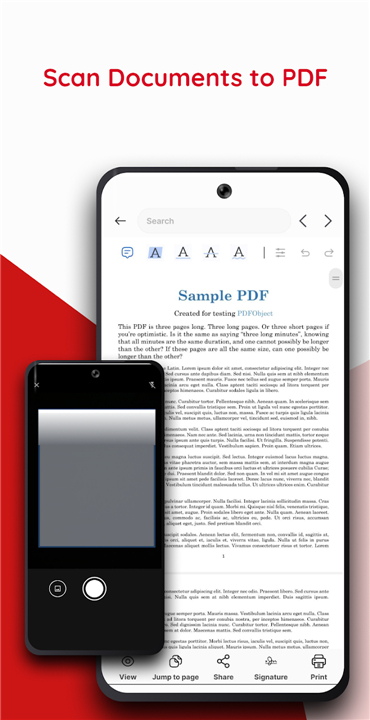
+ The Professional Scanner uses the device camera to capture images of receipts, notes, or invoices.
+ High-quality image processing ensures that scans are converted into clear, shareable PDF files suitable for formal storage.
Organized File Management
• The interface is designed with a minimalist aesthetic to ensure that document processing is flexible and stress-free.
• Management features include:
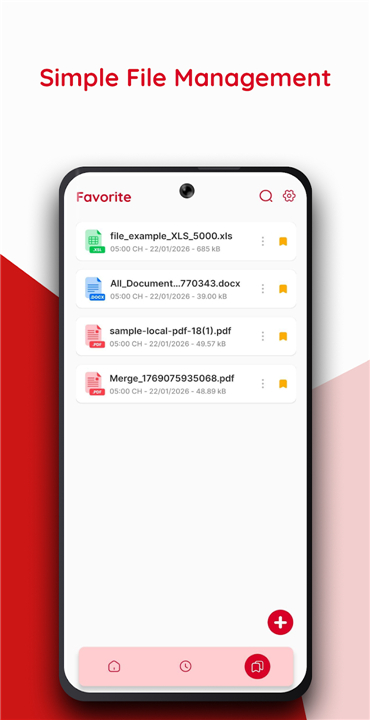
+ A Recent Files list to quickly resume work on ongoing projects.
+ Simple tools for renaming, deleting, and sharing files directly from the dashboard.
+ An organized directory that makes large volumes of data easy to navigate.
Download PDF Reader - All PDF View today to transform your mobile device into a powerful portable office and increase your work efficiency.
FAQ
Q: Does this application only support PDF files or can I view other documents too?
A: While the name highlights its PDF capabilities, the software actually functions as a versatile office suite viewer. You will find that it natively supports a wide variety of formats including Microsoft Word documents, Excel spreadsheets, and PowerPoint presentations, which means you won't need to switch between multiple apps to get your work done.
Q: How does the app perform when opening very large or graphic-heavy documents?
A: The application is built with a high-performance engine that is specifically optimized for speed and stability. You can expect even the most complex or image-heavy files to open in just a few seconds, providing you with a seamless reading experience that avoids the lag or crashes often associated with basic mobile viewers.
Q: Can I read my documents comfortably in different lighting environments?
A: Yes, the app is designed to be highly adaptable to your specific reading needs. It supports various viewing modes that you can toggle to accommodate different environments, ensuring that your eyes remain comfortable whether you are studying in a bright room or reviewing a report in low-light conditions.
Version History
v1.0.6——23 Feb 2026
View, scan, and merge documents with PDF Reader - All PDF View. Supports PDF, Word, Excel & PPT. Fast, lightweight, and professional. Download the latest version of PDF Reader - All PDF View to enjoy new features and updates immediately!
*1.0.6
This release focuses on performance optimization, improved system stability, and bug fixes to deliver a better user experience.









Ratings and reviews
There are no reviews yet. Be the first one to write one.