

FreeOTP+ (2FA Authenticator) APK
3.4
FreeOTP+ (2FA Authenticator)
FreeOTP+ (2FA Authenticator) APK
Download for Android
FreeOTP+ (2FA Authenticator)
Overview
• FreeOTP+ is a free, open‑source two‑factor authentication (2FA) application that originated as a fork of the original FreeOTP project.
• It retains the core time‑based one‑time password (TOTP) and HMAC‑based one‑time password (HOTP) functionality while adding a suite of enhancements aimed at usability, data portability, and modern Android integration.
Backup and Restore Capabilities
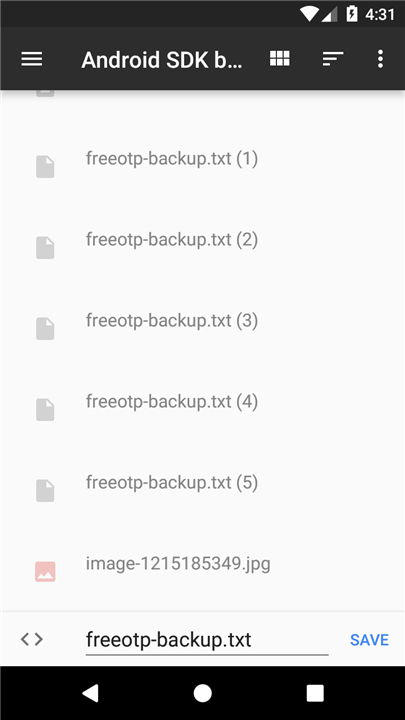
• Users can export their token database to Google Drive or any compatible cloud storage service, enabling easy migration between devices.
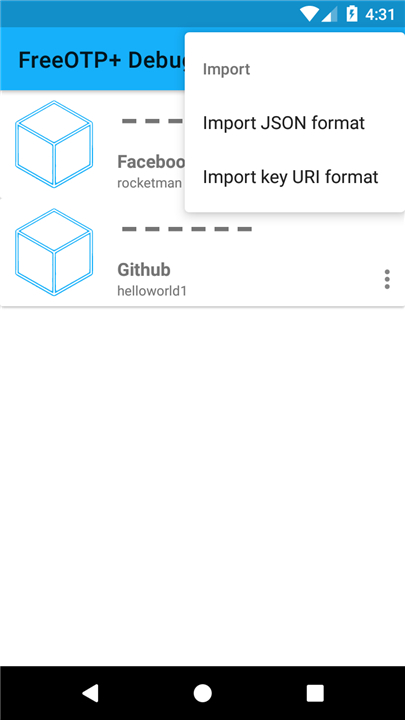
• The restore function reads the exported file from the same storage location and reinstates all accounts, preserving secret keys, labels, and issuers without manual re‑entry.
• Automatic backup scheduling is supported on Android 6.0+, allowing the app to create periodic snapshots that are recovered automatically after a reinstall or device reset.
User Interface and Experience
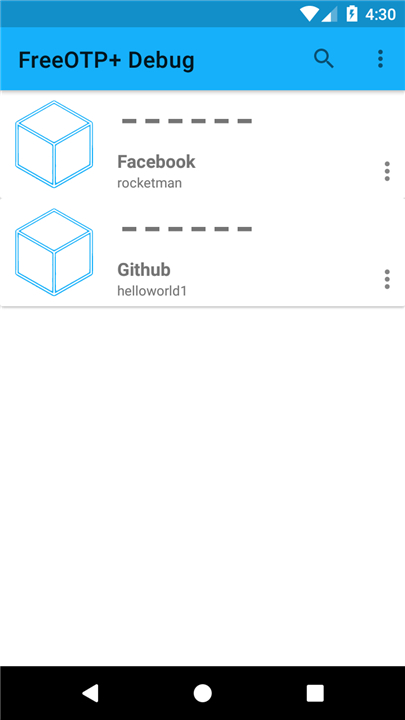
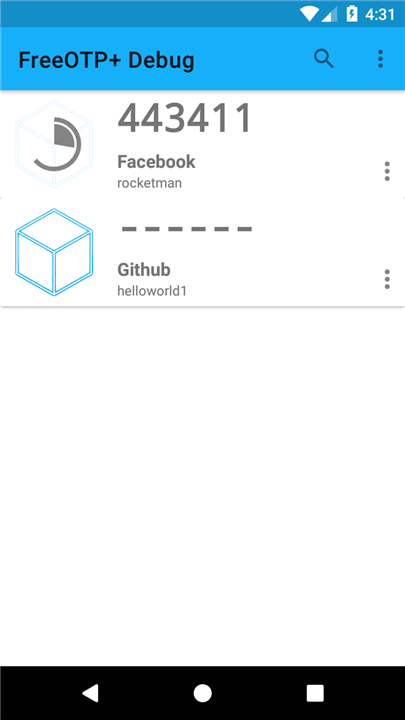
• The interface follows Material Design guidelines, offering a clean, responsive layout with intuitive navigation.
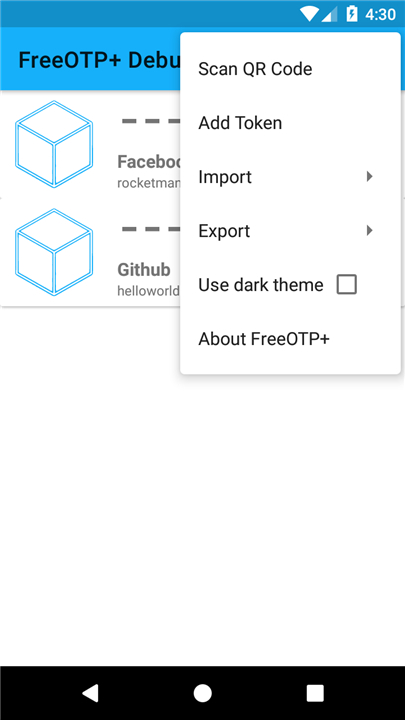
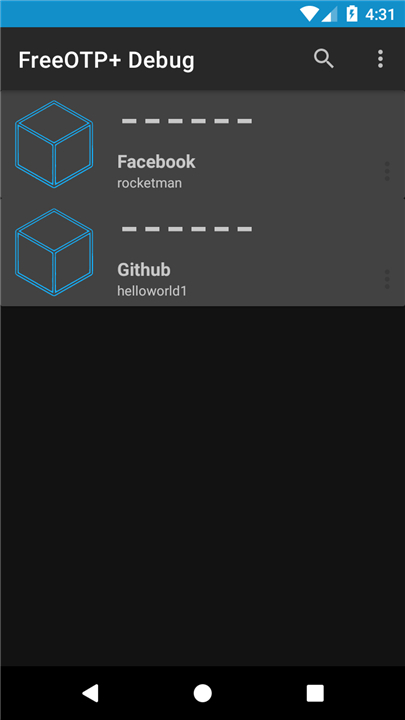
• A dark theme is available, reducing eye strain in low‑light environments and conserving battery on OLED screens.
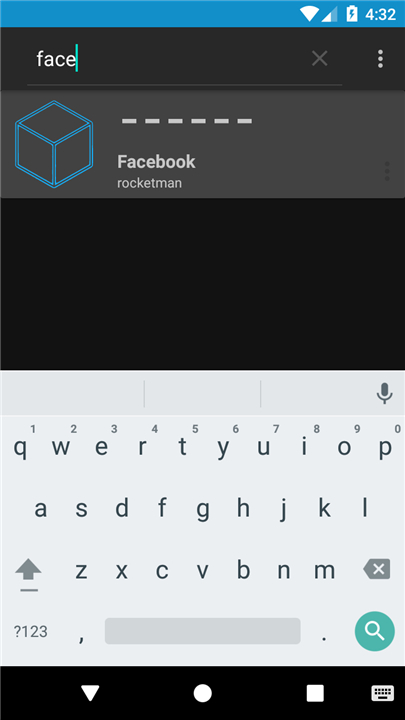
• A search bar lets users quickly locate specific tokens among large collections, filtering by issuer or account name in real time.
Android Compatibility and Permissions
• The app implements Android 6.0’s runtime permission model, requesting storage access only when a backup or restore operation is initiated.
• It leverages the platform’s native backup API, ensuring that token data is included in full‑device backups handled by Google’s backup service.
• Targeting recent API levels, FreeOTP+ maintains backward compatibility with older Android versions while taking advantage of newer security enhancements.
Additional Utilities
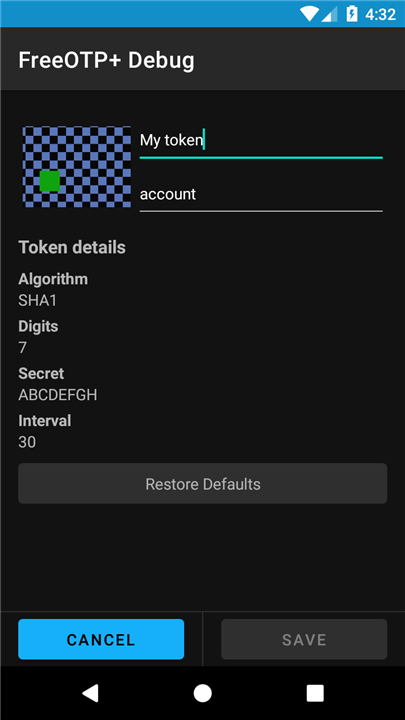
• Token entries can be edited, duplicated, or deleted directly from the list view.
• QR code scanning supports rapid provisioning of new accounts from compatible services.
• The application logs authentication attempts (optional) for troubleshooting, with the option to clear logs to maintain privacy.
Source and Reference
• Source code: https://github.com/helloworld1/FreeOTPPlus
• Original FreeOTP on Google Play: https://play.google.com/store/apps/details?id=org.fedorahosted.freeotp&hl=en
These features collectively make FreeOTP+ a robust, user‑friendly authenticator that simplifies backup management while adhering to open‑source principles.
FAQ
Q: How can I back up my tokens with FreeOTP+?
A: You can create a backup at any time by tapping the backup option in the app’s menu. The app will generate an encrypted JSON file that contains all your token data—secret keys, labels, and issuers. You then choose a destination such as Google Drive, Dropbox, or any other cloud storage app that appears in Android’s share sheet. Once stored, the file can be used to restore your tokens on the same or a new device.
Q: WillIs the backup file protected, and do I need a password?
A: Yes. When you start a backup, FreeOTP+ prompts you to set a strong password that encrypts the export file. The password is never stored on the device or in the cloud; you must remember it to perform a restore. This ensures that even if the backup file falls into the wrong hands, the token secrets remain unreadable.
Q: How do I restore my tokens after reinstalling the app or getting a new phone?
A: Launch FreeOTP+ and select the restore option from the main menu. You will be asked to locate the backup file in the storage location you used earlier (e.g., Google Drive). After picking the file, enter the password you set during the backup process. The app will decrypt the file and automatically recreate all your token entries exactly as they were, including any custom labels or issuer information.
Version History
v3.4——25 Aug 2026
The free and open-sourced Authenticator replacement for 2FA in popular services. Download the latest version of FreeOTP+ (2FA Authenticator) to enjoy new features and updates immediately!
*3.4
* Fix edge-to-edge UI and fab issues
*3.3
* Make tokens layout adaptable
* Fix issues with font size not changing with system
* Upgrade multiple dependencies
*3.2
* Add function to edit and filter categories
* Enhance security by requiring authentication at various points
* Updated to Material Design V3
* Upgrade AGP version











Ratings and reviews
There are no reviews yet. Be the first one to write one.