


Features of MoodleMoot:
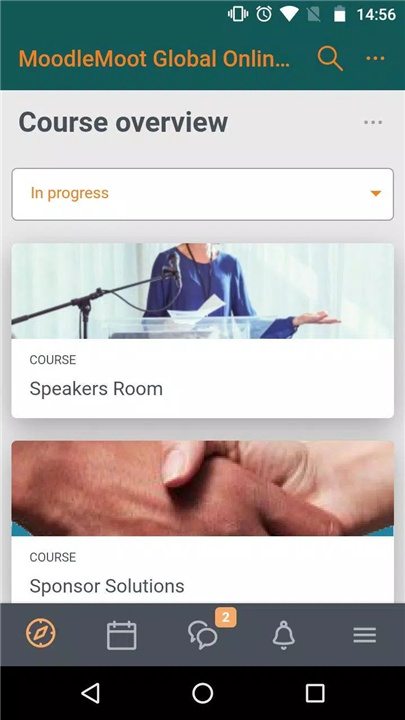
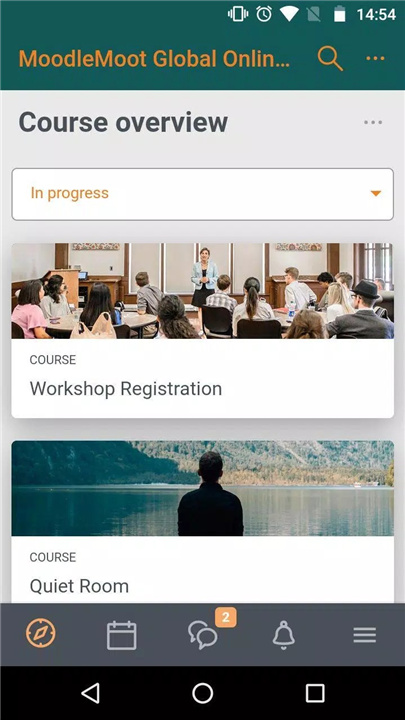
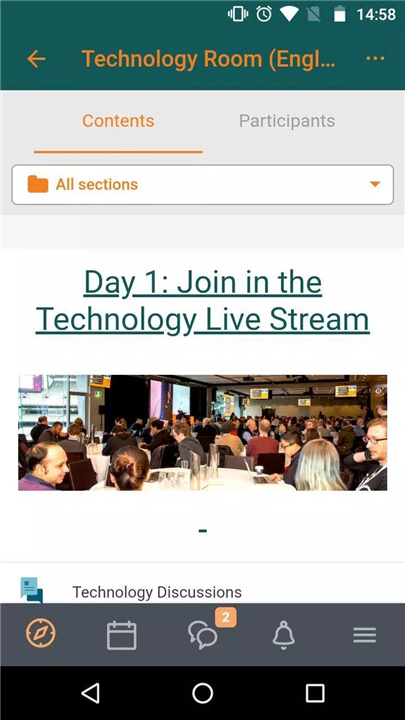
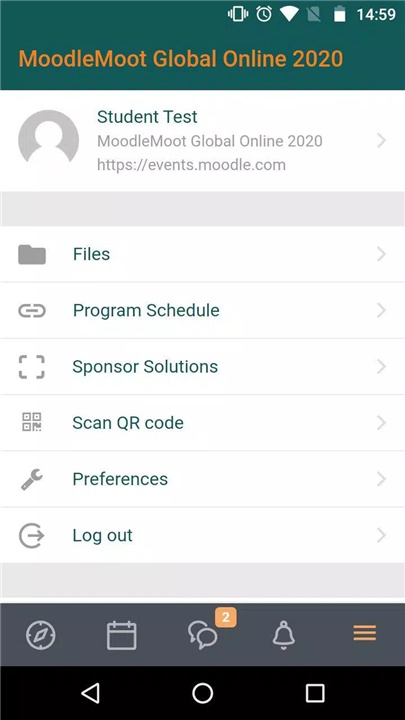
✓ Event schedule: Access the conference schedule, including session times, topics, speakers, and locations, enabling participants to plan their attendance and prioritize sessions of interest.
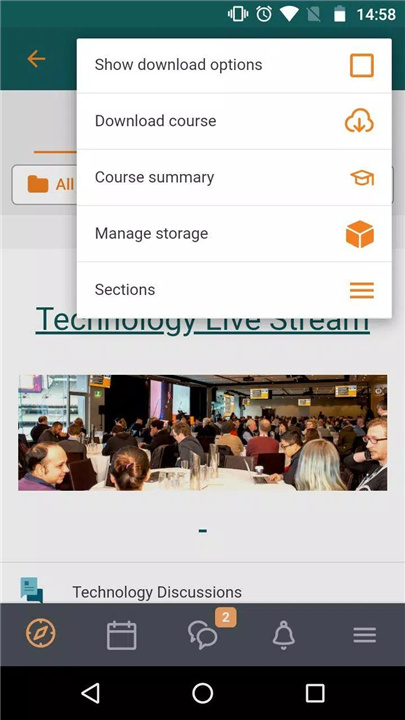
✓ Session details: View detailed information about conference sessions, including descriptions, presenter bios, presentation materials, and links to related resources.
✓ Networking opportunities: Connect with other participants, presenters, and organizers through networking features such as messaging, discussion forums, and social media integration.
✓ Announcements and updates: Stay informed about important announcements, updates, and changes to the conference schedule or program, ensuring that participants have the latest information at their fingertips.
Reasons to download MoodleMoot:
✓ Enhance conference experience: Make the most of your Moodle conference experience with MoodleMoot's comprehensive features for accessing event information, networking with peers, and engaging with conference content.
✓ Stay organized: Keep track of conference sessions, events, and activities with MoodleMoot's event schedule and session details, ensuring that you don't miss out on valuable learning opportunities.
✓ Network and collaborate: Connect with fellow participants, presenters, and organizers to exchange ideas, share experiences, and build professional relationships within the Moodle community.
✓ Accessible and convenient: Access conference information and resources anytime, anywhere, on your mobile device, making it easy to stay engaged and connected throughout the event.
FAQ from MoodleMoot:
✓ Is MoodleMoot by Moodle Pty Ltd. free to use?
Yes, MoodleMoot is available for free download and use for participants attending Moodle conferences and events.
✓ Can I access MoodleMoot on mobile devices?
Yes, MoodleMoot offers mobile apps for both Android and iOS devices, providing participants with convenient access to event information and resources on the go.
✓ Is MoodleMoot only for Moodle conferences?
Yes, MoodleMoot is specifically designed for use at Moodle conferences and events, providing participants with tailored features and functionalities to enhance their conference experience.
✓ Can I connect with other participants through MoodleMoot?
Yes, MoodleMoot includes networking features that allow participants to connect with each other, exchange messages, participate in discussion forums, and engage in social media interactions within the app.
Latest Version 3.9.2
Last updated on Oct 6, 2020









Ratings and reviews
There are no reviews yet. Be the first one to write one.