

EmuSNES XL is a powerful and user-friendly SNES (Super Nintendo Entertainment System) emulator designed for Android devices. With top-tier graphics and sound emulation, this app delivers the classic 16-bit gaming experience, bringing the nostalgic feel of SNES games directly to your device.
High-Quality Graphics Emulation
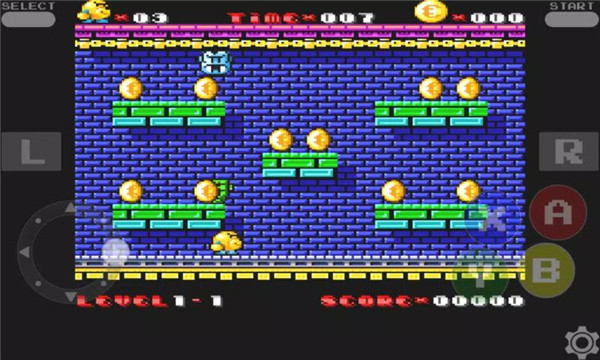
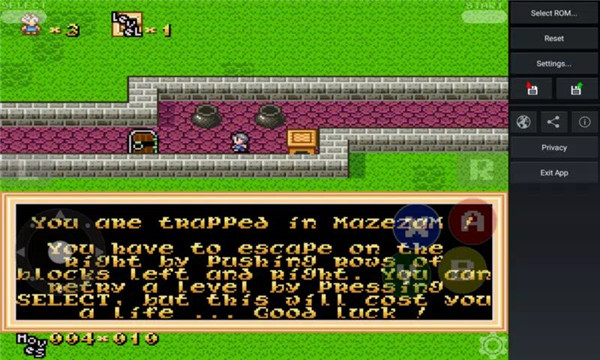
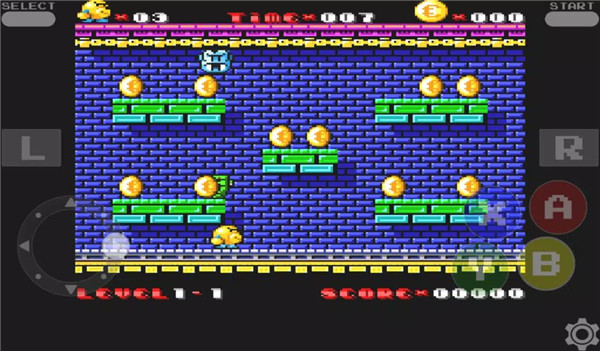
EmuSNES XL provides an exceptional graphics emulation, recreating the iconic 16-bit visuals of SNES games with great detail and precision.
High-Quality Sound Emulation
The app also excels in its sound emulation, supporting high-fidelity stereo features that faithfully recreate the music and sound effects of the original SNES. From the iconic chiptune soundtracks to ambient sound effects, EmuSNES XL ensures a nostalgic audio experience that enhances your gaming sessions.
Easy ROM Loading
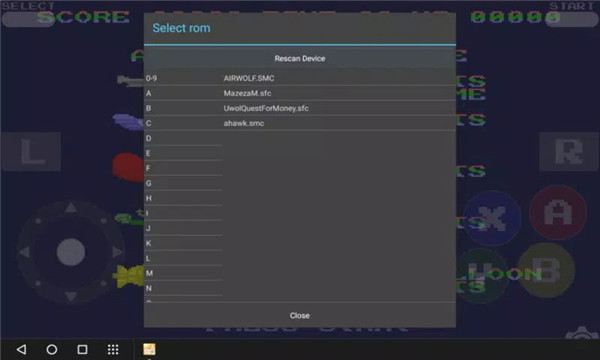
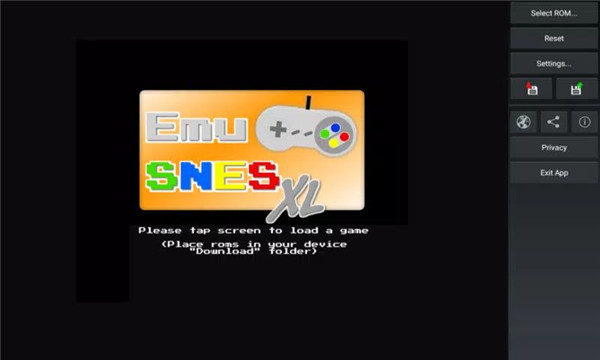
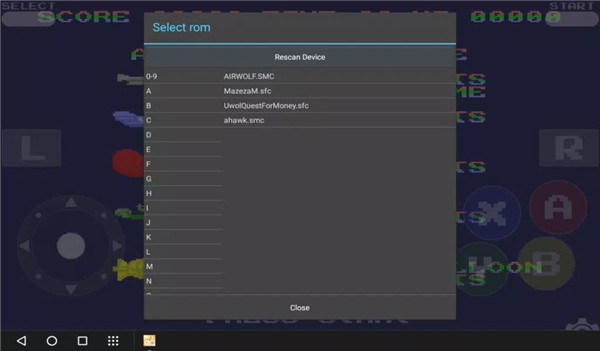
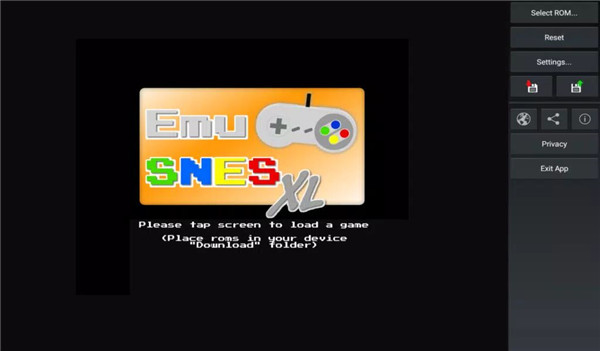
EmuSNES XL simplifies the process of loading ROMs (game files) with a built-in ROM finder. The app allows you to scan your device's "Download" folder and easily load ROMs in formats like ".smc", ".sfc", and ".zip". Once loaded, you can start playing your favorite games instantly.
Controller Support
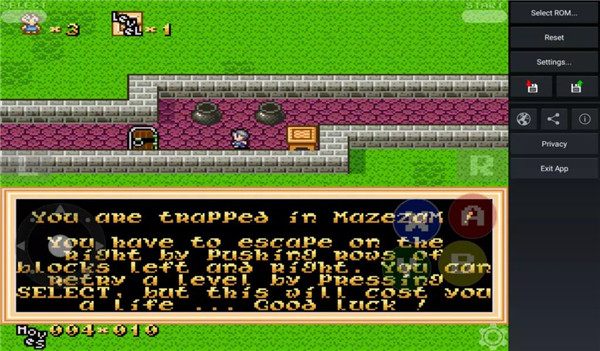
EmuSNES XL supports a variety of hardware peripherals such as gamepads, joysticks, and keyboards, ensuring a smooth and responsive gaming experience. For those who prefer a touchscreen experience, the app provides on-screen controllers with options to emulate joypads and more, giving you complete control over your gameplay.
Multiplayer Support
With EmuSNES XL, you can enjoy multiplayer games with ease. The app allows you to swap controllers during turn-based two-player games, providing a fun and interactive way to enjoy classic games with a friend.
Save and Load Game States
To enhance convenience, EmuSNES XL lets you save your game progress at any point and reload it whenever you want. This feature is perfect for those who want to continue their gameplay without losing progress, especially in challenging levels.
FAQs
1. How do I load ROMs into EmuSNES XL?
You can easily load ROMs by placing them in your device's "Download" folder. The app provides a ROM finder that helps scan the folder and load compatible ROM files in formats like ".smc", ".sfc", and ".zip".
2. Does EmuSNES XL support controllers?
Yes, EmuSNES XL supports various hardware peripherals such as gamepads, joysticks, and keyboards for a more comfortable gaming experience. It also offers on-screen controllers for touchscreen users.
3. Can I play multiplayer games on EmuSNES XL?
Yes, EmuSNES XL allows you to swap controllers for two-player turn-based games, providing a great way to play multiplayer games with a friend.
4. Can I save my progress in a game?
Yes, EmuSNES XL includes a save and load game state feature, which lets you save your progress at any point in the game and load it later to continue from where you left off.
Version History
v1.1.0—2 Jun, 2024
Update for Android 11+ file access permissions.
Video effects added.
Added support for hardware peripherals such as gamepads, joysticks and keyboards.
Quick load game status function added.
Portrait mode added.
Added new layout for joypads.
Save/Load game state now working fine.
Bugfixed.
v1.0.9—9 Dec, 2023
Update for Android 11+ file access permissions.
Video effects added.
Added support for hardware peripherals such as gamepads, joysticks and keyboards.
Quick load game status function added.
Portrait mode added.
Added new layout for joypads.
Save/Load game state now working fine.
Bugfixed.
v1.0.8—24 Sep, 2023
Update for Android 11+ file access permissions.
Video effects added.
Added support for hardware peripherals such as gamepads, joysticks and keyboards.
Quick load game status function added.
Portrait mode added.
Added new layout for joypads.
Save/Load game state now working fine.
Bugfixed.









Ratings and reviews
There are no reviews yet. Be the first one to write one.