

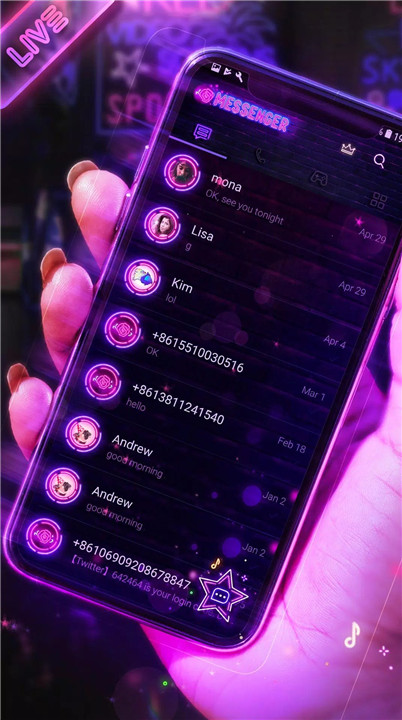
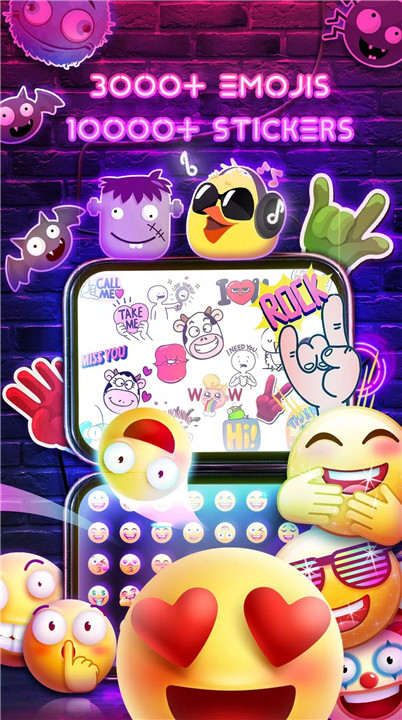


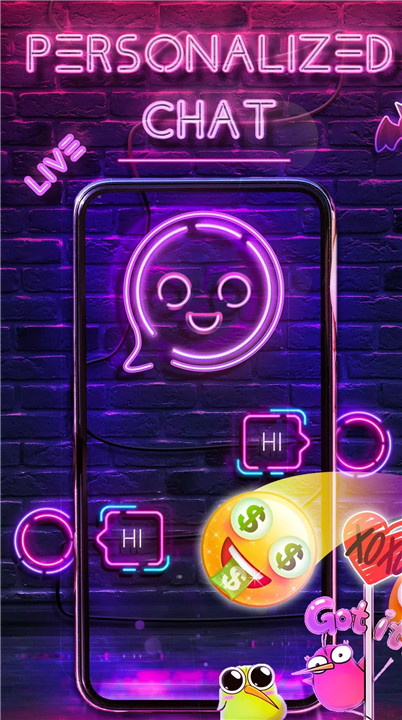
1. Customization Galore: Neon Theme Messenger stands out with its dazzling neon styles, custom chat bubbles, and live wallpapers. You can express your personality with over 3,000 emojis, Lenny faces, and original stickers, making every conversation uniquely yours.
2. Enhanced Messaging: With Neon Theme Messenger, you can send and receive SMS and MMS messages, including pictures, audio, video, and GIFs. Whether you want to share a funny meme or a heartfelt message, this app has you covered.
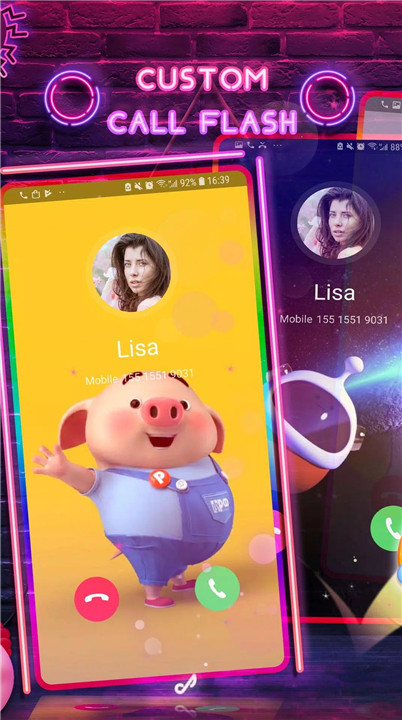
3. Fun Features: Enjoy a playful chat experience with animated GIFs, funny stickers, and customizable chat bubbles. The app’s call flash feature adds a touch of style to your incoming calls with beautiful, themed displays.
4. Privacy and Security: Neon Theme Messenger takes your privacy seriously. All messages are encrypted, and you have the option to hide and protect your private messages with a secure box.
5. Dual SIM Support: The app is fully compatible with dual SIM devices, making it easy to manage both your personal and work messages from one place.
How Does It Work?
1. Sending Messages:
Emojis & Stickers: Quickly insert over 3,000 emojis, Lenny faces, and original stickers into your messages to make conversations more lively.
GIFs: Share thousands of trending GIFs to add a dynamic touch to your chats.
MMS: Send multimedia messages including pictures, audio, and video to capture and share your moments.
2. Customization:
Chat Bubbles: Choose from over 10 different chat bubble styles to make your conversations more fun.
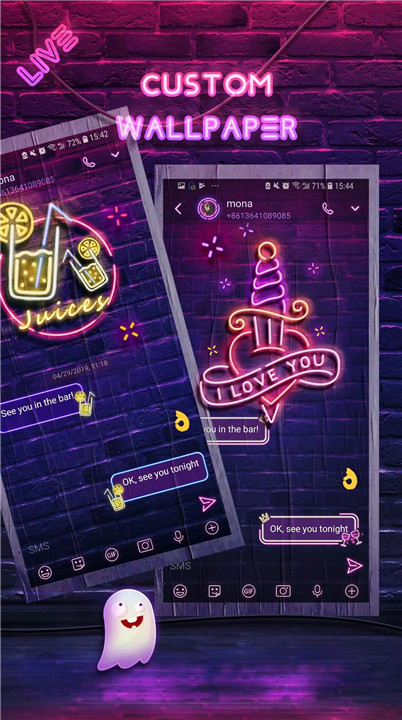
Live Wallpapers: Set one of the 6 available neon live wallpapers or use your own photos and videos for a personalized touch.
3. Call Features:
Call Flash: Customize your incoming call screen with a stylish call flash, using local videos or photos to enhance your caller display.
4. Privacy and Security:
Encrypted Messages: All your messages are securely encrypted to ensure your privacy.
Private Box: Use the private box feature to hide and protect sensitive messages, with customizable notification settings to keep your information secure.
5. Dual SIM Support:
Manage both SIM cards easily with full support for SMS and MMS on dual SIM devices.
6. Additional Features:
SMS Scheduler: Schedule messages to be sent at a later time, or delay SMS to review and correct any mistakes before sending.
SMS Blocker: Use the built-in blocker to avoid spam messages and unwanted notifications.
Backup & Restore: Ensure your messages are never lost with backup and restore features, allowing you to save and retrieve your messages whenever needed.
Android Wear Compatibility: Neon Theme Messenger is compatible with Android Wear, so you can manage your messages right from your smartwatch.
FAQ
Q: How do I set up Neon Theme Messenger?
A: Download the app from the Play Store, then open it and follow the on-screen instructions to set it as your default SMS and MMS handler. Customize your settings to fit your style and preferences.
Q: Can I use my own photos and videos for live wallpapers?
A: Yes! You can upload your own local photos or videos to personalize the live wallpapers in your chats.
Q: Is Neon Theme Messenger secure?
A: Absolutely. All messages are encrypted, and you can use the private box feature to further secure sensitive messages from prying eyes.
Q: How does the call flash feature work?
A: The call flash feature provides a customizable display for incoming calls. You can use local videos or photos to create a unique and stylish caller screen.
Q: What if I have issues or feedback?
A: We’re always here to help! You can contact us via email at hi@melonsapp.com. We appreciate your feedback and ratings, and we're committed to continuously improving Neon Theme Messenger.
What's New in the Latest Version 3.4.6
Last updated on Jan 23, 2022
1. Add supports for Android 11 and 12
2. Remove call block reporting function
3. Fix bugs and improve performance









Ratings and reviews
There are no reviews yet. Be the first one to write one.