

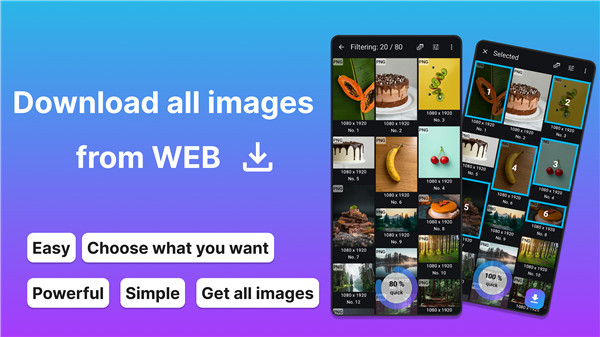
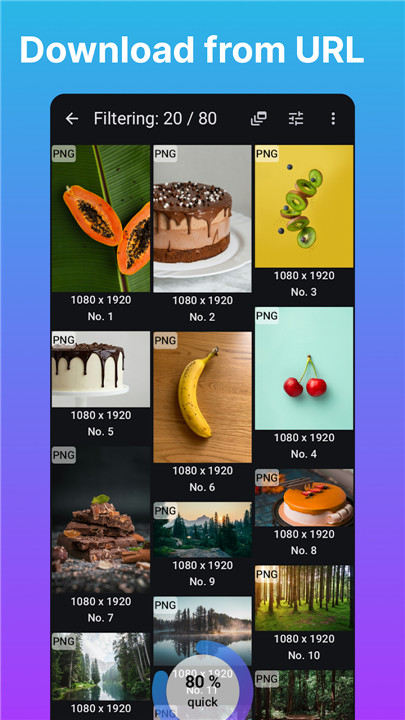
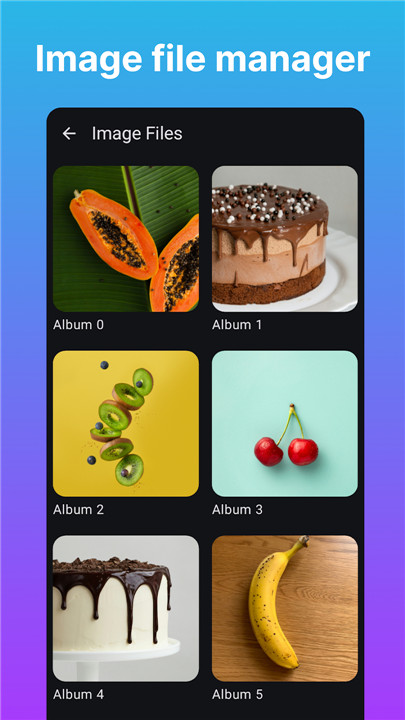
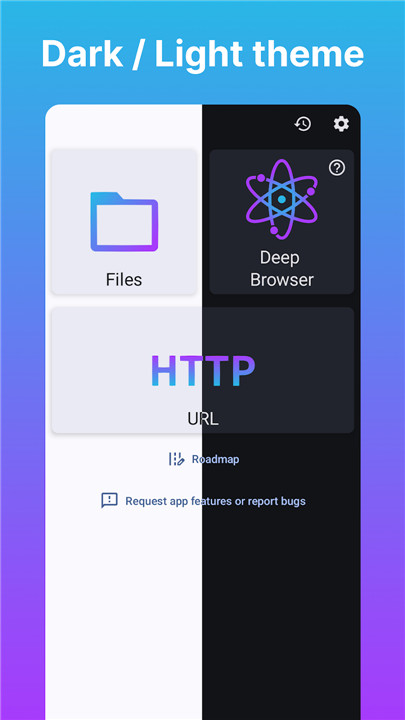
Web Image Downloader lets you grab your favorite images from websites and save them wherever you want. You can even rename the folder where you keep your downloads.
When you're checking out web pages, you have two analysis methods to choose from for high-res results. Just a heads up, sometimes downloads might not work because of how the web page is set up.
Here are the two analysis methods and what they offer:
Quick Browser
This option is super fast but can't handle images that load dynamically.
Deep Browser
This one gives you everything from the Quick Browser plus the ability to analyze images that show up through user actions.
Make sure to respect the copyright rules for any images you download based on their source. We’re not responsible for any copyright issues or how you use the images you download.
FAQ
Q: How to download images using "Web Image Downloader"?
A: Simply paste the URL of the image and click download.
Q: How to search for the image I downloaded?
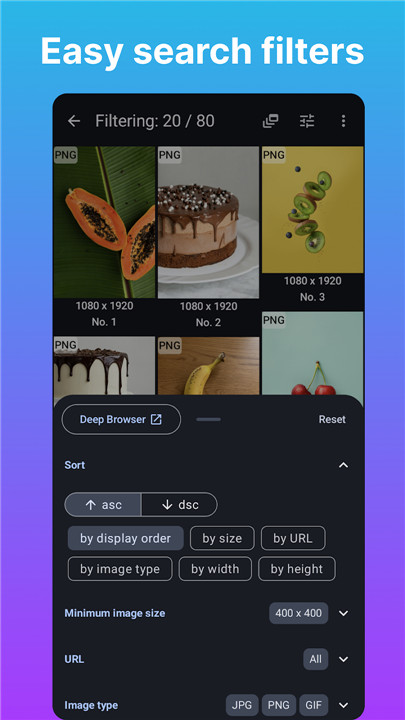
A: You can easily search the image you downloaded using the built-in search filters
Q: Do "Web Image Downloader" provide theme?
A: You can choose between Dark or Light theme.
-----------------
What's New in the Latest Version 2.1.0
Last updated on Nov 6, 2024
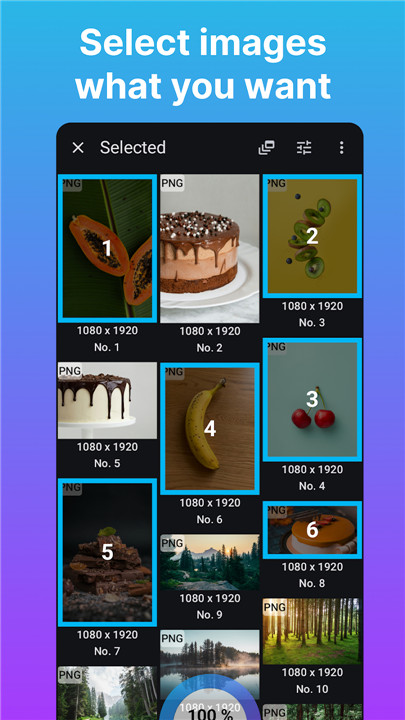
High analysis power! Search and select pictures what you want and download. Download the latest version of Web Image Downloader 2.1.0 to enjoy new features and updates immediately!
improve peformance









Ratings and reviews
There are no reviews yet. Be the first one to write one.