





✦ Introduction ✦
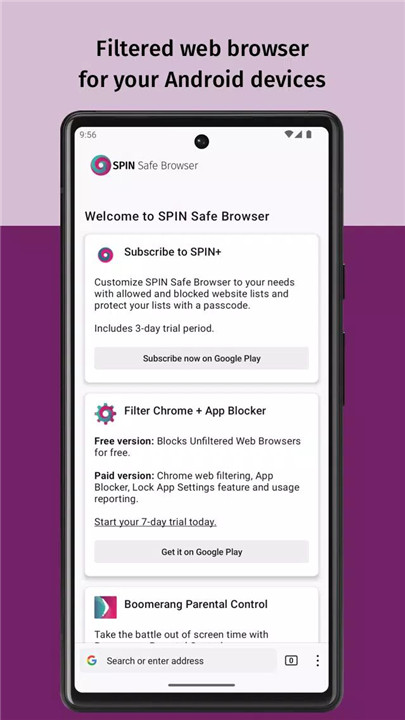
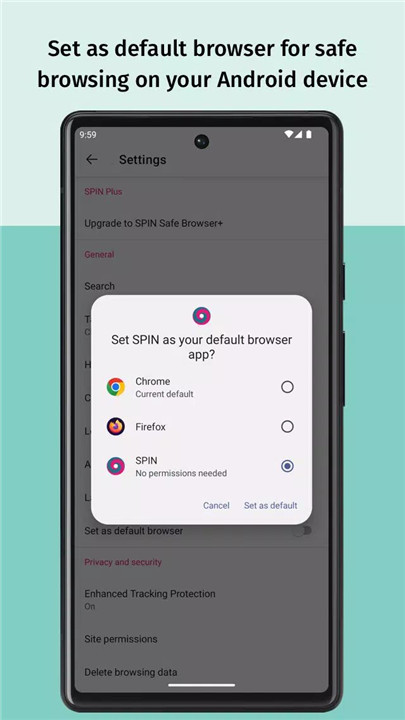
Protecting yourself and your family from inappropriate content online has never been easier with SPIN Safe Browser. Designed for Android phones and tablets, SPIN Safe Browser offers a robust solution to ensure a secure and safe browsing experience.
✦ App Features ✦
Automatic Content Filtering
SPIN Safe Browser comes with pre-configured filters that block 6 key categories of harmful content, including pornography, nudity, unsafe search engines, and more.
Customizable Safe Browsing
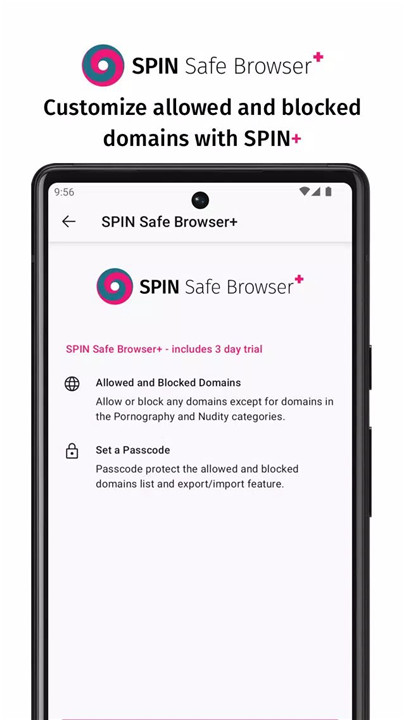
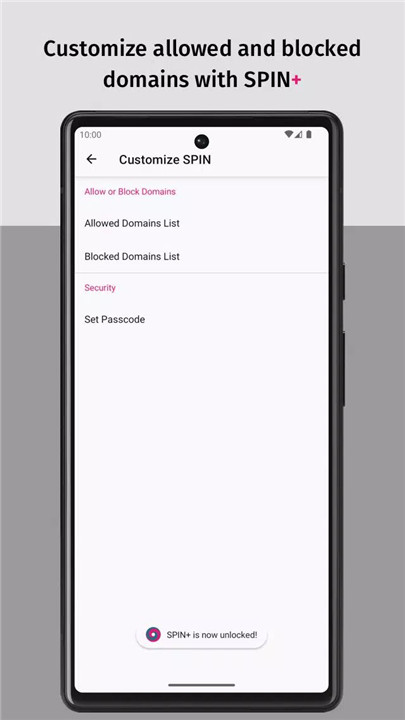
With a SPIN+ subscription, you can tailor your browsing experience even further. Features include the ability to allow or block specific domains, set a passcode to protect your settings, and save and restore bookmarks and other preferences. Note that domains containing pornography and nudity cannot be permitted.
Enhanced Search and YouTube Safety
SPIN Safe Browser enforces Google’s Strict Safe Search and applies YouTube Restricted Mode to filter out inappropriate videos. It also supports safe browsing across various search engines, including Google, Bing, Ecosia, and DuckDuckGo.
Zero Configuration Required
Simply install SPIN Safe Browser and enjoy its advanced filtering capabilities without any additional setup.
Additional Customization Options
For users who seek more control, SPIN+ offers the ability to block or allow specific domains, manage web filtering settings for Chrome, and access premium parental control features with Boomerang Parental Control.
Also Available as A Free Chrome Extension
Get it here: https://chrome.google.com/webstore/detail/elebdopnkeckgfhkeeefmpmjjglandmi/publish-accepted?authuser=0&hl=en-US
Resources
Common questions: https://community.useboomerang.com/hc/en-us/sections/360000687332-SPIN-Safe-Browser
---------------------------
What's New in the Latest Version 70.1.7
Last updated on Sep 4, 2024
Fixed a crash when saving images.
Improved approach to blocking websites we have not encountered with our service.









Ratings and reviews
There are no reviews yet. Be the first one to write one.