

PELLEGRINI CARD
Overview
• The Pellegrini Card app is a digital solution designed for all users who utilize meal vouchers.
• It offers a convenient and secure way to manage and use vouchers directly from a smartphone, eliminating the need to physically carry the card.
Getting Started
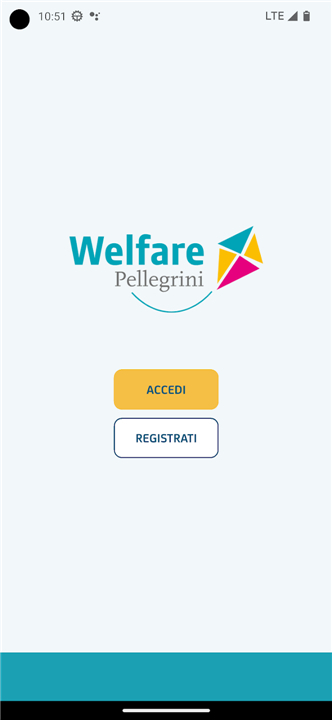
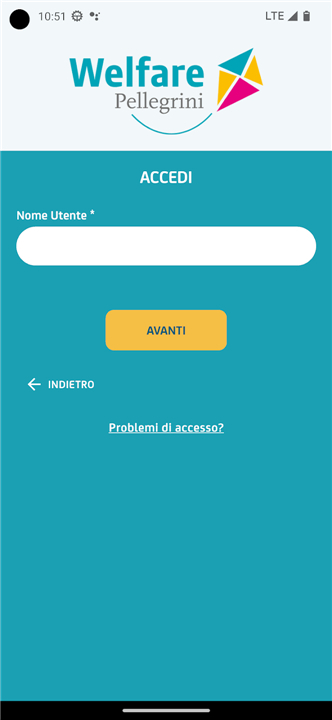
• Registration or Login: New users can register through the app, while existing users can log in using their credentials.
• Card Association: Link your physical card to your account by entering the 16-digit number printed on the front of the card.
• Enabling the Device Function:
1. Go to Profile and select Enable dispositive function.
2. Enter your mobile phone number.
3. Receive an SMS with a verification code and input it in the app.
4. Create a personal PIN for secure transactions.
Main Features
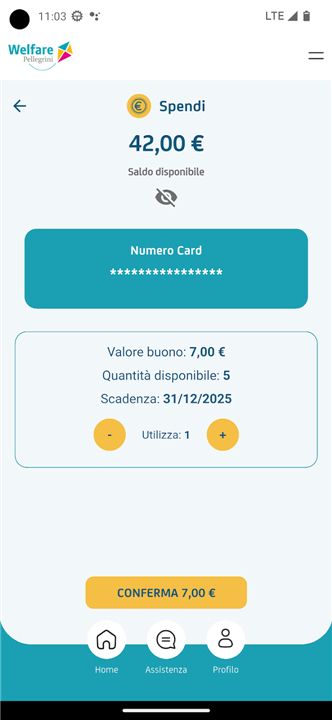
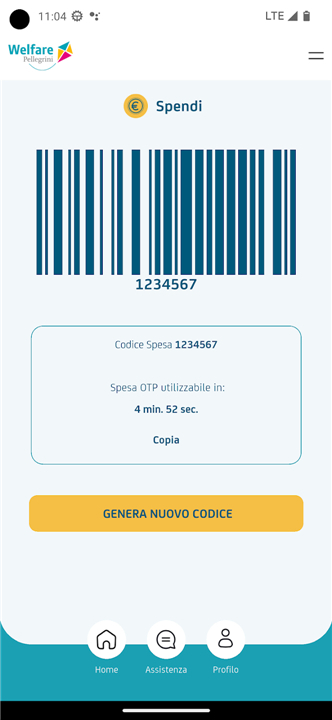
• Voucher Spending: Generate a secure OTP (One-Time Password) code within the app to present at the checkout for payment.
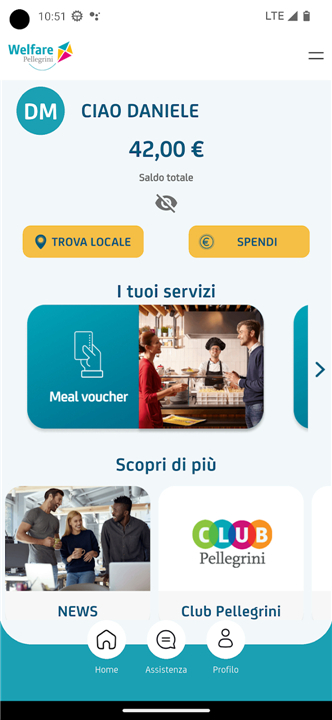
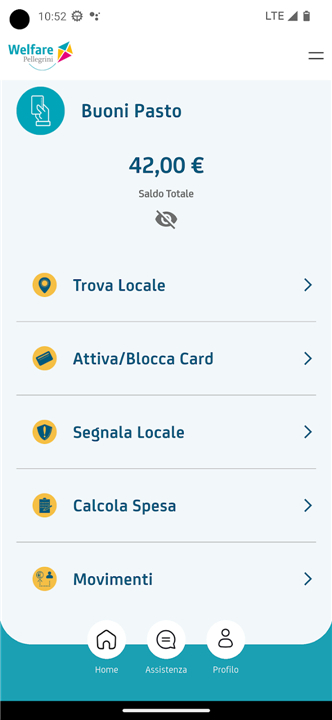
• Balance Check: View your current available voucher balance at any time.
• Transaction Monitoring: Track recent and past movements to have a clear record of spending.
• Voucher Calculator: Easily determine the number of vouchers required for the total cost of your shopping.
• Location Reporting: Suggest a shop or restaurant you would like to see affiliated with Pellegrini.
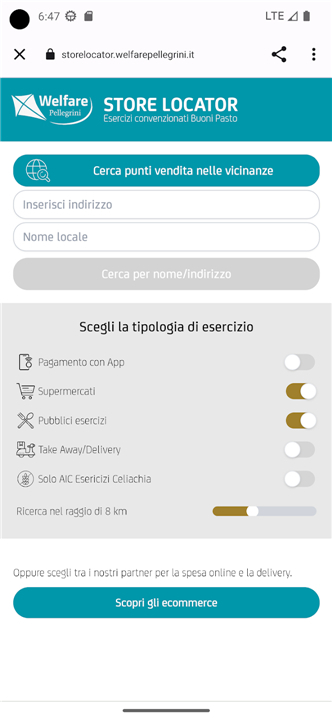
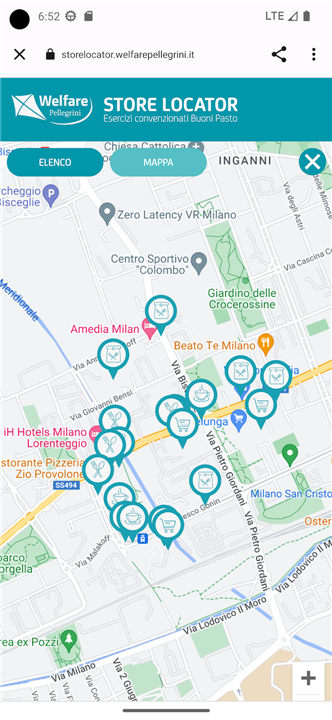
• Shop Finder: Search for affiliated shops nearby, and filter to show only those that accept app-based payments.
• Card Blocking: Temporarily block your card in case of loss or theft to prevent unauthorized use.
Accessibility
• Pellegrini is committed to ensuring digital accessibility for all users.
• Detailed accessibility statements and guidelines for the Android version of the app are available at:
https://privacypolicy.gruppopellegrini.it/AccessibilitaAPPAndroid/
FAQ
Q: I already have an account. How can I associate my physical card with the app?
A: After logging in with your existing credentials, access the “Card Association” section. There, simply input the 16-digit number located on the front of your physical Pellegrini card. The app will recognize and link your card, making its balance and history available in digital form.
Q: What is the “device function” and how can I enable it?
A: The device function allows you to generate secure One-Time Passwords (OTPs) for in-app payments. To enable it, go to your profile and tap “Enable device function.” Enter your mobile phone number, wait for an SMS with a verification code, then input that code into the app. Finally, create a personal PIN—this ensures each payment request is authenticated on your device.
Q: How do I generate a payment code for voucher spending?
A: Inside the app, navigate to “Voucher Spending” or “Generate OTP.” After entering your personal PIN, the app will instantly produce a unique numeric code. Present this code at the cash register of a partner merchant, and the terminal will deduct the correct voucher amount from your balance.
Version History
v9.0.6——13 Jan 2026
Indispensable for workers who use the meal voucher Download the latest version of PELLEGRINI CARD to enjoy new features and updates immediately!
*9.0.6
Risoluzione bug
Aggiornamento logo
Ottimizzazione UX
*9.0.5
Corretto bug che non consentiva il login per alcuni dispositivi
*9.0.4
Bug fixing









Ratings and reviews
There are no reviews yet. Be the first one to write one.