

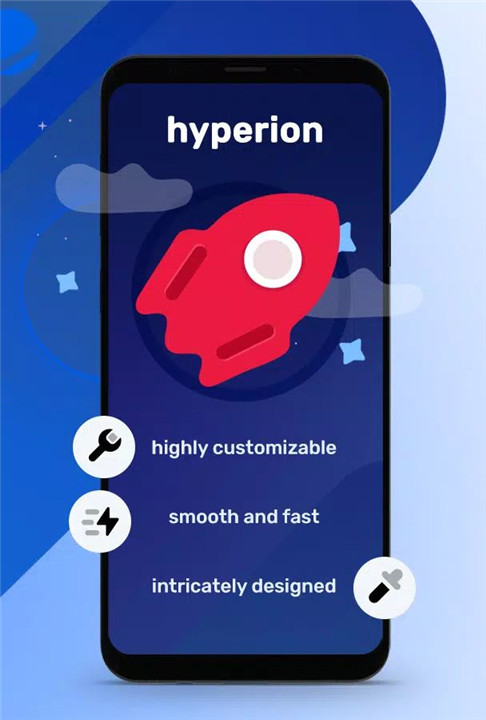
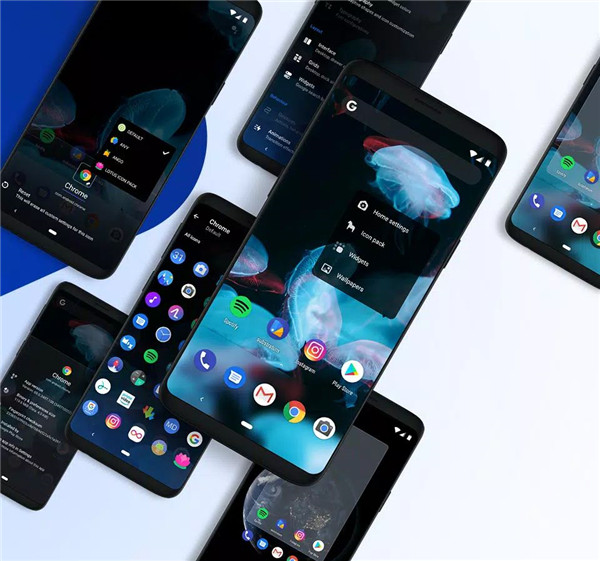
Hyperion Launcher brings you all the features you want, without the bloat, perfect for users who crave the perfect balance between functionality, customization, and a beautiful user interface. Get Hyperion Launcher for a fast, feature-packed launcher combines the best elements from top launchers on the market!
Why Use Hyperion Launcher?
Sleek and Intuitive Customization
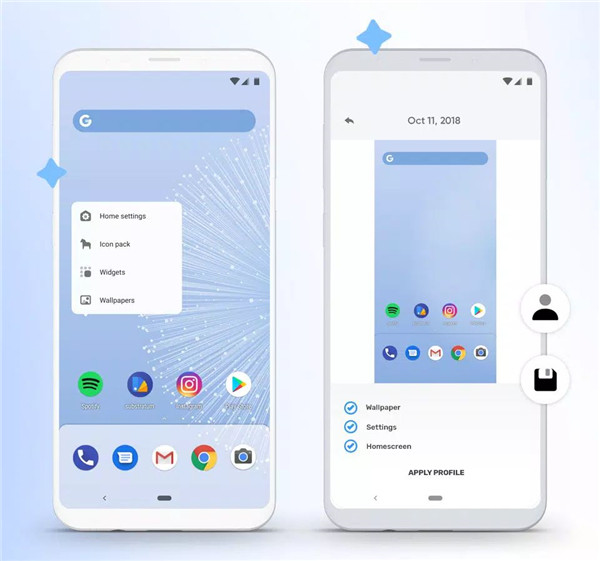
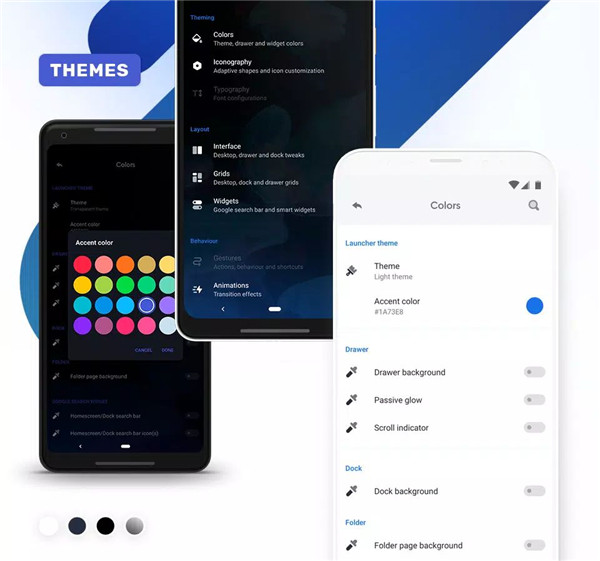
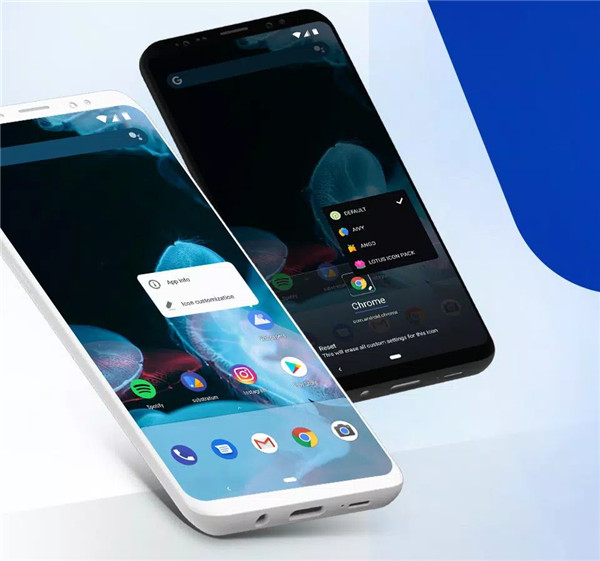
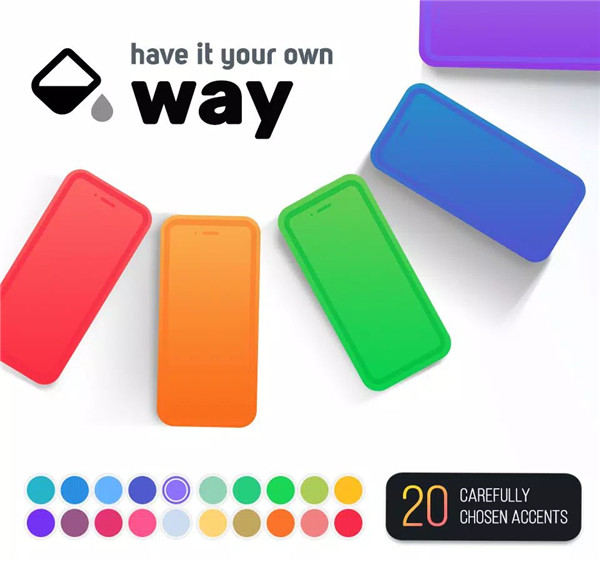
With Hyperion Launcher, you have complete control over your home screen. Change colors, themes, fonts, icon sizes, and layouts to match your style. You can easily adjust the appearance of icons, folders, and widgets, ensuring everything looks just the way you want it.
Adaptive Icons Support
The adaptive icon support and fully customizable themes bring a touch of elegance to your device, while features like scrolling wallpapers and dock styling give you endless possibilities.
Smart Features and Widgets
Hyperion Launcher is packed with features designed to enhance your Android experience. Enjoy the convenience of the Google Search Widget, Smart Widgets, and more!
Custom Gestures
Navigate your device smoothly with the ability to add custom gestures! Whether it's a swipe-up gesture or a double-tap to lock the screen, these custom actions can help you use your device more efficiently.
No Bloat, Just Performance
We designed Hyperion Launcher to be streamlined and bloat-free. It only includes the features you need, without any unnecessary extras. Manage apps, access the app drawer quickly, and fine-tune the settings to suit your preferences.
FAQs
Q: What permissions does Hyperion Launcher require?
A: Hyperion Launcher requires several permissions such as query apps (to show installed apps), storage (for wallpaper extraction and backups), calendar (to display events), and location (for weather updates). Additionally, it uses accessibility for custom gestures and device administration for screen locking.
Q: Can I use custom gestures in Hyperion Launcher?
A: Yes, Hyperion Launcher supports custom gestures, including one/two-finger taps and swipes. These gestures can be configured to lock the screen, show recent apps, or other actions you prefer.
Q: Is Hyperion Launcher customizable?
A: Absolutely! Hyperion Launcher offers deep customization options, from theming and icon size adjustments to widgets, folder styles, and custom grid layouts. You can tweak almost every aspect to suit your style.
---------------------------
What's New in the Latest Version 2.0.63
Last updated on Nov 5, 2024
Hyperion 2 is here!
With all-new theming system, home transition animation and tons of improvements. This update is the biggest one we've ever made!
Read more https://twitter.com/prjkt_io/status/1551634894593626112
What's New in the Latest Version 2.0.63
Last updated on Nov 5, 2024
Hyperion 2 is here!
With all-new theming system, home transition animation and tons of improvements. This update is the biggest one we've ever made!
Read more https://twitter.com/prjkt_io/status/1551634894593626112









Ratings and reviews
There are no reviews yet. Be the first one to write one.