

Pulse SMS (Phone/Tablet/Web) APK
6.3.1.2999
Pulse SMS (Phone/Tablet/Web)
Pulse SMS (Phone/Tablet/Web) APK
Download for Android

Looking for a messaging app that combines speed, security, and a wealth of features tailored to your preferences? Your search ends here.
Introducing Pulse SMS, a stunning, cutting-edge private messaging application.
We prioritize your experience and are dedicated to delivering the ultimate SMS texting solution.
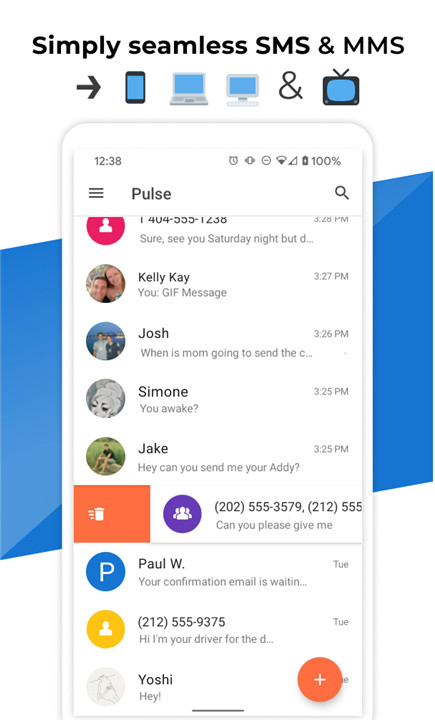
Enhancing its top-tier functionality, Pulse SMS transforms your communication by allowing you to sync your SMS and MMS messages across all your devices. Effortlessly send and receive texts and images from your computer, tablet, car, or any internet-enabled device.
This is how text messaging should be done.
A Glimpse into the Features
Pulse SMS is loaded with an array of impressive features. Beyond seamless syncing across all your devices, here’s a sneak peek at what sets it apart as the ultimate messaging platform:
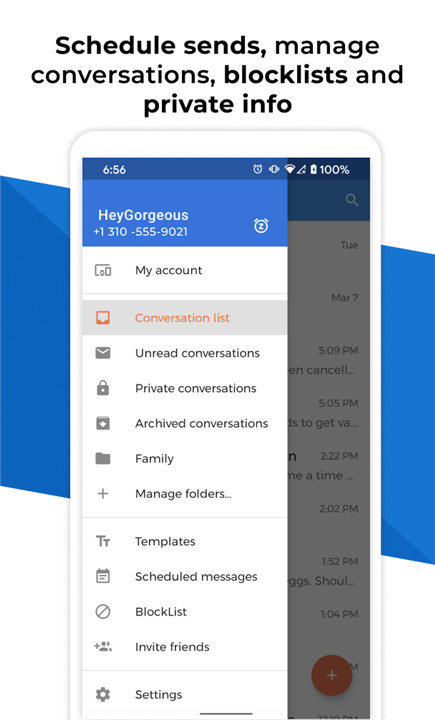
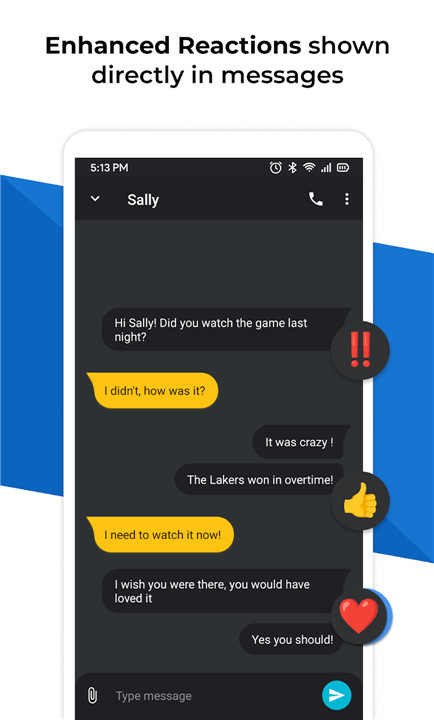
- Stunning design complemented by smooth animations
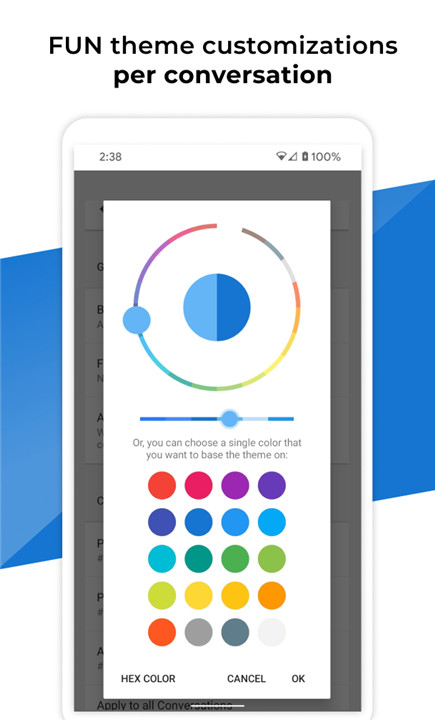
- Limitless customization options for global settings and individual conversations
- Smart Replies suggested during chats
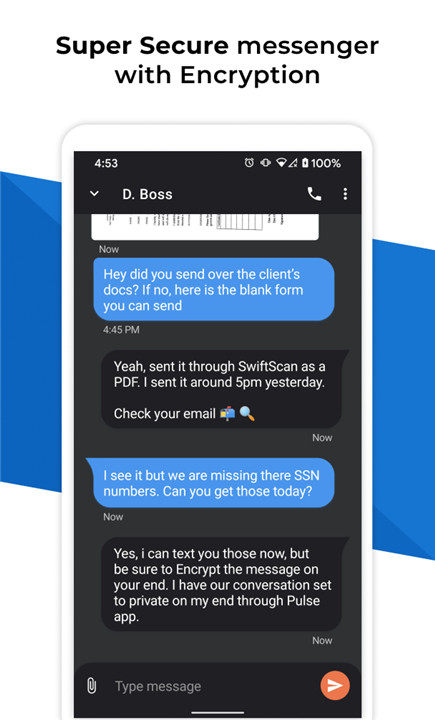
- Secure, password-protected private conversations
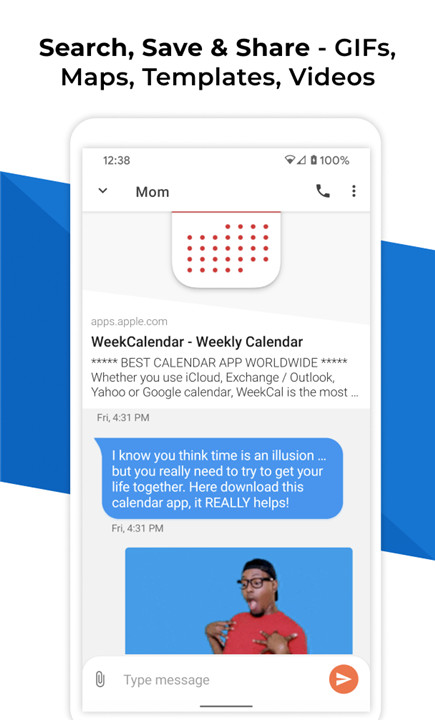
- Effortlessly share GIFs from Giphy within your messages
- Robust search capabilities for messages and conversations
- Automatic backup and restore of messages with a Pulse SMS account
- Web link previews for easy access
- Block unwanted spam messages
- Schedule message sending, allowing time for edits or cancellations
- Automated responses based on contacts, keywords, and your driving or vacation status
- Support for dual-SIM functionality
Encryption Assurance
At the core of Pulse SMS is end-to-end encryption for all your conversations. You can rest easy knowing your data is secure, with no one able to access your messages except you—this includes the Pulse SMS Team! With Pulse SMS, you enjoy both privacy and tranquility from the very start.
Proof of Privacy Protection
In technical terms, we utilize PBKDF2 to encrypt your password, which serves as a key for encrypting your messages and conversations.
Technical Encryption Overview
1) Upon creating an account, we generate two unique salts: one for authentication purposes and another for end-to-end encryption.
2) The authentication process is straightforward. We take your password, hash it using the first salt, and store this hashed version to verify your identity during login.
3) For encryption, we hash your password with the second salt and save it locally on your device (whether it's a computer, tablet, or phone). This key is essential for decrypting messages, and since only you have the password hashed with the second salt, no one else can access your encrypted content.
We openly share our privacy protocol to assure users that their password is never stored anywhere. Without this password, it’s impossible to generate the secret key required for encrypting and decrypting the data stored in our backend.
Supported Platforms
Pulse SMS offers a web app along with native applications for tablets, MacOS, Windows, Google Chrome, Firefox, Linux, and even Android TV. Explore all our platforms and view screenshots here: https://home.pulsesms.app/overview/
Pulse SMS stands out as the top choice for web, desktop, and secure messaging on Android. With its lightning-fast performance, effortless setup, and a design that’s truly one-of-a-kind, it redefines the texting experience.
FAQ
Q: What devices can I use Pulse SMS on?
A: You can use Pulse SMS on a variety of devices, including your computer, tablet, and smartphone. It has native apps for MacOS, Windows, Linux, Android TV, and web browsers like Google Chrome and Firefox.
Q: How does Pulse SMS keep my messages secure?
A: Pulse SMS uses end-to-end encryption for all conversations. This means that only you can read your messages. Your password is never stored on our servers, ensuring your data remains private and secure.
Q: Can I customize my messaging experience with Pulse SMS?
A: Yes! Pulse SMS offers extensive customization options. You can personalize themes, manage notifications, and even create automated replies based on specific contacts or keywords.
-----------------
What's New in the Latest Version 6.3.1.2999
Last updated on Nov 8, 2024
Send & manage SMS from any device. Text & sync - computer, tablet, and more! Download the latest version of Pulse SMS (Phone/Tablet/Web) 6.3.1.2999 to enjoy new features and updates immediately!
Pulse SMS Update! We've improved your messaging experience with:
Archived Chats: Find active chats faster by hiding archived conversations.
Link Previews: See what web pages look like before you click.
Email Blocking: Block unwanted emails by domain.
Mark All Read: Easily clear your unread message list.
Plus, bug fixes for notifications and foldable devices! Let us know what you think at contact@maplemedia.io









Ratings and reviews
There are no reviews yet. Be the first one to write one.