

Mobile Hotspot: Turn Your Phone into a Portable WiFi Router
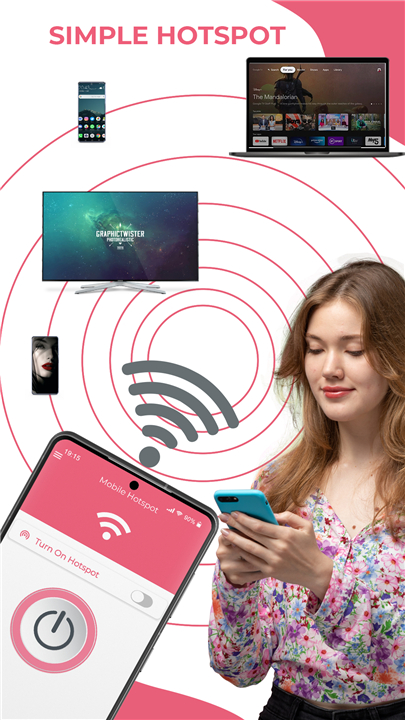
Easily share your internet connection with nearby devices by converting your smartphone into a secure mobile hotspot.
With the Mobile Hotspot app, you can instantly create a personal WiFi network, giving you full control over your shared connection.
Key Features
1. One-Tap Setup & Secure Sharing
• Set up your mobile hotspot in seconds—no complex configurations required.
• Share your connection with or without a password, and use the built-in widget for quick access to hotspot controls.
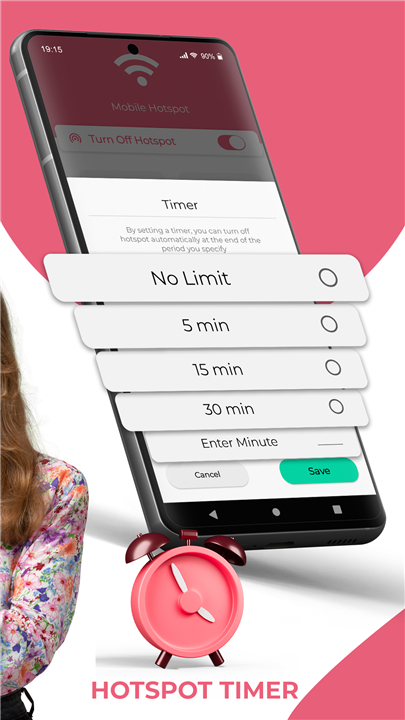
2. Customizable Timer
• Unlike other hotspot apps, Mobile Hotspot lets you set an automatic shutdown timer.
• Choose from predefined intervals (5, 15, or 30 minutes) or set a custom time limit.
3. Data & Battery Management
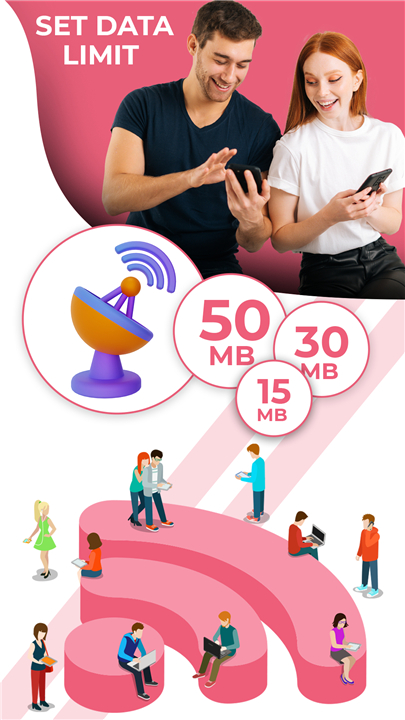
• Data Usage Control: Prevent unexpected overages by setting a data limit (50MB, 100MB, 150MB, or custom). The hotspot deactivates once the limit is reached.
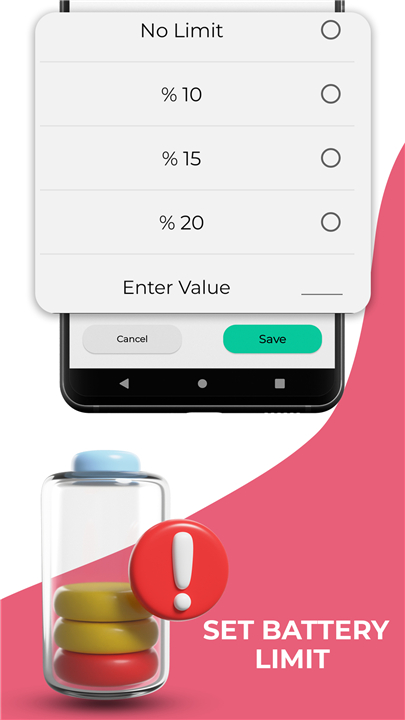
• Battery Protection: Extend your phone’s battery life by auto-disabling the hotspot when battery levels drop below a set threshold (10%, 15%, 20%, or a custom value).
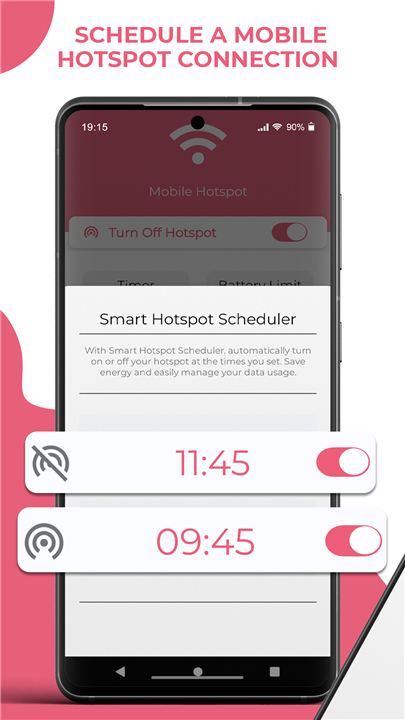
4. Scheduled Connectivity
• Plan ahead by scheduling your hotspot to activate or deactivate at specific times—perfect for routine sharing.
5. Speed Testing & QR Sharing
• Speed Test: Verify your connection speed within the app.
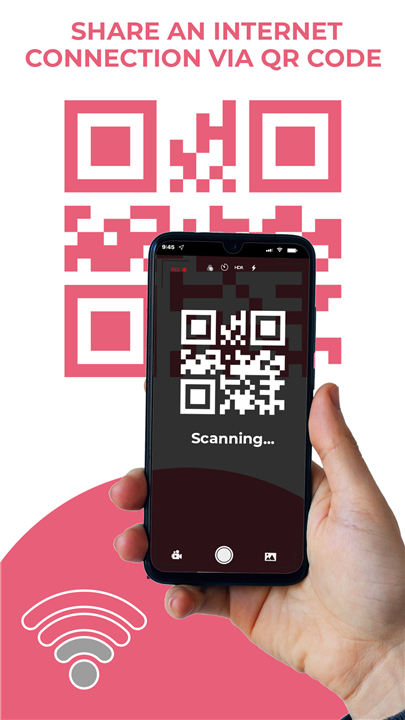
• QR Code Sharing: Securely share your hotspot via a scannable QR code—no password required.
6. Device Management
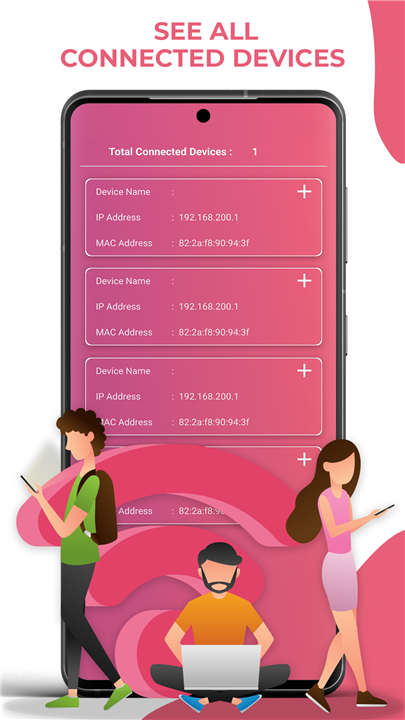
• Monitor all connected devices (smartphones, tablets, laptops) with visibility into their IP and MAC addresses.
• On Android 11+, you can also assign custom names to each device.
Additional Features
• Bluetooth, USB, and Ethernet tethering support
• Portable WiFi for both iPhone and Android devices
• Simple, fast, and stable performance
Download Mobile Hotspot Today
• Looking for a reliable, feature-packed hotspot app?
• Mobile Hotspot delivers seamless internet sharing with advanced controls—all for free.
Turn your phone into a portable WiFi hotspot—Download now!
FAQ
Q: Is my hotspot connection secure?
A: Yes! By default, it uses WPA2/WPA3 encryption, and you can also enable MAC filtering for extra protection.
Q: Can I set a time limit for my hotspot?
A: Absolutely! You can schedule a shutdown after 5, 15, or 30 minutes—or set a custom duration in the app’s timer settings.
Q: How does the data limit feature work?
A: Set a data cap (e.g., 100MB or custom amount)—once reached, the hotspot automatically turns off to prevent exceeding your mobile plan.
Version History
v1.9.5——19 Aug 2025
Tether your phone into a wi-fi hotspot that uses your mobile internet. Download the latest version of Mobile Hotspot to enjoy new features and updates immediately!
*1.9.5
Connected device feature has been added
*1.9.4
Connected device feature has been added
*1.9.2
Connected device feature has been added









Ratings and reviews
There are no reviews yet. Be the first one to write one.