
Wise PDF
Read, Manage, and Share PDFs Anywhere
• If you have been searching for a reliable, versatile, and efficient mobile application to view, organize, and share your PDF documents, Wise PDF is the ultimate answer.
• Designed as a complete mobile document solution, Wise PDF enables you to access, read, and manage your files anytime, anywhere—whether for work, study, or personal use.
Performance and Usability
• Built with speed and simplicity in mind, Wise PDF ensures smooth document handling without unnecessary delays.
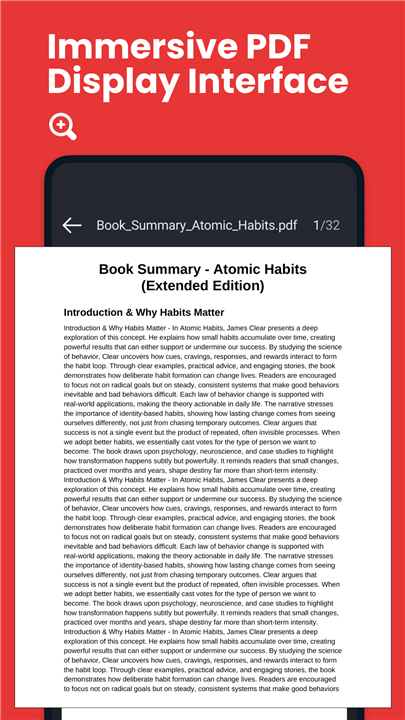
• Its clean and intuitive interface lets you:
+ Navigate through documents effortlessly with minimal learning curve
+ Enjoy rapid loading for PDFs of all sizes
+ Quickly locate tools and options without clutter or confusion
Key Advantages
1. Direct Device Access
• Instantly open and read any PDF stored locally on your phone or tablet
• No need for internet connection to view files
2. Broad Format Compatibility
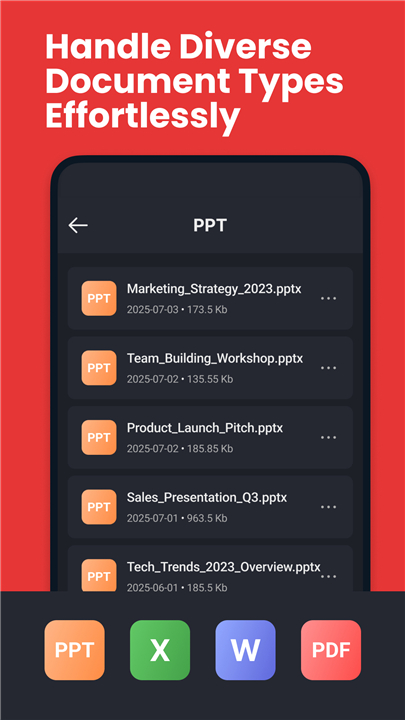
• Supports a wide range of popular file formats including PDF, DOC, PPT, and Excel
• Eliminates the need for multiple apps to handle different document types
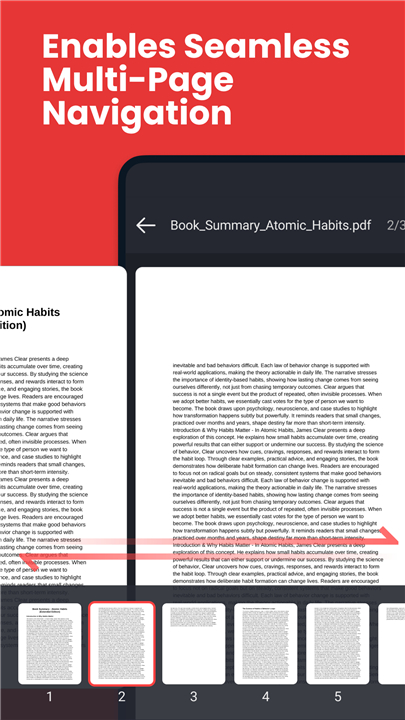
3. Fluid Navigation
• Swipe smoothly between pages for an uninterrupted reading experience
• Zoom in and out with responsive controls for detailed viewing
Beyond Viewing
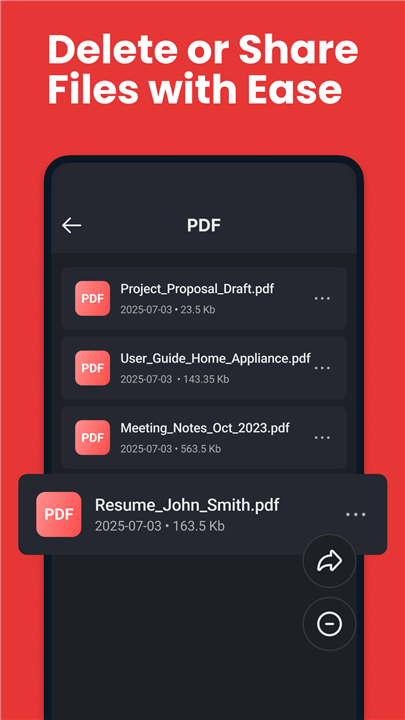
Wise PDF is not limited to just reading your files. With its integrated sharing functions, you can:
• Distribute PDF, DOC, PPT, and Excel files directly from your device
• Share with colleagues, clients, or friends instantly via supported channels
• Maintain document quality during transfers
Important for Android 11+ Users
To function at its full potential, Wise PDF requires MANAGE_EXTERNAL_STORAGE permission. This permission is:
• Essential for core features, including PDF previews
• Used solely for secure and necessary file management operations
• Not exploited for unrelated data collection
Download Wise PDF today and experience a faster, smarter way to manage, read, and share your documents on the go.
FAQ
Q: Do I need an internet connection to use Wise PDF?
A: No, you don’t. Once your files are saved on your device, Wise PDF allows you to open and read them without being connected to the internet. This makes it perfect for situations when you’re traveling, offline, or in areas with limited connectivity.
Q: Can Wise PDF handle file formats other than PDF?
A: Yes, absolutely. While PDFs are its main focus, Wise PDF also opens and manages DOC, PPT, and Excel files. This means you don’t need separate apps for different document types—it’s an all-in-one solution.
Q: Is the app easy to use for someone who isn’t very tech-savvy?
A: Definitely. Wise PDF was built with simplicity in mind, featuring a clean and intuitive interface. Even if you’re not particularly tech-savvy, you’ll find navigation straightforward, tools easy to locate, and reading controls simple to master.
Version History
v3.0.3——5 Nov 2025
Instant loading of your PDFs Download the latest version of Wise PDF - Read PDF to enjoy new features and updates immediately!
*3.0.3
Minor bug fixes and improvements. Install or update to the newest version to check it out!
*3.0.2
Minor bug fixes and improvements. Install or update to the newest version to check it out!
*2.0.0
Minor bug fixes and improvements. Install or update to the newest version to check it out!









Ratings and reviews
There are no reviews yet. Be the first one to write one.