

QR Create & Scan
Your All-in-One Digital Connectivity Companion
• In an increasingly fast-paced world, efficiency is the key to unlocking your potential.
• QR Create&Scan is meticulously designed to serve as your ultimate digital bridge, streamlining the way you interact with information.
• We have stripped away the clutter to provide a refined, high-performance toolkit that empowers you to scan, generate, and organize QR codes with unparalleled ease.
• Whether you are navigating daily tasks or managing professional workflows, our application ensures that information is always just a click away.
Scan Anything, Instantly
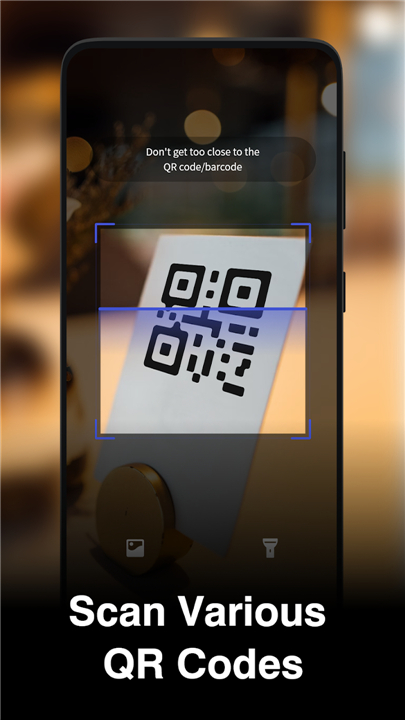
1. Live‑camera detection
• Point the camera at a QR code and the app recognises it in seconds, pulling out the embedded data without any extra taps.
2. Photo‑library support
• Got a QR image saved on your device?
• Import it and let the app decode it just as fast.
3. Automatic history log
• Every scan is stored automatically, so you can revisit results whenever you like, without hunting through menus.
Create QR Codes in a Flash
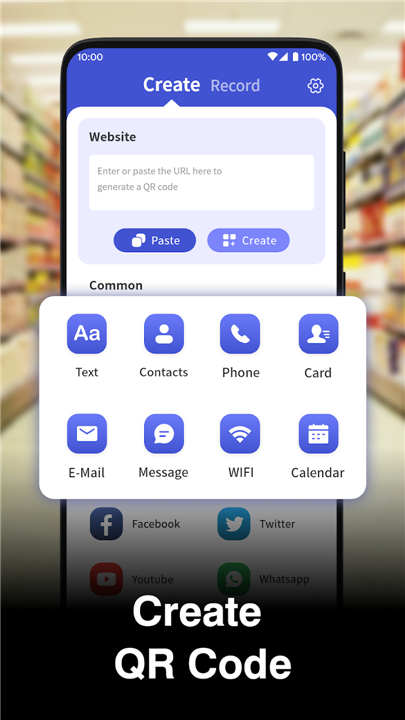
1. Multiple formats
• Generate QR codes for plain text, SMS, contact cards, phone numbers, email addresses, Wi‑Fi credentials, calendar events, and more.
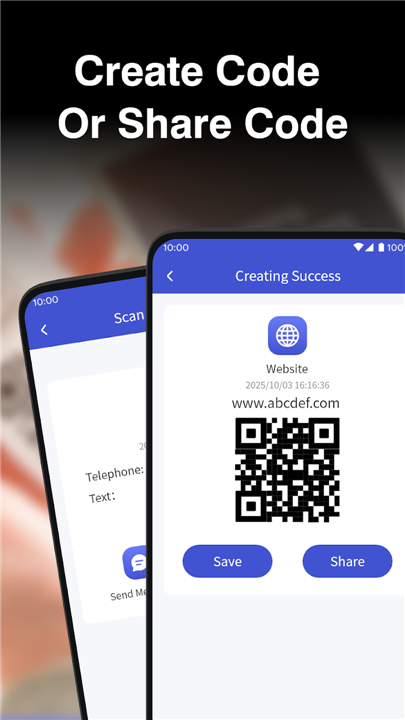
2. One‑tap save & share
• Save the new code straight to your photo album or share it immediately via any app—no fiddling with files.
Manage Your QR Data Effortlessly
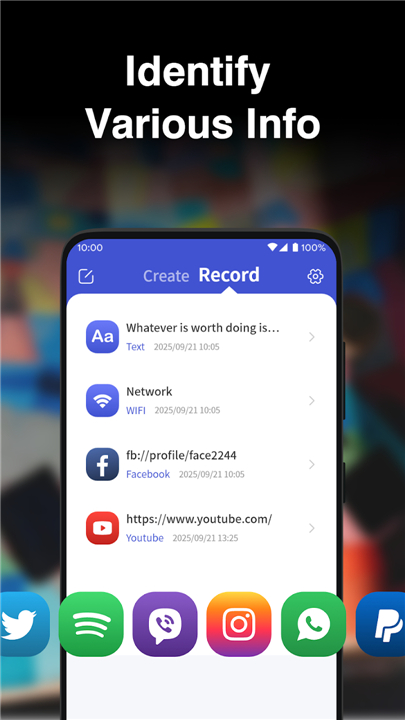
1. Categorized history
• Scans are grouped by type and content, giving you a clear overview of what you’ve scanned and created.
2. Quick‑action shortcuts
• Turn a saved contact into a QR code with a single tap, eliminating the repetitive steps of manual entry.
Your Everyday QR Companion
• QR Create & Scan turns QR‑code generation and reading into a smooth, intuitive experience—perfect for anyone who wants fast, trustworthy results without the clutter.
• Embrace a tool that lets you focus on what matters, while it handles the rest.
FAQ
Q: How do I scan a QR code using my camera?
A: Simply open the app and point your device’s camera at the QR code. The app features live-camera detection, meaning it will automatically recognize and decode the data instantly without you needing to press any additional buttons.
Q: Can I scan a QR code if I have a picture of it saved in my gallery?
A: Certainly. If you have an image containing a QR code saved on your device, you can easily import that photo into the app. It will process and decode the image just as quickly as if you had scanned it live.
Q: Will I lose access to the information I have scanned once I close the app?
A: Not at all. The app includes an automatic history log that saves every scan you perform. You can return to this log at any time to review your past results without having to search through complicated menus.
Version History
v1.3.0——18 May 2026
Scan and create QR codes instantly with QR Create & Scan. Generate codes for Wi-Fi, contacts, and more with live detection and history logs. Download the latest version of QR Create&Scan to enjoy new features and updates immediately!
*1.3.0
Minor bug fixes and improvements. Install or update to the newest version to check it out!











Ratings and reviews
There are no reviews yet. Be the first one to write one.