

CPU Monitor - temperature APK
11.10.6
CPU Monitor - temperature
CPU Monitor - temperature APK
Download for Android
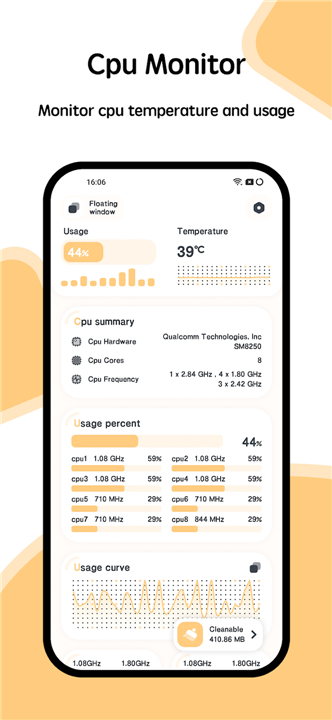
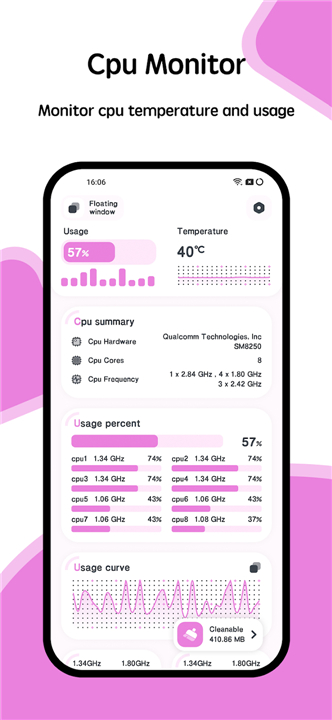
CPU Monitor - temperature
Overview
• CPU Monitor is an advanced, aesthetically pleasing diagnostic tool designed for Android devices.
• It provides a comprehensive suite of utilities to track system performance, ensuring your device operates at peak efficiency.
Key Features:
1. CPU Monitoring
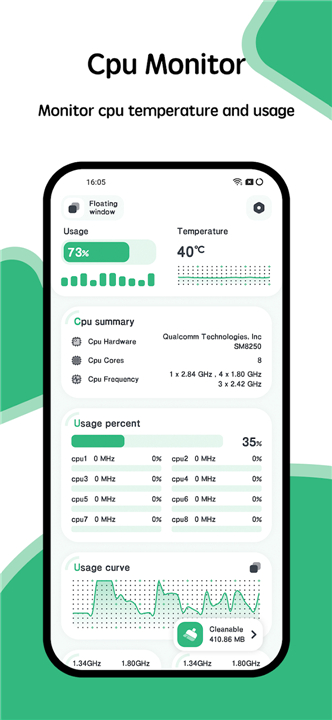
• Track your processor's real-time temperature and frequency.
• The app includes support for multi-core architectures and provides analytical history logs to help you identify performance patterns and thermal spikes.
2. Comprehensive Device Information
• Access a deep dive into your hardware and software specifications.
• This includes detailed reports on your CPU model, system architecture, hardware components, and screen resolution, ensuring you have the technical data you need at your fingertips.
3. Floating Overlay Window
• Stay informed without interrupting your workflow.
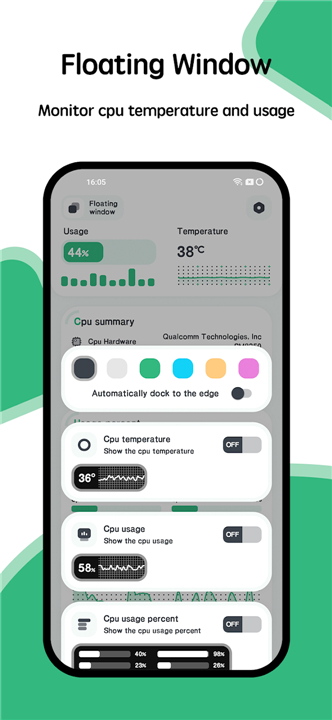
• The customizable floating window displays live data, including current CPU temperature, battery heat levels, and active RAM usage, sitting directly on top of your other applications.
4. Desktop Widgets
• Monitor your system status directly from your home screen.
• The app offers dedicated widgets for CPU, RAM, and battery status, providing a quick glance at your device’s vitals without needing to open the main application.
5. Visual Customization
• Personalize your user experience with an extensive selection of interface themes.
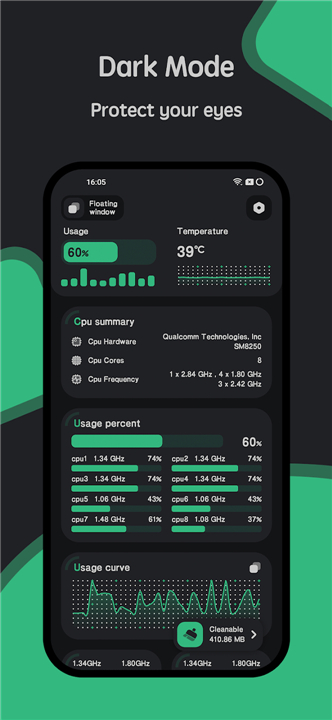
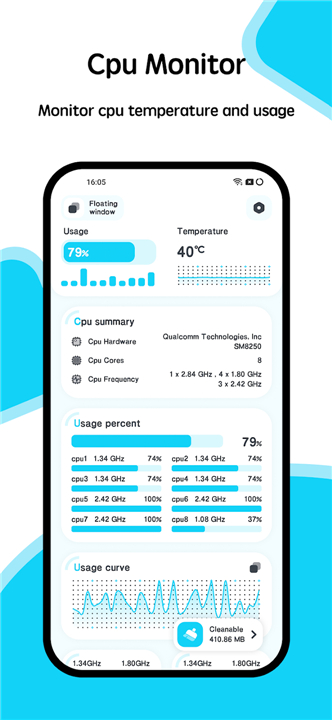
• CPU Monitor is built with a modern, elegant design language, allowing you to switch between various color schemes to match your personal aesthetic preferences.
This all-in-one solution
• Perfect for power users, gamers, and anyone managing battery life who requires constant visibility into their hardware performance.
• By consolidating device analytics into one lightweight, intuitive interface, CPU Monitor serves as the ultimate companion for Android system health management.
FAQ
Q: How does the app help me track my processor’s thermal behavior?
A: You can monitor your CPU's temperature in real-time through the main dashboard. The app also generates analytical history logs, which allow you to identify specific patterns or thermal spikes that may be occurring during heavy usage.
Q: Is the CPU Monitor suitable for multi-core processors?
A: Absolutely. The application is built to support modern multi-core architectures, ensuring that you receive accurate, per-core performance data rather than just an overall average.
Q: Can I monitor my system stats while using other apps?
A: Yes, you can use the floating overlay window feature. This customizable window sits on top of your other apps, providing live readings for CPU temperature, battery heat, and RAM usage without requiring you to switch between applications.
Version History
v11.10.6——29 Jun 2026
Monitor the CPU temperature and frequency real time Download the latest version of CPU Monitor - temperature to enjoy new features and updates immediately!
*11.10.6
Major Updates:
1. Added various desktop widgets
2. Fixed known issues
*11.10.5
1. Optimized the display of CPU temperature curve
2. Fixed incorrect display of CPU usage percentage
3. Optimized the guide page for floating window permissions
4. Upgraded target API to API 36
*11.10.4
1. Optimized app fluency and fixed ANR issues
2. Improved guidance for solutions to floating windows being closed by the system
3. Fixed known issues and crashes











Ratings and reviews
There are no reviews yet. Be the first one to write one.