

Mouse Link - Remote PC Mouse APK
5.0.5
Mouse Link - Remote PC Mouse
Mouse Link - Remote PC Mouse APK
Download for Android
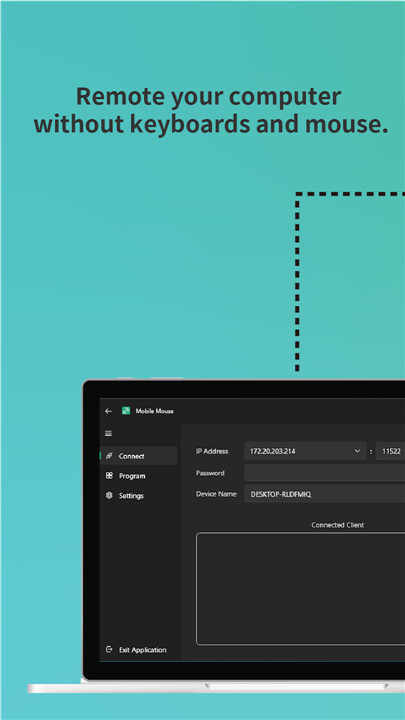

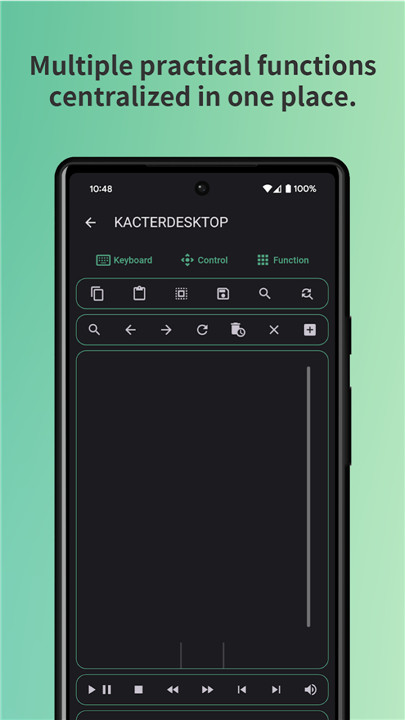
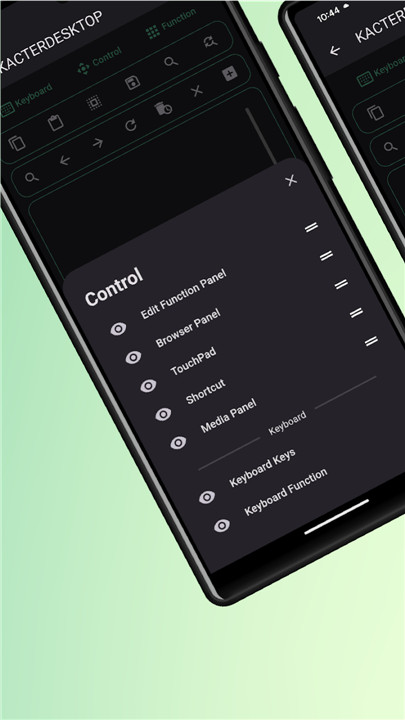

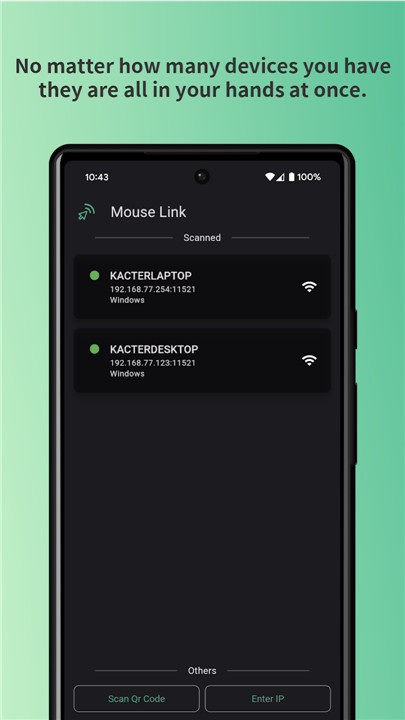
Are you struggling to get a good connection with your wireless keyboard and mouse? Do you have several computers to manage but prefer not to invest in multiple sets of peripherals? Or perhaps it's just too cumbersome to navigate your mouse while lounging on the sofa?
With just a smart device like your smartphone or tablet, you can effortlessly control your computer. As long as you have a Wi-Fi connection, signal issues will be a thing of the past. Now, kick back on the sofa and relish the ease of Mouse Link!
Key Features:
- User-friendly, sleek, and visually appealing interface
- Manage all your devices from a single mobile phone, no matter how many you have
- Enjoy Wi-Fi wireless transmission, eliminating concerns about distance
Touchpad Functionality:
- Navigate your mouse using multi-finger gestures
- Designed for comfortable use with either hand
- Includes side mouse buttons for quick navigation back to the previous page
- Activate presentation mode to turn your phone into a presentation tool
- Experience the liberation of wireless control as your device becomes a dynamic air mouse.
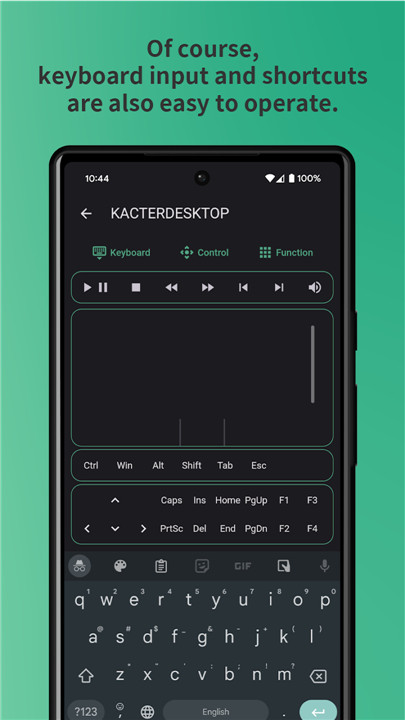
Keyboard Capabilities:
- Functions just like a traditional keyboard
- Personalize your own shortcut keys for added convenience.
Presentation Mode:
- Eliminates the need for presentation remotes, allowing seamless slide navigation.
- Features a focus mode that acts as a substitute for a laser pointer, keeping the audience captivated by the material.
Multimedia Control:
- Easily play, skip, or go back to songs with a single click.
- Use volume keys for direct control over your computer's sound levels.
Computer Control:
- Enjoy a more relaxed web browsing experience with browser control.
- Launch your favorite applications with just one click.
- Manage file editing tasks like copy, paste, archive, select all, search, and replace.
- Control your computer's shutdown, restart, sleep, and user logout functions.
- Transfer text and images between your phone and computer using the clipboard.
Getting Started
1. Download and install the PC application (https://mouselink.app/)
2. Grant the application permission to bypass your computer's firewall.
3. Ensure your computer and mobile device are connected to the same network.
4. Begin enjoying the benefits of Mouse Link!
FAQ
Q: What is Mouse Link and how does it work?
A: Mouse Link is a smart device application that allows you to control your computer using your smartphone or tablet. By connecting both devices to the same Wi-Fi network, you can navigate your computer, manage applications, and control multimedia functions wirelessly.
Q: Can I use Mouse Link with multiple devices?
A: Yes! Mouse Link allows you to manage all your devices from a single mobile phone. You can easily switch between different computers without needing multiple sets of peripherals.
Q: What features does Mouse Link offer for presentations?
A: Mouse Link includes a presentation mode that replaces traditional presentation remotes. You can navigate between slides, use focus mode instead of a laser pointer, and keep your audience engaged with interactive controls.
-----------------
What's New in the Latest Version 5.0.5
Last updated on Nov 10, 2024
Easy use your device to remote your Mouse and Keyboard Download the latest version of Mouse Link - Remote PC Mouse 5.0.5 to enjoy new features and updates immediately!
* Please update the desktop version to the latest version (v5.0.0 or above).
Add presentation focus mode
Add air mouse









Ratings and reviews
There are no reviews yet. Be the first one to write one.