

How Does Brainscape Work?
Brainscape’s intelligent study system is grounded in decades of research on how people learn best. Here’s a breakdown of how it enhances your study sessions:
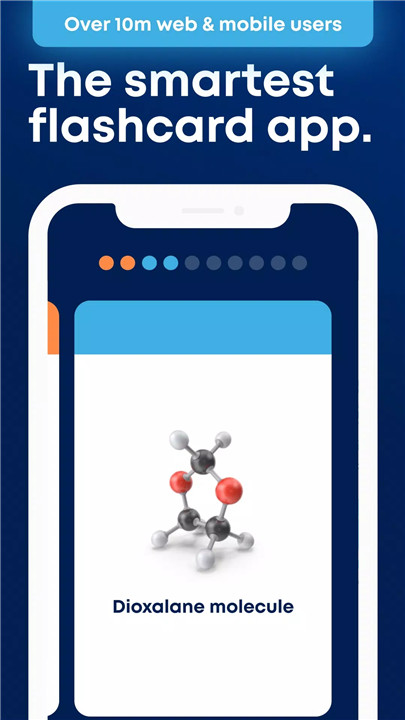
Active Recall: Each flashcard presents a question and an answer, prompting you to retrieve information from memory, which strengthens your recall abilities.
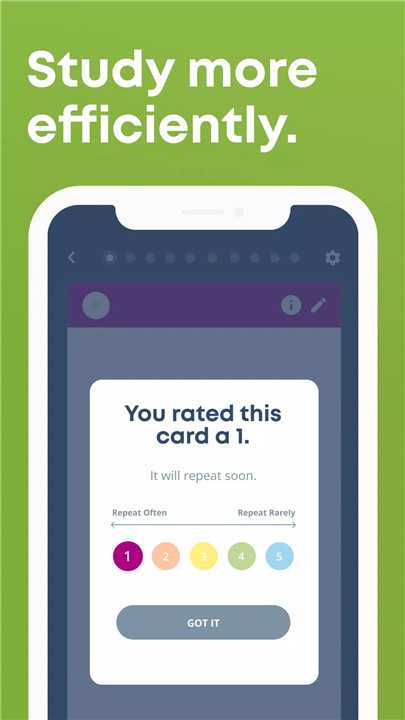
Self-Assessment: After each recall attempt, you rate your confidence on a scale from 1 to 5. This rating helps Brainscape adjust the frequency of review for each flashcard based on how well you know the information.
Spaced Repetition: Brainscape uses your self-assessment to schedule flashcards at optimal intervals. If you know a card well, it will appear less often; if you struggle with it, it will show up more frequently until you’ve mastered it.
This combination of active recall, self-assessment, and spaced repetition is scientifically proven to make your study sessions more effective and efficient.
Where Do Brainscape’s Flashcards Come From?
Brainscape’s extensive collection of flashcards comes from three main sources:
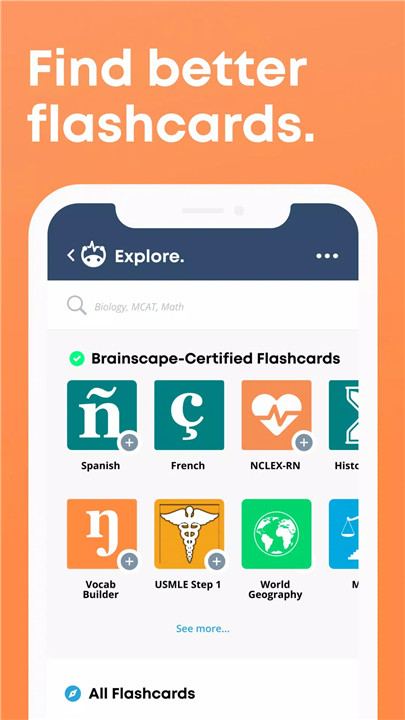
Top Experts: We collaborate with leading publishers, educational institutions, and educators to provide high-quality, certified flashcards for a range of subjects, including foreign languages, high-stakes exams like the AP series, MBE (bar exam), Series 7, NCLEX, MCAT, and more.
Your Peers: Over 1 million subjects created by students, professors, teachers, and businesses are available on Brainscape’s Knowledge Genome. This community-driven content adds a wealth of diverse study materials to our platform.
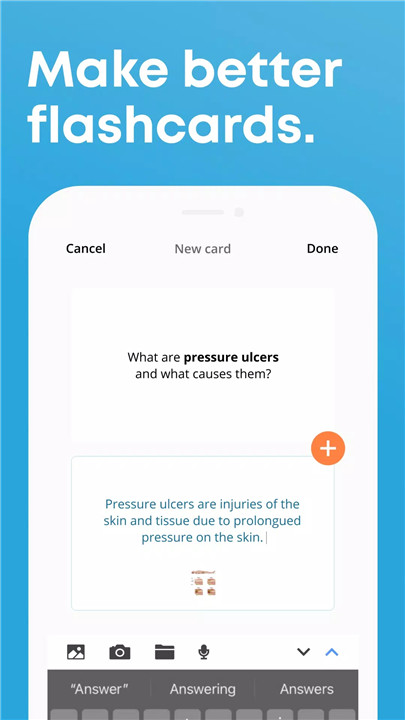
You: Brainscape allows you to create and organize thousands of multimedia flashcards, including text, images, and audio files. You can build and share your decks with others or collaborate on content creation.
Why Download Brainscape?
Here are some compelling reasons to choose Brainscape:
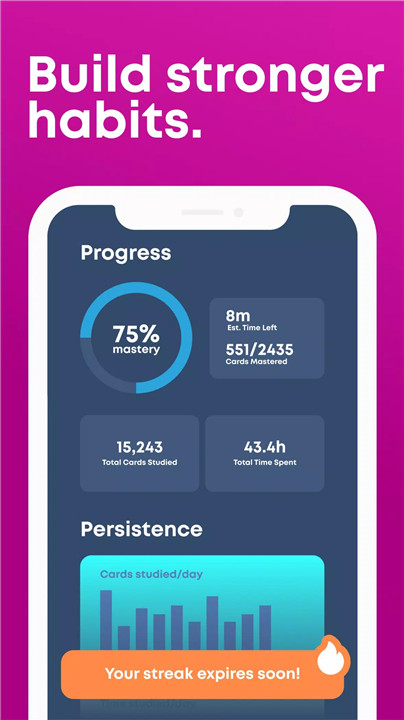
Efficiency: Our system cuts down on study time by using scientifically backed techniques to improve retention and recall.
Flexibility: Access and create flashcards on any device—whether you’re on your phone, tablet, or computer.
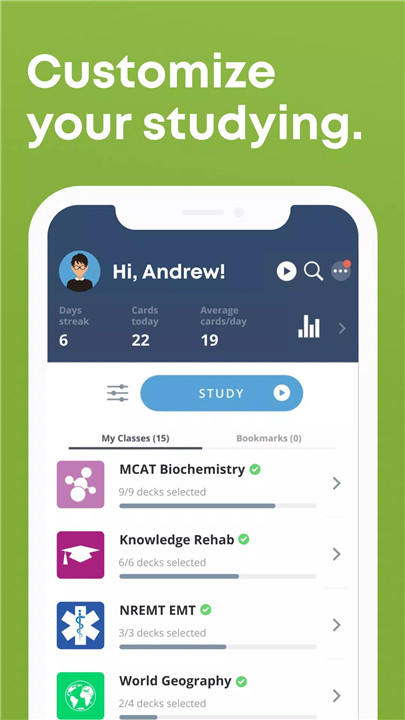
Customization: Tailor your study experience by creating your own flashcards or using ones made by experts and peers.
Organization: Keep your study materials neatly organized and synchronized across all your devices.
How Much Does Brainscape Cost?
Brainscape offers various pricing options to suit your needs:
Free: Create and share text-based flashcards at no cost.
Pro: For unlimited access to all user-generated and expert-curated content, along with features like bookmarks and card reversibility, you can upgrade to Pro. Pricing is:
Monthly: $19.99
Every 6 Months: $59.99
Annually: $95.99
Lifetime Access: For a one-time payment of $199.99, you can unlock lifetime access to Brainscape’s full range of features and content.
FAQ
1. Can I use Brainscape offline?
Yes, Brainscape allows you to access your flashcards offline, ensuring that you can study even when you don’t have an internet connection.
2. How do I cancel my subscription?
You can cancel your subscription at any time by going to Account Settings. Your cancellation will take effect after the current subscription period ends.
3. Are my flashcards private?
Yes, you can choose to keep your flashcards private or share them with others. You have full control over who can see and access your content.
4. Can I collaborate with others on flashcard decks?
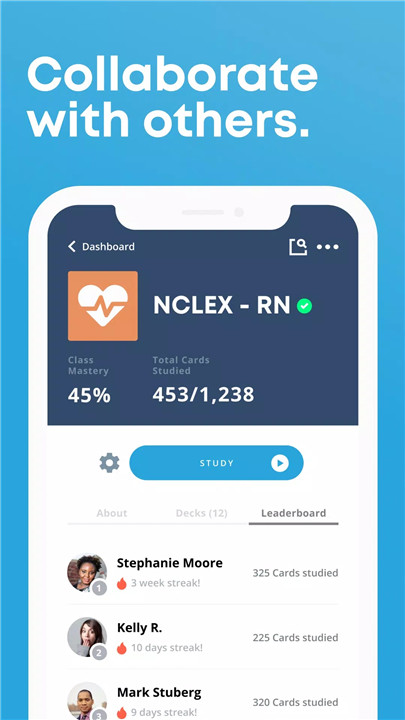
Absolutely! Brainscape enables collaborative content creation, so you can work with classmates, colleagues, or friends on shared study materials.
5. How do I create flashcards?
You can create flashcards on Brainscape’s website or within the app. Simply choose to create a new deck, add your questions and answers, and customize with images or audio as needed.
What's New in the Latest Version 4.20240821.14
Last updated on Aug 27, 2024
Wondering what's new in this edition of the world's best flashcard app?
- AI card creation! While you may already love the recently-added ability to paste / import pre-existing flashcards into Brainscape, you may now choose "Tell AI What I Want." (Example: "Make me 15 flashcards on the pituitary gland.")









Ratings and reviews
There are no reviews yet. Be the first one to write one.