

Cast to TV: Mirror Screen APK
3.11
Cast to TV: Mirror Screen
Cast to TV: Mirror Screen APK
Download for Android
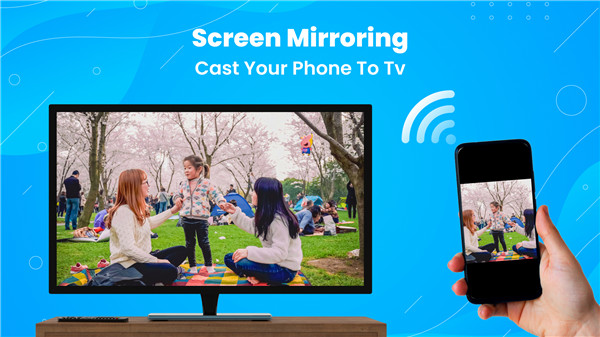
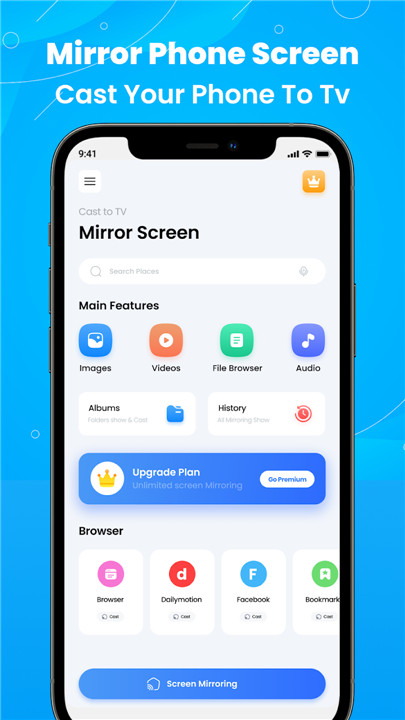
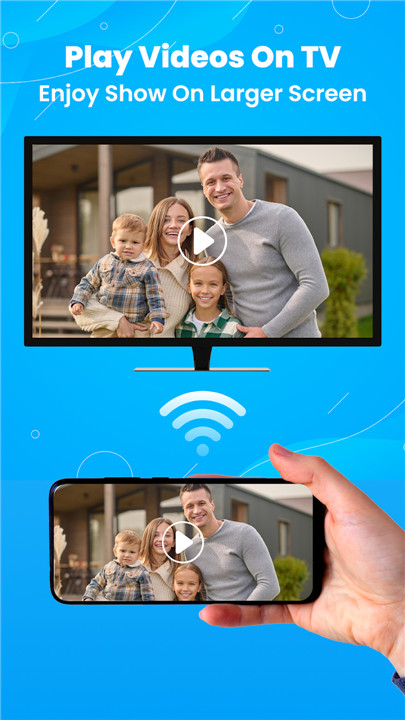
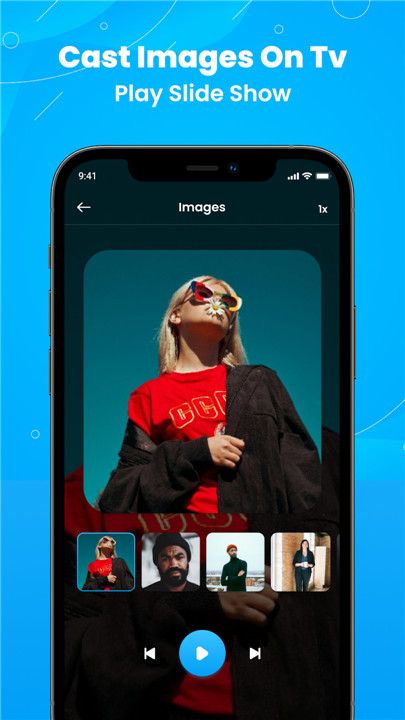
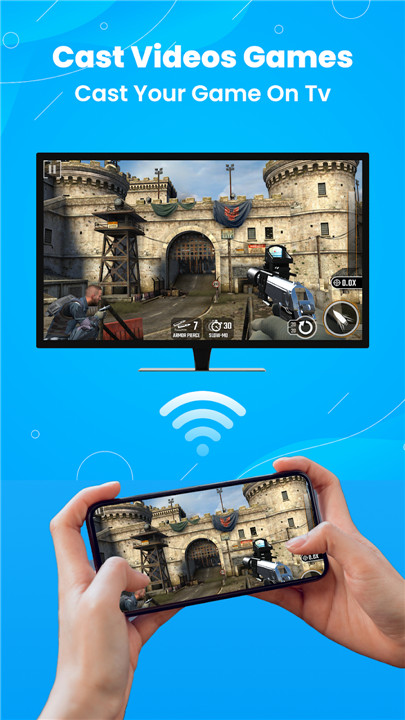
Check out Cast to TV: Mirror Screen, Chromecast, a cool app that lets you share movies, videos, music, and photos from your phone to your TV for a bigger viewing experience. Basically, with this casting app, you can also mirror your screen, making it easy to share fun moments with family and friends. Plus, if you want to cast from your web browser, the web video caster feature has got you covered. Just connect your Chromecast and mobile device to the same Wi-Fi network, and you’re all set to enjoy movies, party videos, music, and photos on the big screen with everyone.
Simple and efficient
Don’t forget, this app is super user-friendly and doesn’t require any extra streaming devices. You can even use it to mirror your screen for gym workouts or presentations, making everything more engaging on a larger display. The web video caster feature really makes a difference, especially when you want to avoid straining your eyes on a small screen. So, go ahead and install the mirror app to start casting your phone to the TV and enjoy all your favorite content in style!
Big Screen, Bigger Experience
You can save your eyes from staring at a small screen by using screen casting to enjoy movies and TV shows on a big screen with your friends and family. Download Smart Cast, a reliable app for TV mirroring and screen sharing! With this app, you can also browse online videos and stream sports matches or any other content you want on your big TV. It works great with Chromecast and lets you cast movies and music from your phone to your TV, just like other Chromecast apps.
Here’s how to use our app:
- Make sure your mobile device and Chromecast are connected to the same Wi-Fi network.
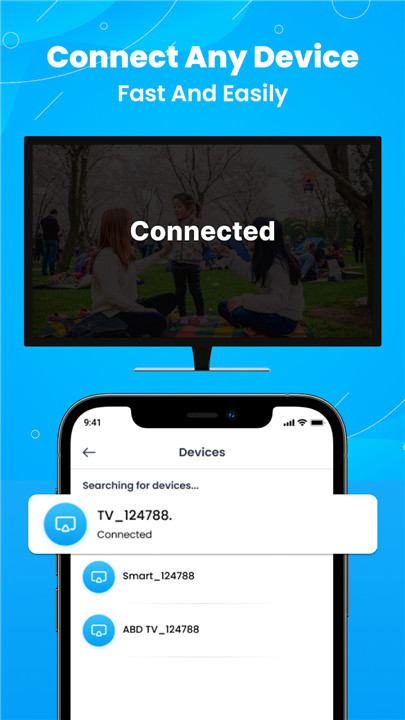
- Launch the casting app, search for devices, and select your Chromecast to connect.
- Choose movies, videos, photos, or PDFs from your gallery to cast.
- Plus, it has a screen mirroring feature to stream your mobile screen to the Chromecast device.
FAQ
Q: Is "Cast to TV: Mirror Screen" free-to-use?
A: Yes, "Cast to TV: Mirror Screen" is free-to-use and contain in-app purchases.
Q: Which Android version is required?
A: Android 7.0 and above is required.
Q: If I encountered problem with the app, can I provide feedback?
A: We’d love to hear your thoughts! Feel free to contact us.
-----------------
What's New in the Latest Version 3.11
Last updated on Nov 6, 2024
Mirroring cast TV screen connects to phone and tablet for the big display. Download the latest version of Cast to TV: Screen Mirroring 3.11 to enjoy new features and updates immediately!
fixed crashes and anr









Ratings and reviews
There are no reviews yet. Be the first one to write one.