

Mivora AI-Video & Image Maker APK
1.26.0430
Mivora AI-Video & Image Maker
Mivora AI-Video & Image Maker APK
Download for Android
Mivora AI-Video & Image Maker
Elevate Your Visual Storytelling
• Mivora AI is an all-in-one creative suite designed to transform your everyday photographs into professional-grade masterpieces.
• By blending intuitive technology with artistic flair, Mivora allows you to refine, reimagine, and reinvent your digital library in seconds.
Motion and Animation
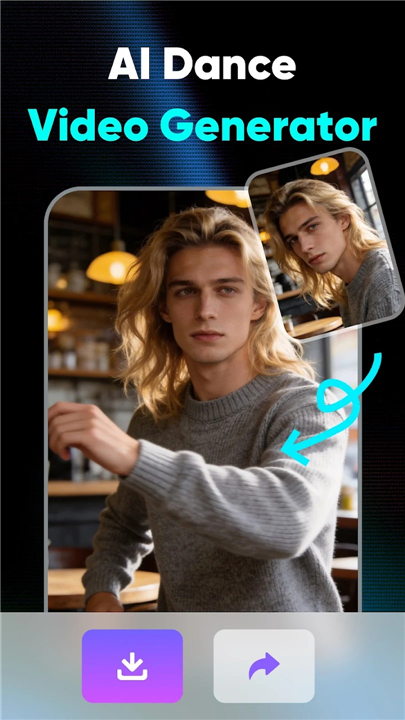
• AI Dance Generator: Breathe life into static portraits by converting poses into dynamic, viral-ready dance animations.
Intelligent Object Manipulation
• AI Add Object: Seamlessly integrate new props or creative elements into your photos with a single tap.
• AI Replace: Effortlessly swap out items, clothing, or specific details using smart replacement technology.
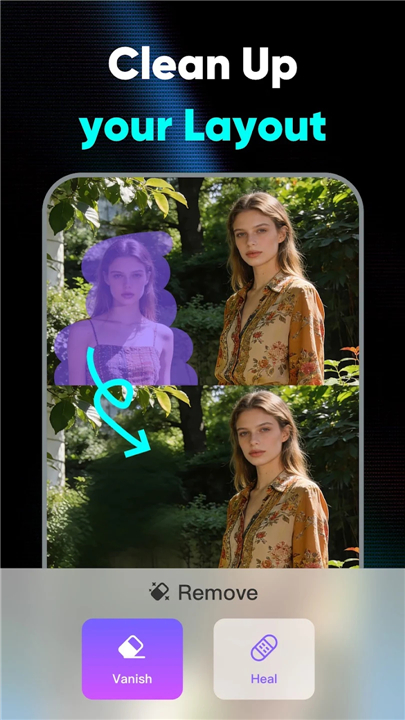
• AI Remove Object: Achieve a clean, distraction-free composition by erasing unwanted people or photobombers with surgical precision.
Background Mastery
• AI Background Removal: Instantly isolate your subject for a sleek, professional aesthetic.
• AI Background Changer: Transport your images to new worlds by swapping environments for custom scenes or artistic templates.
Visual Enhancement and Quality
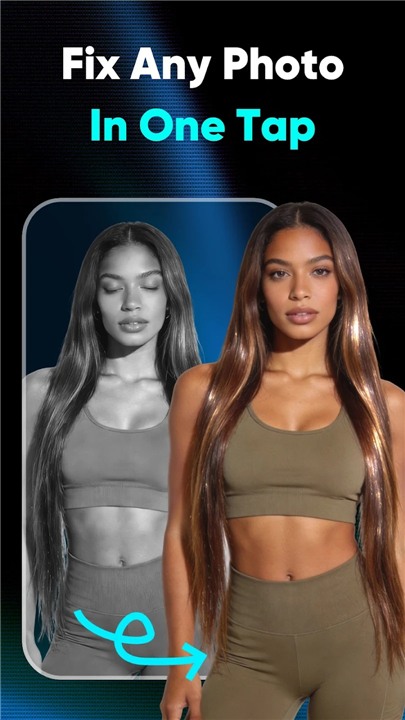
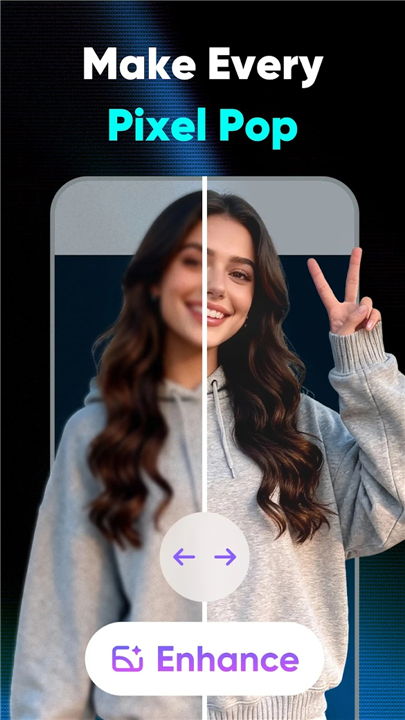
• AI Photo Enhancer: Restore clarity to blurry or low-resolution images, upscaling them to stunning high-definition.
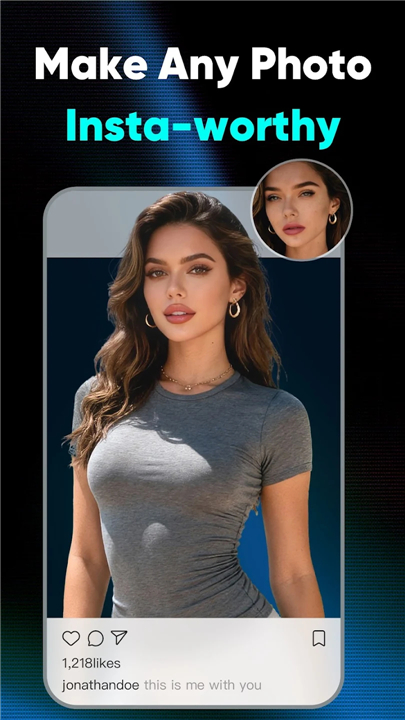
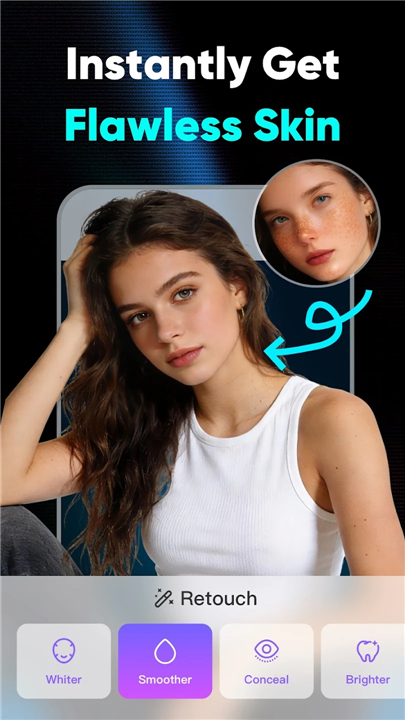
• Creative Styles and Filters: Access over 100 unique artistic styles and portrait features to ensure every post is social-media ready.
Unlock your creative potential
• Turn every snapshot into a work of art.
• Mivora AI provides a comprehensive solution for all your editing needs, eliminating the requirement for multiple apps.
Contact and Support
• Feedback: ziwei51168@gmail.com
• Terms of Use: https://picaura.aiscanner.cc/termsuse.html
• Privacy Policy: https://picaura.aiscanner.cc/policy.html
FAQ
Q: How does the AI Dance Generator work?
A: The Dance Generator first analyses the pose and key landmarks of a still portrait. It then synthesizes a short animation that maps those landmarks onto a choreographed movement pattern. The result is a lively, share‑ready clip that feels like the subject is actually dancing. The whole process runs on‑device in the cloud, so you receive the final video in under a minute.
Q: Can I add objects to my picture without any design experience?
A: Absolutely. By selecting the AI Add Object button, you can choose from a library of props, accessories, or custom graphics. After you place the item where you want it, Mivora’s neural network automatically matches lighting, perspective, and shadows, making the new element look like it belongs in the original scene.
Q: What is the difference between “AI Replace” and “AI Remove Object”?
A: AI Replace lets you swap an existing element – such as a piece of clothing, a background item, or a small object – with something else from the built‑in catalog or your own upload. The algorithm analyses the target’s shape and texture to blend the replacement seamlessly. AI Remove Object, on the other hand, erases unwanted parts of the photo (like a photobomber or a stray sign) and fills the gap with a context‑aware reconstruction of the surrounding area, leaving no trace of the removal.
Version History
v1.26.0430——13 May 2026
AI Video Generator, Remove backgrounds, edit photos, retouch images Download the latest version of Mivora AI-Video & Image Maker to enjoy new features and updates immediately!
*1.26.0430
Minor bug fixes and improvements. Install or update to the newest version to check it out!
*1.26.0403
Minor bug fixes and improvements. Install or update to the newest version to check it out!
*1.26.0325
Minor bug fixes and improvements. Install or update to the newest version to check it out!











Ratings and reviews
There are no reviews yet. Be the first one to write one.