

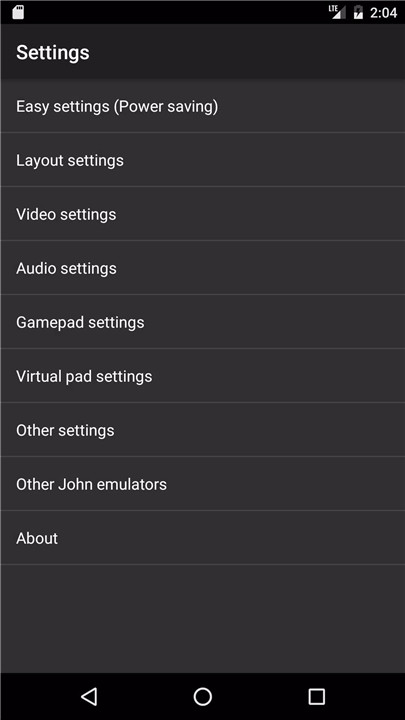
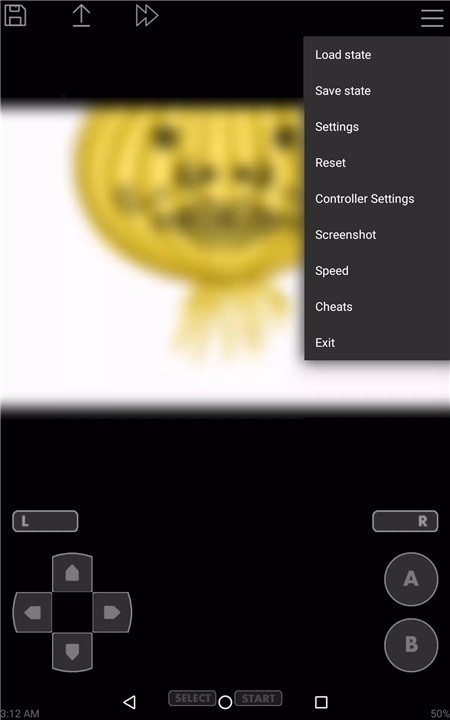
John GBA Lite is a powerful and versatile Game Boy Advance (GBA) emulator designed specifically for Android devices running version 6.0 or higher. This emulator brings the excitement of GBA games to your fingertips, allowing you to enjoy thousands of iconic games directly on your smartphone or tablet.
Note: this app requires you to provide your own game files to play.
Original GBA Engine
John GBA Lite runs on the original GBA engine, offering an authentic gameplay experience that mimics the feel of the actual Game Boy Advance console. This ensures that the performance and gameplay are as close as possible to the real thing, providing a seamless retro gaming experience on your Android device.
Cheats Support
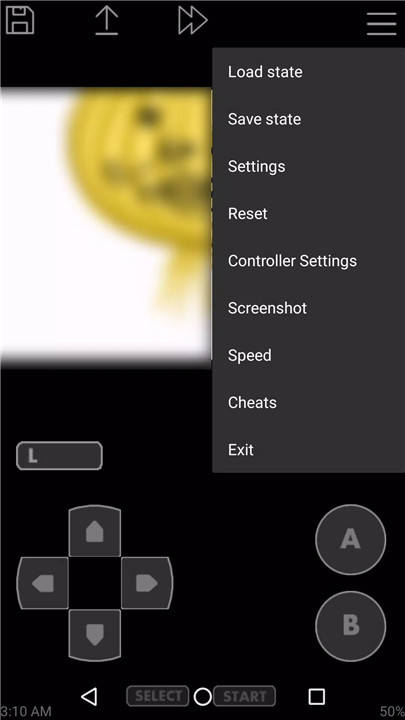
The emulator supports various cheat codes such as Raw, GameShark, and CodeBreaker. This allows you to unlock hidden features or make your gaming experience more exciting by using cheats in your favorite games.
High-Quality Rendering
John GBA Lite offers high-quality rendering, ensuring that the graphics look crisp and clear on your Android device. This feature enhances your gaming experience, making the visuals look sharp while maintaining the classic GBA style.
Search Game Files in SDCard & Internal Storage
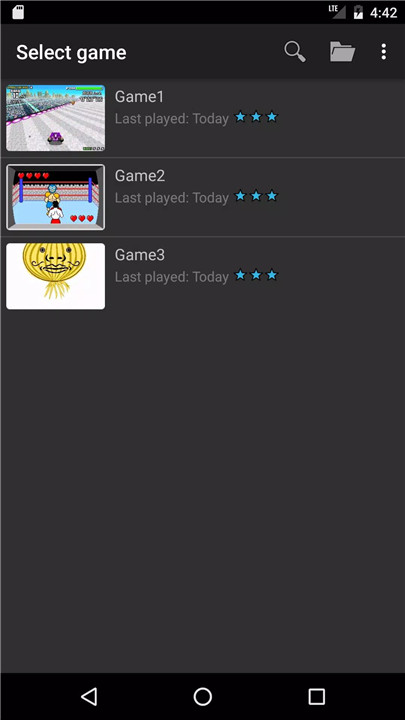
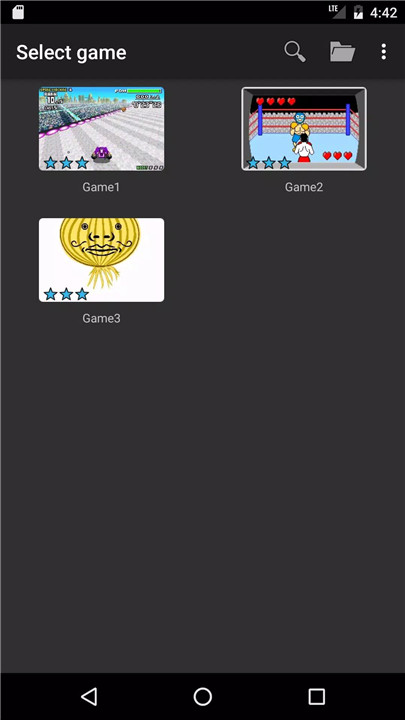
The app makes it easy to find and load your game files by automatically scanning both your SDCard and internal storage. You can quickly locate the GBA files you've downloaded and start playing without any hassle.
Virtual On-Screen Keypad
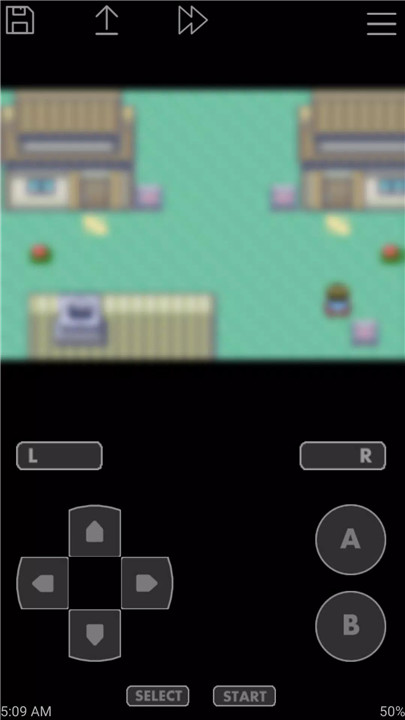
John GBA Lite provides a fully customizable on-screen virtual keypad. This lets you adjust controls to suit your preferences, giving you full flexibility to configure the buttons just the way you like.
Save States with Previews
The app supports save states, allowing you to save and resume your progress at any point in the game. With preview thumbnails, you can quickly see where you left off and jump right back into your game.
Turbo Buttons & Fast Forward/Slow Down
John GBA Lite includes turbo buttons for fast-paced action and a fast forward/slow down feature (ranging from x0.25 to x16) for adjusting game speed. This is perfect for speeding through repetitive sections or slowing things down for a more relaxed gaming session.
Controller Support
You can also connect Bluetooth or MOGA controllers for a more authentic experience. This feature is especially useful if you prefer physical controls over the on-screen keypad.
Dropbox Support
With Dropbox support (via John DataSync), you can easily back up and sync your saved data across devices, ensuring you never lose your progress.
FAQs
1. How do I play games on John GBA Lite?
You must provide your own GBA game files, which you can download online. The app will automatically detect these files and add them to your game library for easy access.
2. Does John GBA Lite support cheats?
Yes! John GBA Lite supports cheats such as Raw, GameShark, and CodeBreaker, allowing you to enhance your gaming experience with various codes.
3. Can I customize the controls in John GBA Lite?
Absolutely! John GBA Lite provides a virtual on-screen keypad that is fully customizable, so you can adjust the controls to your liking.
4. Is there a way to save my game progress?
Yes! John GBA Lite includes save states with preview thumbnails, letting you save your game at any point and easily resume where you left off.
5. How can I remove ads in the app?
To remove ads in John GBA Lite, you can purchase the full version, "John GBA," which offers an ad-free experience.
Version History
v4.13—28 Feb, 2025
Last updated on Feb 28, 2025
-Added support for Android 15
-Added notifications for Android 14 or later
-Added layout feature for different screen resolutions (For foldable devices)
-Added import file feature (v2.13)
-Improved usability (v2.13)
-Fixed bugs
v4.12—22 Feb, 2025
-Added support for Android 15
-Added notifications for Android 14 or later
-Added layout feature for different screen resolutions (For foldable devices)
-Fixed bugs
v4.11—25 Feb, 2024
Feb 25, 2024
-optimized for Android14
(Notification icon does not appear on Android14)
-enabled multi-window mode
-changed and optimized UI
-changed default layout
-fixed many layout bugs
-fixed many ANR and crash bugs









Ratings and reviews
There are no reviews yet. Be the first one to write one.