

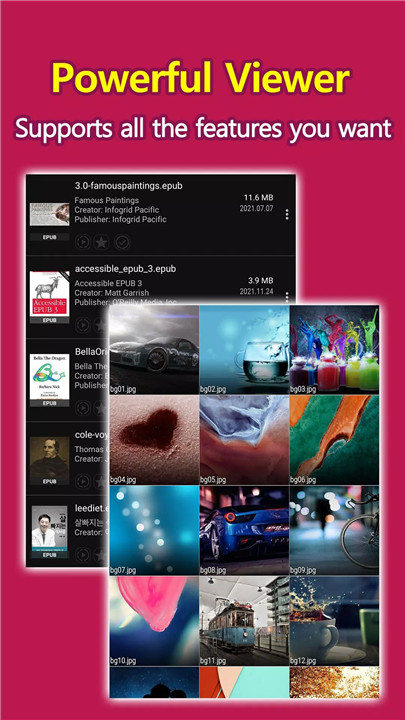
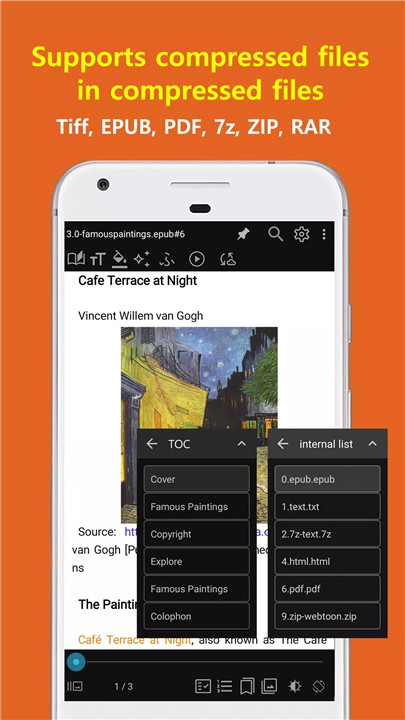
Welcome to EasyViewer, the versatile file viewer app designed to elevate your reading experience. Choose between our ad-supported version or the ad-free option, EasyViewer caters to all your file viewing needs. Enjoy seamless synchronization across devices, allowing you to pick up right where you left off. Install EasyViewer - your go-to solution for reading and managing documents.
Why Download EasyViewer?
Comprehensive File Sync Support
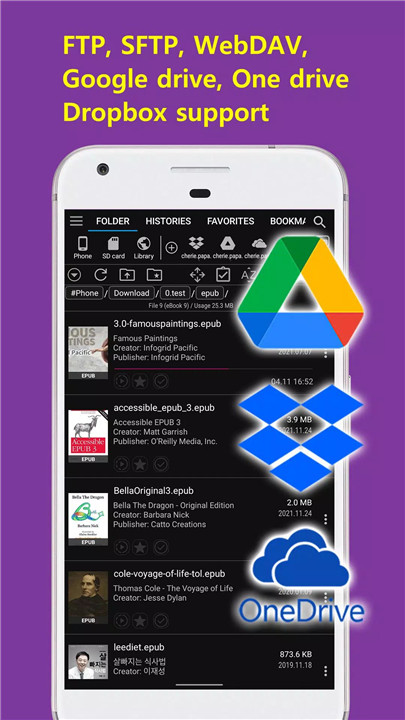
EasyViewer ensures that you can view your files in the same position on any device. With support for platforms like Google Drive, Dropbox, OneDrive, FTP, and SFTP, your documents are always within reach.
OPDS Network Library Support
Access a multitude of network libraries from around the globe. EasyViewer’s OPDS support makes it easy to explore diverse reading materials and expand your library effortlessly.
Versatile Document Conversion
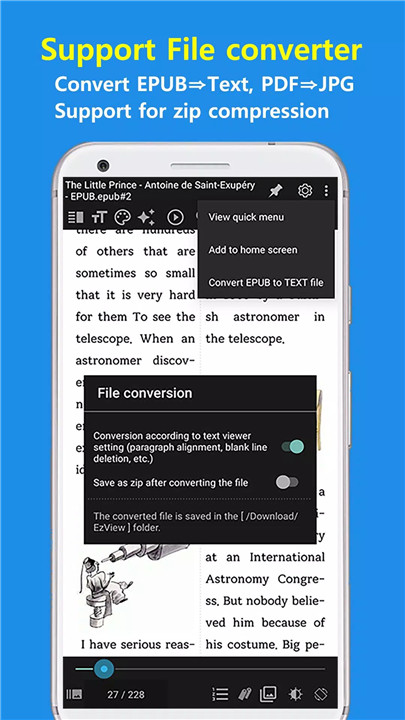
Easily convert EPUB files to text and PDFs to JPG images. With features like zipping converted files to save space, EasyViewer makes document management straightforward and efficient.
User-Friendly Features
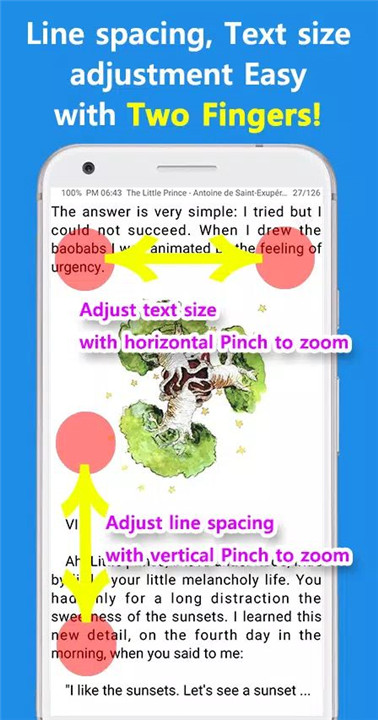
With automatic image detection and a one-touch operation mode, EasyViewer offers a seamless experience. Enjoy features like forced line break conversion and a customizable title list, enhancing readability.
Full E-Book Support
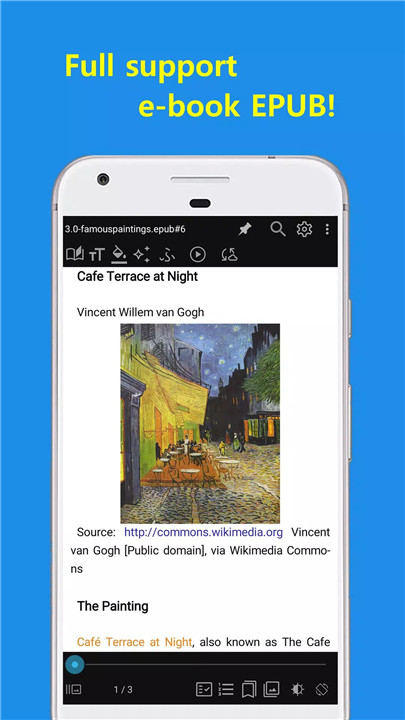
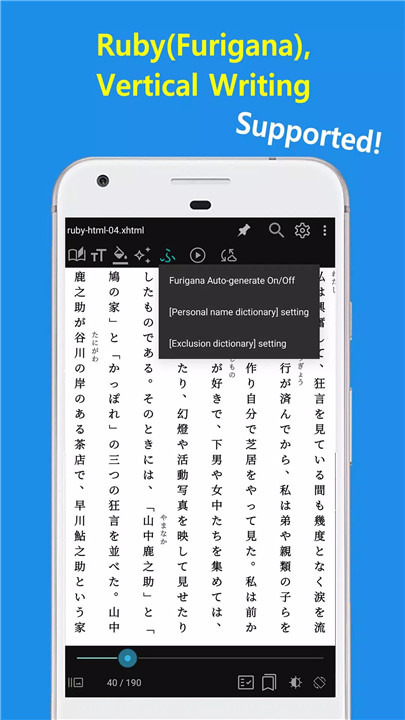
Read a variety of e-book formats, including EPUB, MOBI, and Kindle. Experience a realistic reading layout that mimics the feel of a traditional book, with two pages displayed side by side.
FAQs
Q: What are the requirements to use EasyViewer?
A: EasyViewer requires Android 5.0 or higher.
Q: What permissions does EasyViewer require?
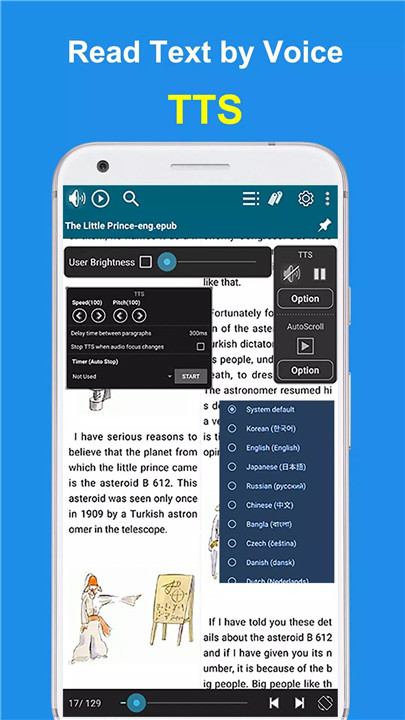
A: EasyViewer needs access to all files for browsing, storage for viewing text and images, and optional permissions for Bluetooth and TTS playback.
Q: Is there a PC version of EasyViewer?
A: Yes, you can download the EasyViewer PC version from http://ezne.tistory.com/301
Q: Where can I leave my feedback?
A: For any inquiries or improvements, feel free to leave a comment at http://ezne.tistory.com
---------------------------------
What's New in the Latest Version 24.10.22+1635
Last updated on Oct 22, 2024
- Fix epub-css parser
- Fix image zoom
- Fix thumbnail generation
- Fix light theme error (Thanks to 박체채)
- Add a menu to change/delete thumbnails (Thanks to Sue Shin)
Click the [...] button in the file list to run
You can change to the desired thumbnail
- Fix TTS control button bug (Thanks to 허얼얼)
- epub improvements
Fix epub parser
Fix image cache
- Fix file deletion permission bug (Thanks to debbiexx2)
- Improved compatibility with Android 8, 9









Ratings and reviews
There are no reviews yet. Be the first one to write one.