

Episteme: PDF & eBook Reader APK
1.0.52-oss
Episteme: PDF & eBook Reader
Episteme: PDF & eBook Reader APK
Download for Android
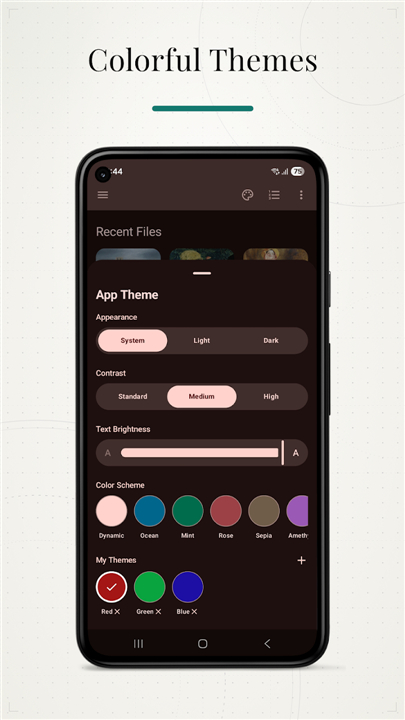
Episteme: PDF & eBook Reader
The Comprehensive Document & E-book Reader
• Episteme Reader is a premier, privacy-centric application designed for users who prioritize total control over their digital libraries.
• Operating with an offline-first architecture, it provides a seamless reading experience across a vast array of formats, including PDF, EPUB, MOBI, AZW3, FB2, ODT, DOCX, comics, Markdown, and HTML.
Reading Experience and Customization
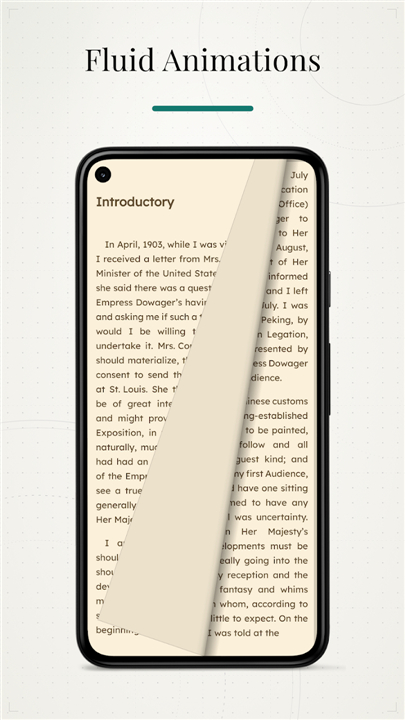
• Choose between paginated mode for a traditional layout or continuous vertical scrolling for efficient consumption.
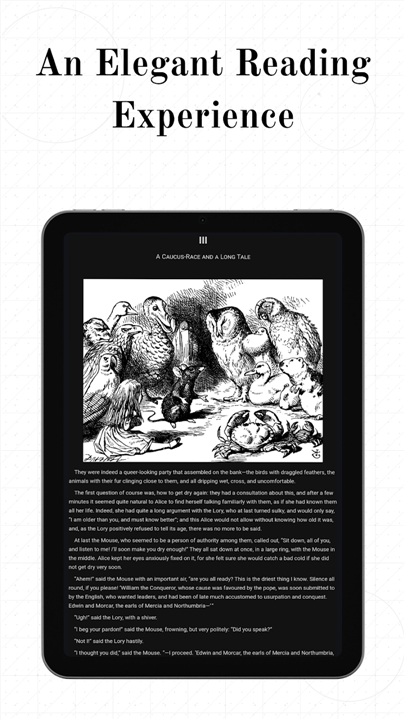
• Import custom .ttf or .otf fonts to personalize your reading style, with full support for embedded and system fonts.
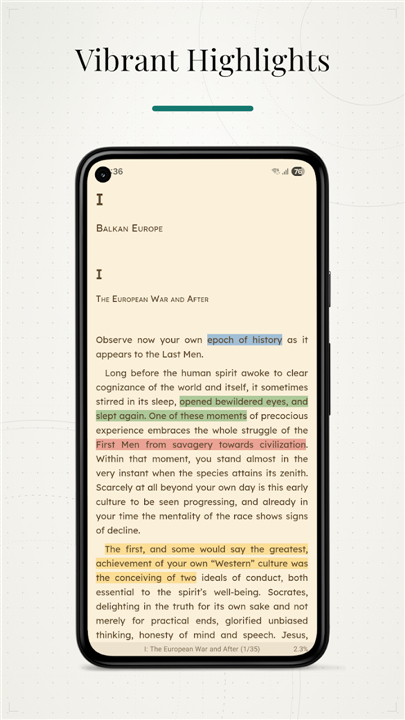
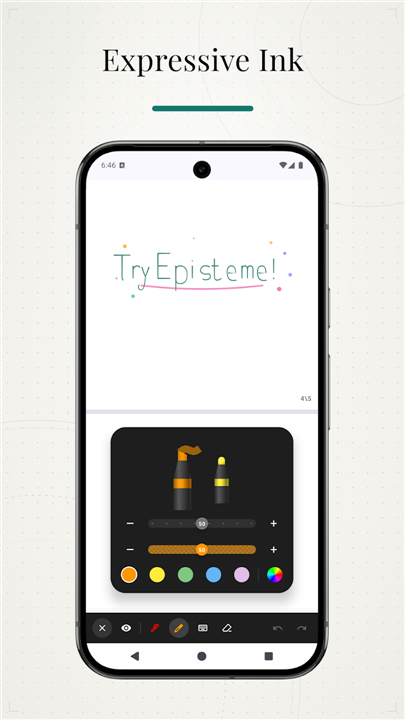
• Leverage professional PDF annotation tools, including various pen styles, highlighters, and text boxes, with the ability to export annotated files while maintaining vector fidelity.
Advanced Functionality
• Perform full-text searches across large documents with background indexing and utilize built-in OCR for scanned or image-based PDFs.
• Convert text to audio using local system engines or high-quality Cloud TTS powered by Gemini.
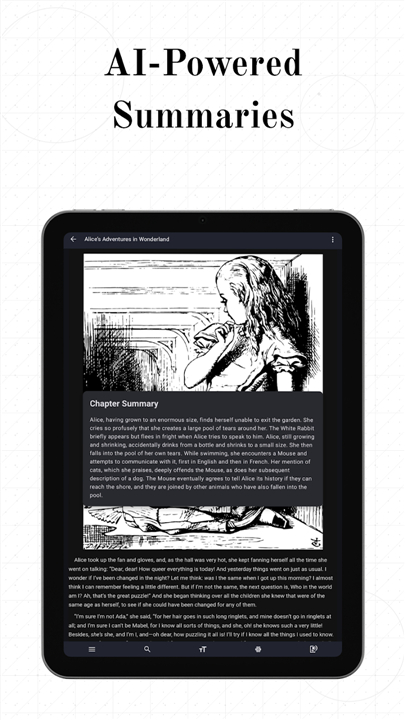
• Pro features include AI-driven summaries of complex material and context-aware dictionary lookups for instant vocabulary support.
Organization and Synchronization
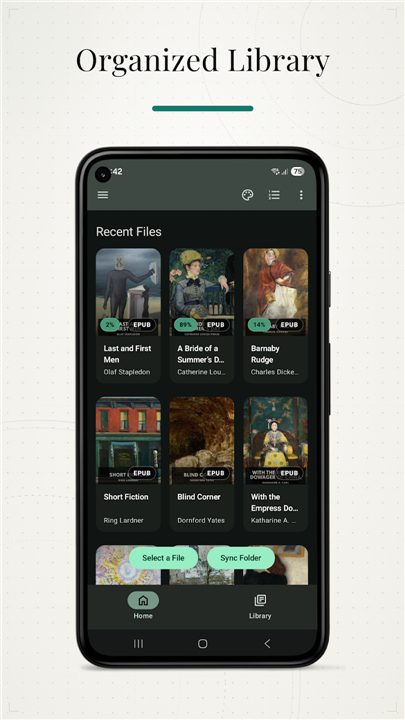
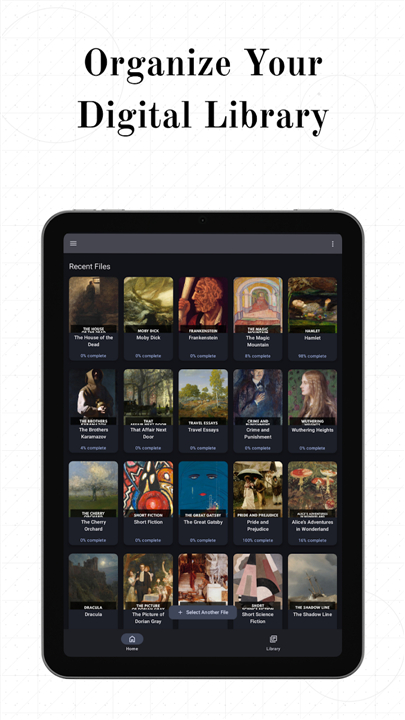
• Effortlessly manage your library with custom shelves, sorting options, and direct folder synchronization trackers.
• Enable Pro Cloud Sync via Google Drive to keep your reading progress, bookmarks, and shelf organization synced securely across all your devices.
Privacy and Security
• Episteme is engineered for absolute privacy; all core features are functional without an account.
• The application operates locally by default, ensuring your content remains on your device.
• Any optional AI-powered features process data securely in volatile memory, strictly prohibiting the storage of your private content on external servers.
FAQ
Q: Does the application require an internet connection to work?
A: Episteme is built on an offline-first architecture, meaning you can access your entire library and utilize the majority of our reading tools without ever needing an active internet connection.
Q: What file formats does Episteme support?
A: You will find that Episteme is incredibly versatile, supporting a wide range of formats including PDF, EPUB, MOBI, AZW3, FB2, ODT, DOCX, comics, Markdown, and HTML files.
Q: Can I customize how I read my documents?
A: Yes, you have full control over your layout, as you can easily toggle between a traditional paginated mode for a classic book feel or a continuous vertical scrolling mode for faster, more efficient reading.
Version History
v1.0.52-oss——13 Jul 2026
Experience Episteme: the ultimate private PDF & eBook reader. Support for all formats, AI summaries, OCR, and cloud sync. Download the latest version of Episteme: PDF & eBook Reader to enjoy new features and updates immediately!
*1.0.52-oss
Here's what's new
Library improvements
• Optional, redesigned view of library with a more consistent and unified experience.
• Added options to sort books by newest or oldest.
• Fixed shelf syncing and improved general library sorting.
Reading improvements
• Markdown files are now split into chapters based on headings.
• EPUB sections linked from the table of contents are handled more reliably.
• Improved image sizing, wide-content handling, tables, and complex page layouts.
• Fixed touchpad scrolling.
Fixes
• Fixed reading position not being restored correctly in PDFs.
• Fixed text selection in paginated mode when using Arabic.
• Fixed some files not opening correctly from outside the app.
• Fixed keyboard spacing issues in the PDF reader.
• Improved TTS playback, stopping, navigation, and reliability.
• Fixed several crashes, freezes, and general stability issues.
*1.0.51-oss
Here's what's new
Reader and navigation
• Added search inside the Table of Contents
• Improved native vertical reader loading and prefetching
• Improved paginated reader restoration and page count caching
• Fixed text cutoff in pagination mode
• Pinned PDF top bar actions to the trailing side
Highlights and annotations
• Added more highlight styles like underline and strike through
• Added support for custom highlight colors in epub reader
• Fixed custom highlight colors persistence in PDF export
• Added support for exporting annotations as Markdown and plain text
Library and book management
• Added EPUB cover image editing
• Added support for deleting tags from the library
• Added bulk “Add to Shelf” in selection mode
• Improved selection mode UI in Home and Library screens
• Fixed recent books ordering so they stay sorted by recency
• Fixed custom book renaming and title resolution for PDF and comic files
• Pre-filled the rename bookmark dialog with the current title
Fixes
• Fixed crashes and ANRs
• Fixed premature TTS stream transitions
• Added retry handling for missing TTS chunks
*1.0.50-oss
Here is what is new in this update:
Major Changes
• Continuous Vertical Scrolling
The EPUB reader now features a continuous vertical scrolling variation. It runs on the same custom engine that handles pagination, allowing you to scroll seamlessly through an entire file without breaking pages.
reader screen > more > reading mode > vertical (native)
• Temporary External File Viewing
We added a "Temporary" option for external file behavior. When opening a file from an email or external file manager, it will open a standalone instance of the reader. This allows you to read the document without permanently adding it to your app storage.
home > more > external file behavior > temporary
• Visual Word Replacement
Added a new feature that allows you to visually replace specific words directly within the text of the books you are reading.
reader screen > more > book word replacement
Improvements & Additions
• CBT Support: Added full support for reading CBT files.
• Better Custom Fonts: You can now select multiple font files at once from the file picker when importing. The app also now detects and properly uses font file variations.
• Quick Share & Save: You can now easily share or save any file directly from the home screen or library by long-pressing the item.
• Fixes: Addressed several underlying bugs and crashes to improve overall stability.











Ratings and reviews
There are no reviews yet. Be the first one to write one.