

Magic Clock Widget
Overview
• Welcome to the premier choice for Android users seeking a sophisticated blend of aesthetics and utility.
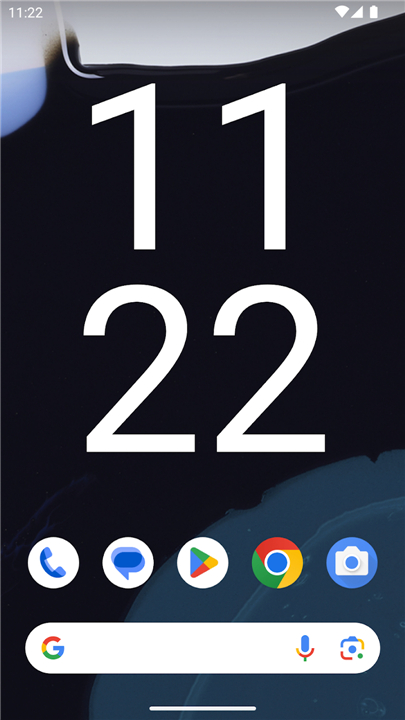
• Magic Clock Widget transcends the standard system clock by offering a complete transformation of your device’s home screen.
• This application provides a highly personalized experience, ensuring that your timekeeping tool is as unique as your personal style.
Advanced Time and Date Customization:
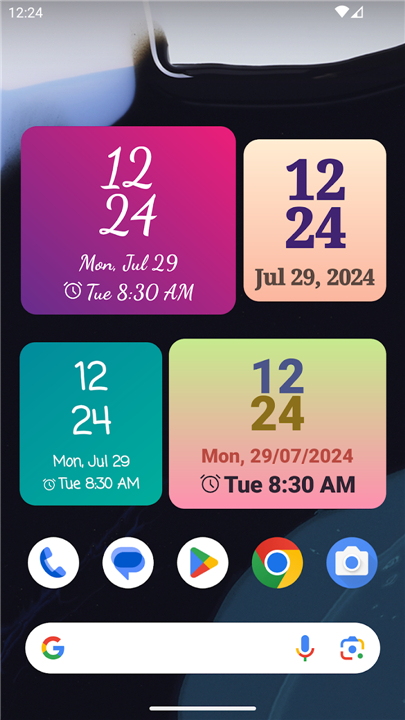
• Choose between 12-hour and 24-hour time formats to suit your personal preference or regional standards.
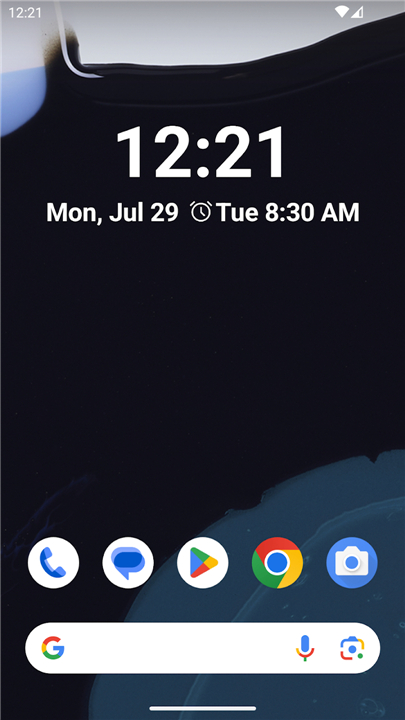
• Select from a wide variety of date display options, including numeric, abbreviated, or full-text styles to keep you organized.
• Maintain absolute control over the visibility of specific elements, ensuring your screen remains as clean or as detailed as you desire.
Operational and Global Features:
• Utilize the integrated alarm display to keep track of your upcoming wake-up calls and reminders directly from the home screen.
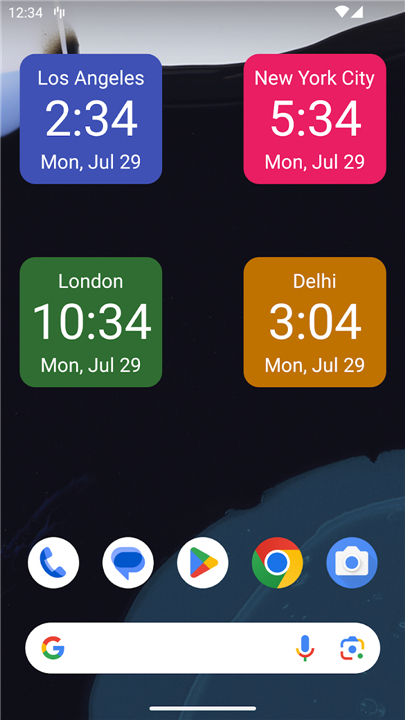
• Access comprehensive time zone support, allowing you to monitor the current time in multiple cities simultaneously.
• Stay connected with the world through a feature that is essential for digital nomads, international business professionals, and travelers.
Visual Design and Layout Control:
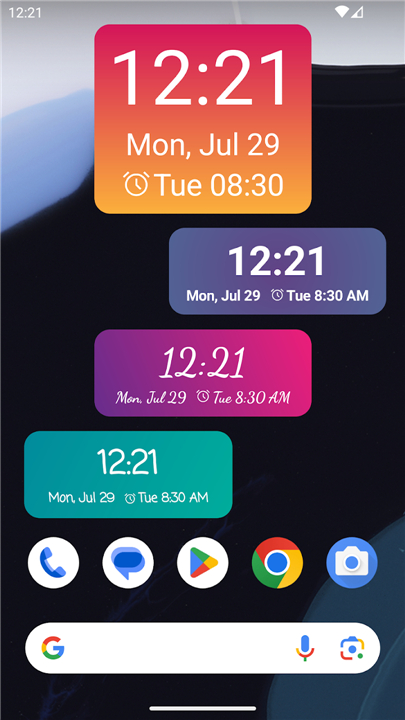
• Choose from a diverse library of background textures, solid colors, and transparent overlays to perfectly match your current wallpaper.
• Adjust the widget dimensions effortlessly to fill an entire screen or nestle into a small corner without losing clarity.
• Modify font styles, weights, and colors to improve readability or to complement the existing theme of your mobile interface.
• Benefit from flexible grid alignment that ensures the widget looks professional on both high-resolution smartphones and large-format tablets.
Seamless Interface and Experience:
• Navigate through an intuitive configuration menu designed for users of all technical levels to customize their experience quickly.
• Enjoy a lightweight software architecture that minimizes battery consumption while maintaining high-performance, real-time display updates.
• Experience smooth compatibility across various Android launchers, providing a beautiful and functional timekeeping tool at a single glance.
Download Magic Clock Widget today
• Elevate your digital environment and stay organized with a tool that works as well as it looks.
• Redefine the way you interact with time on your Android device.
FAQ
Q: Can I switch between different time formats depending on my preference?
A: Yes, the application is designed to be highly flexible, allowing you to choose between standard 12-hour and 24-hour time formats. This feature is particularly useful if you prefer military time for work or regional standards while traveling, ensuring the display always meets your specific requirements.
Q: What kind of date display options are available within the app?
A: The widget offers a wide variety of date display styles to help you stay organized throughout the day. You can select from numeric layouts for a minimal look, abbreviated formats for quick reference, or full-text styles that provide a more detailed and elegant presentation of the current date.
Q: Is it possible to show or hide specific clock elements to keep my screen tidy?
A: You have absolute control over the visibility of every element within the widget interface. This means you can choose to hide or display specific details like the date, seconds, or alarm status, ensuring your home screen remains as clean or as detailed as you personally desire.
Version History
v1.9.9——2 Apr 2026
Highly customizable clock widget Download the latest version of Magic Clock Widget to enjoy new features and updates immediately!
*1.9.9
Minor bug fixes and improvements. Install or update to the newest version to check it out!
*1.9.8
Minor bug fixes and improvements. Install or update to the newest version to check it out!
*1.9.7
Minor bug fixes and improvements. Install or update to the newest version to check it out!









Ratings and reviews
There are no reviews yet. Be the first one to write one.