

App Locker is the ultimate solution for securing your apps, photos, and videos, giving you a private space on your phone. With App Locker, you gain more control over your data and can keep it safe from prying eyes. It’s time to take your privacy seriously with a powerful app that does more than just lock your phone!
Lock Apps
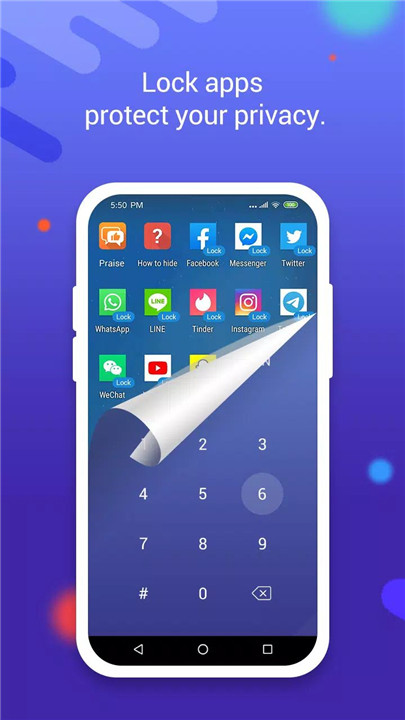
Unlike other app lockers, App Locker offers a unique feature: it creates a separate, secure space for your apps. Simply import your apps—such as Facebook, WhatsApp, Instagram, Telegram, and more—into this space.
Run Multiple Accounts At The Same Time
The best part? You can run multiple accounts on the apps inside App Locker and outside of it. For example, you can use one WhatsApp account in App Locker and a different one outside.
Hide Apps
App Locker allows you to hide any apps you don’t want others to see. This feature keeps your private apps out of view without needing to uninstall them, so you can access them anytime you need.
Hide and Lock Photos/Videos
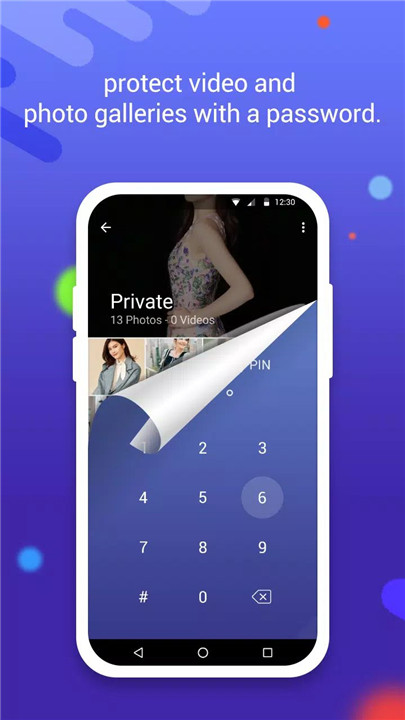
App Locker goes beyond locking apps—it also lets you secure your personal photos and videos. While it doesn’t lock the default gallery, by importing your photos and videos into App Locker, you ensure that no one except you can access them.
Fingerprint Password
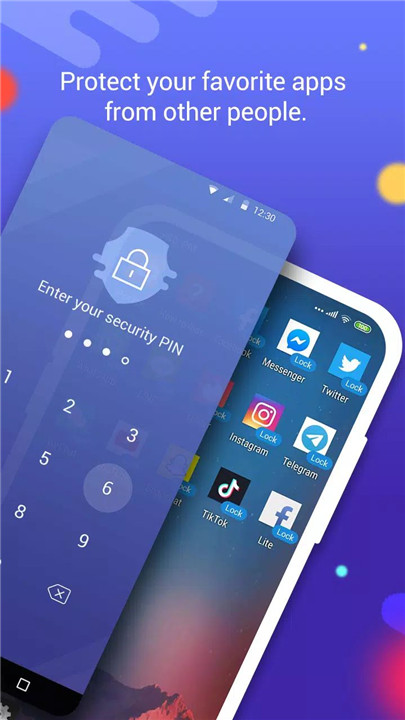
For added security, App Locker supports fingerprint authentication. With this feature, you can ensure that only you can access the apps and data stored in your private space, making it impossible for anyone else to unlock your information without your permission.
Hide from Recent Apps
To increase privacy even further, App Locker hides its presence in the recent apps list. This means that once you close the app, there will be no trace of it in your recent apps, adding an extra layer of secrecy and protection to your phone.
FAQs
1. What is App Locker used for?
App Locker is used to lock and protect your apps, photos, videos, and other personal data by creating a secure space on your phone. It allows you to hide apps, run multiple accounts, and protect media from unauthorized access.
2. How does App Locker work with apps like WhatsApp or Instagram?
You can import apps like WhatsApp, Instagram, and others into App Locker, which will then create a separate, secure space for them. You can even run multiple accounts on these apps inside and outside App Locker.
3. Can I hide my photos and videos with App Locker?
Yes, you can import your photos and videos into App Locker, making them invisible and inaccessible to anyone else. This ensures that your private media stays safe.
4. Does App Locker support fingerprint security?
Yes, App Locker allows you to set up fingerprint authentication for added security. Only you can unlock your apps and data with your fingerprint.
5. Can I hide App Locker from the recent apps list?
Yes, App Locker has the ability to hide its presence from the recent apps list, ensuring that no one can see that you are using the app after you close it.
Version History
v3.7.3_79fe66455—13 Mar, 2025
1. fix crash when using exact alarms in imported apps some cases
2. fix error message when importing a 32bit app
3. fix crash when open imported apps in special devices
4. fix crash when badge of imported apps changed in some cases
5. fix crash when imported apps show notification in status bar in some cases
6. fix crash when using clipboard in some Sumsang devices
7. fix crash when imported apps using some system broadcast
8. add more crash logs for better tracing crash and ANRs
v3.7.2_2767c621f—27 Feb, 2025
Lock apps in App Locker, Hide apps in App Locker, Hide photos and lock app Download and install old versions of App Locker - Lock App that suits your device model and enjoy your favorite features!
1. fix bug: number of alarm reach limit of the bound and cause crash again and again except restart the phone
2. fix bug: allow screen capture in Settings not working in some cases
3. fix crash in some cases
v3.6.9_eef739fc3—26 Jan, 2025
Lock apps in App Locker, Hide apps in App Locker, Hide photos and lock app Download and install old versions of App Locker - Lock App that suits your device model and enjoy your favorite features!
1. fix bugs with Whatsapp
2. fix bugs about location









Ratings and reviews
There are no reviews yet. Be the first one to write one.