

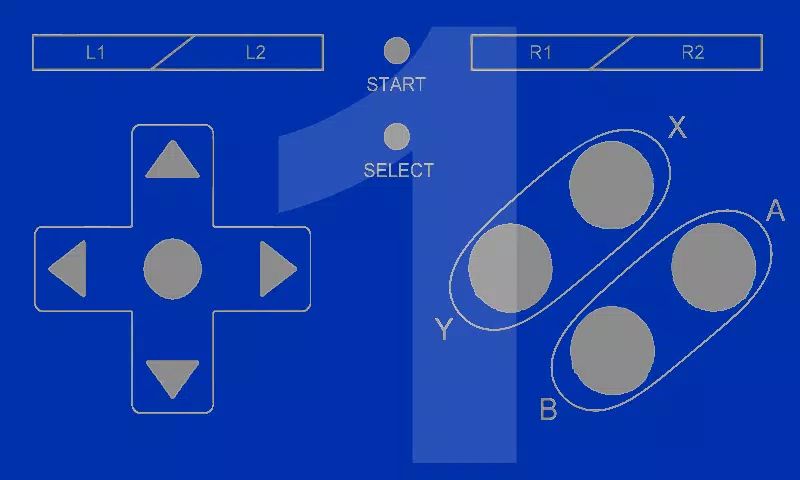
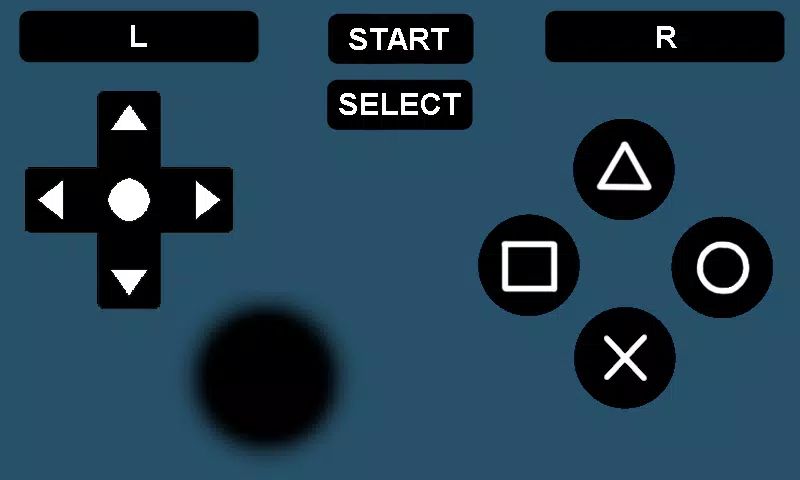
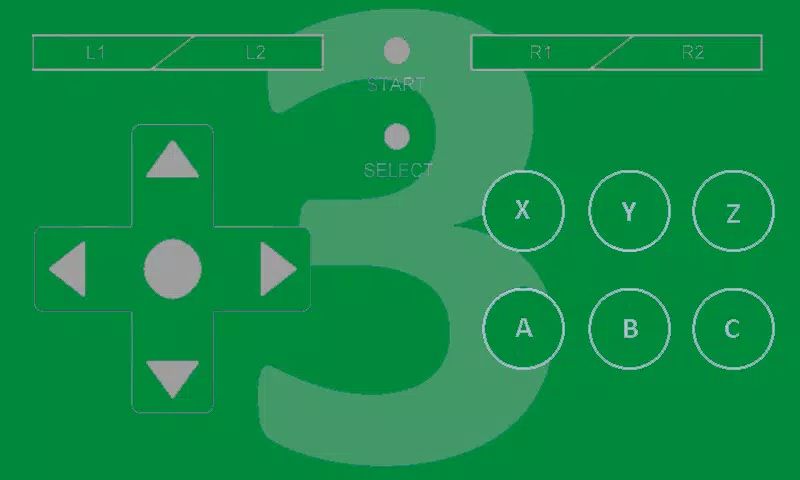
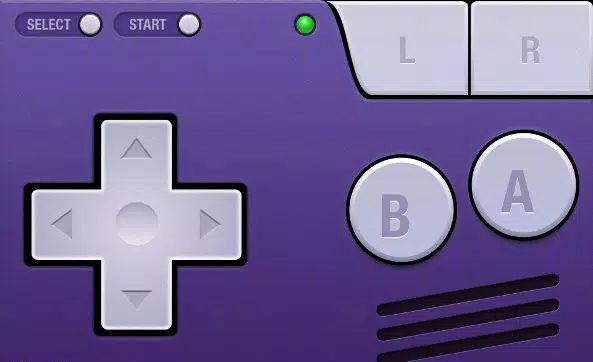
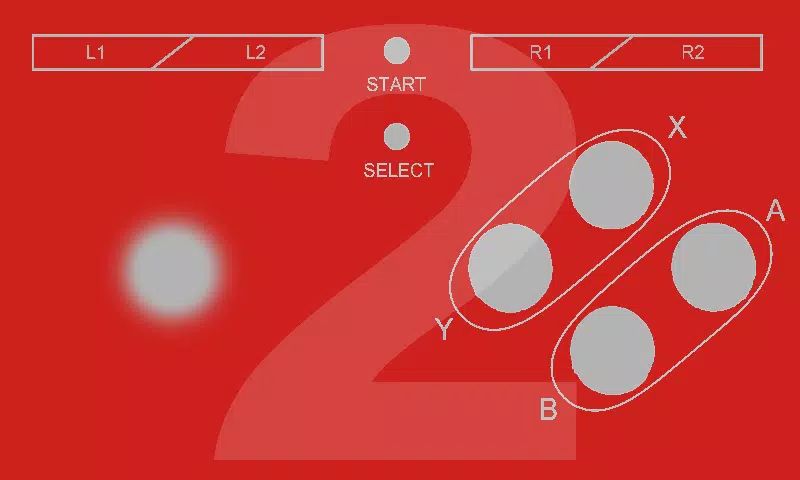
BT Controller is the ultimate tool for transforming your Android device into a controller for any emulator that supports custom button configurations. It’s a must-have for anyone who wants to take their gaming experience to the next level using their Android device.
Play Console Games Anywhere
With BT Controller, you can play console games wherever you go. No need for physical controllers or complicated setups. Simply connect your Android device to your emulator via Bluetooth or Wi-Fi, and you're ready to play.
Control Emulators on Multiple Devices
You can control emulators on your TV, tablet, or phone. The app gives you the flexibility to choose the device you want to use as the controller, while the emulator runs on another device. This gives you a personalized and optimized gaming setup.
Multiplayer Support for Up to 4 Players
BT Controller supports multiplayer gaming for up to four players, making it ideal for social gaming sessions. Gather your friends or family for a fun and competitive gaming experience. Each player can connect their own device and enjoy the game together.
Bluetooth and Wi-Fi Connectivity
You can connect your devices using Bluetooth or Wi-Fi, making it easy to set up your controller without wires or complicated pairing procedures. The app uses reliable connectivity options for smooth and lag-free control, ensuring an immersive gaming experience.
Create and Download Custom Controllers
One of the standout features of BT Controller is the ability to create your own custom controllers or download from thousands of user-made controllers. This gives you the freedom to personalize your gaming experience according to your preferences and needs.
FAQs
1. How do I use BT Controller with my emulator?
To use BT Controller, open the app on the device that will run the emulator, click "Create Host," and follow the instructions to enable the BT Controller keyboard. Then, use another device to connect to the Host via Bluetooth or Wi-Fi, and open the emulator to map the controls.
2. Can I connect multiple devices to play?
Yes, BT Controller supports up to four players. Each player can use their Android device to control the emulator, making it perfect for multiplayer gaming.
3. Do I need a physical controller to use this app?
No, BT Controller turns your Android device into a virtual controller for emulators, so you don’t need a physical controller to play.
4. What kind of devices can I use with BT Controller?
You can use any Android device to control emulators on TV, tablet, or phone, as long as they support Bluetooth or Wi-Fi connections.
5. Can I download custom controllers for BT Controller?
Yes, BT Controller allows you to either create your own custom controllers or download from thousands of user-made controllers to enhance your gaming experience.
Version History
v3.3.2—24 Mar, 2021
Fix for controller download memory issue
v3.3.1—21 Mar, 2021
Fix for 'My Controllers' not appearing on the dashboard
v3.3.0—19 Nov, 2020
- Add support for Bluetooth scanning on devices with Android versions 10 and above
- Improvements and tips to host setup process
- Dark / Light Themes
- Several fixes for minor issues and reported problems
- Quick links and tutorial videos accessible from the home screen
- Fix for hud options dialog









Ratings and reviews
There are no reviews yet. Be the first one to write one.