

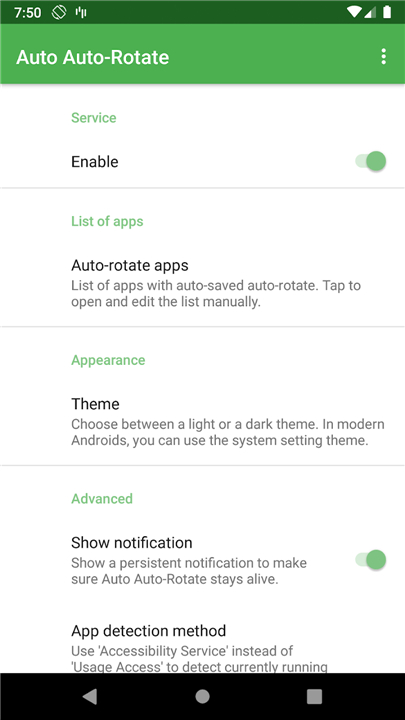
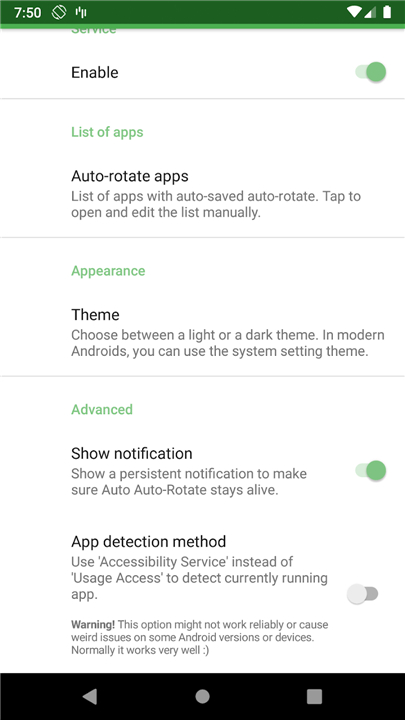
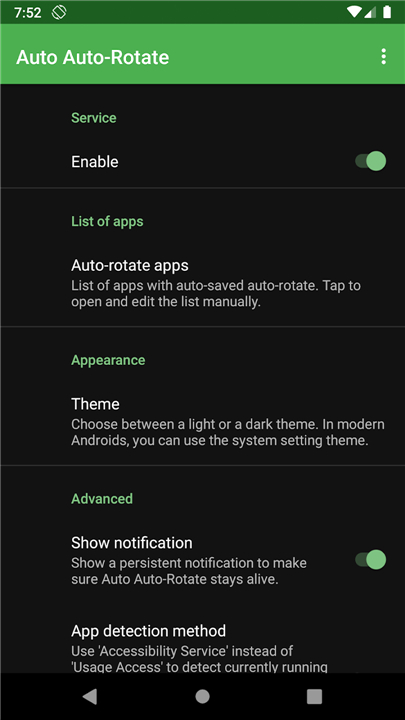
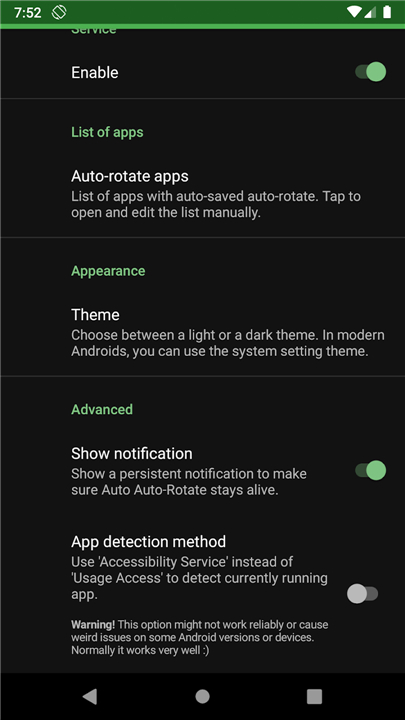
Auto‑Auto‑Rotate
Let Your Phone Decide When to Turn the Screen
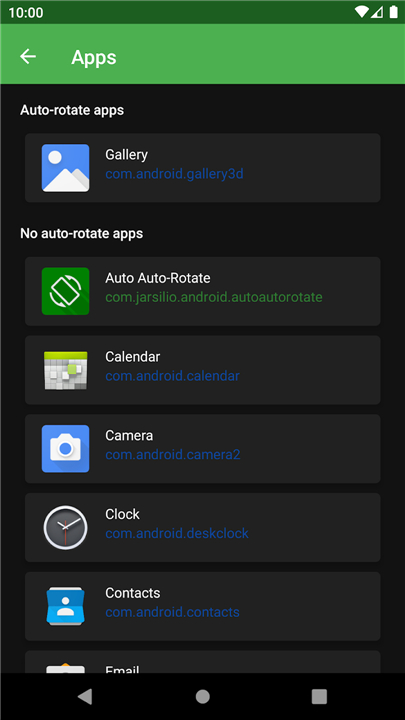
• Keeps a separate auto‑rotate setting for each app you open.
• Automatically re‑enables rotation for apps that work best in landscape (gallery, video players, etc.) and switches it off again when you leave them.
Who will love it
• You who habit‑ually lock rotation and then have to remember to unlock it for a few apps.
• Anyone annoyed by the constant “rotate‑me‑again” pop‑ups after watching a video.
• Users who want a hands‑free way to keep the screen upright in most apps while still enjoying full‑screen rotation where it matters.
Core features
• Per‑application rotation profiles – each app remembers its own setting.
• Background monitoring – the service runs silently, detecting app launches without draining the battery.
• Zero‑click operation – once you enable a profile, the app handles the rest.
Required Android permissions
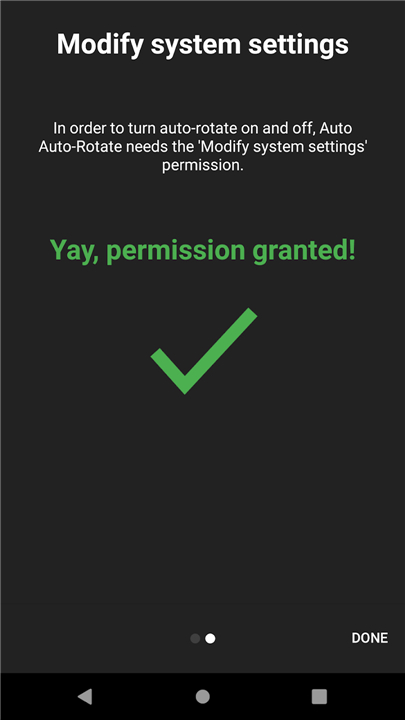
• WRITE_SETTINGS – to toggle the system auto‑rotate flag.
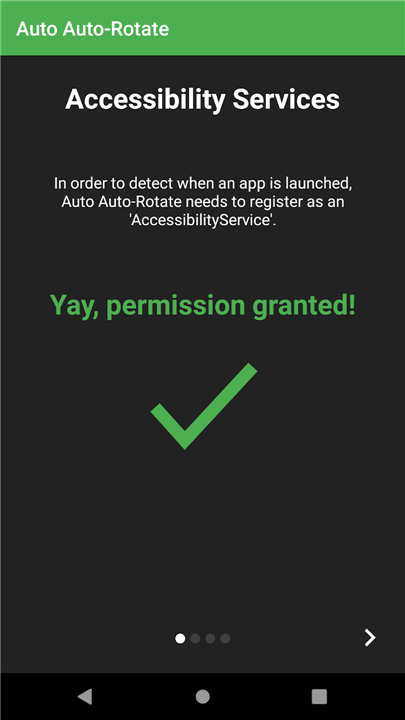
• BIND_ACCESSIBILITY_SERVICE – to listen for app‑switch events.
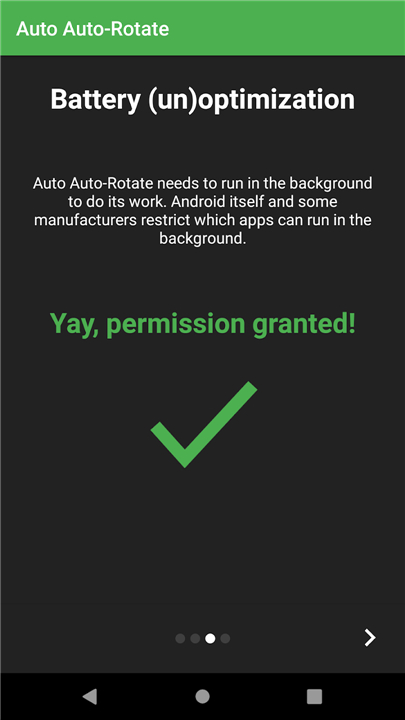
• REQUEST_IGNORE_BATTERY_OPTIMIZATIONS – to stay awake when the device is idle.
• RECEIVE_BOOT_COMPLETED – to restore the service automatically after a reboot.
• PACKAGE_USAGE_STATS – to identify the currently foreground application.
Get it now
• Free download from F‑Droid: https://f-droid.org/packages/com.jarsilio.android.autoautorotate/
Open‑source & community
• Licensed under GPL v3 – you can view, modify, and share the code.
• Source repository: https://gitlab.com/juanitobananas/auto-auto-rotate
Help translate the app
• Translation files are hosted on Transifex – contributions are welcome!
+ https://explore.transifex.com/juanitobananas/auto-auto-rotate
+ https://explore.transifex.com/juanitobananas/libcommon
Take back control of your screen orientation
• Let Auto‑Auto‑Rotate do the work for you!
FAQ
Q: How does the per‑application rotation profile work?
A: The first time you open a particular app, Auto‑Auto‑Rotate records the current state of the system rotation flag (on or off). From then on, that app always inherits the same setting unless you explicitly change it in the app’s own UI. The profile is stored locally in a lightweight SQLite database, so the app remembers your preferences even after a reboot.
Q: Do I need to tap anything every time I switch apps?
A: No. Once you enable the service and grant the required permissions, the app runs completely hands‑free. It silently detects app‑switch events through the Accessibility Service and toggles the system flag in the background, so you never have to remember to lock or unlock rotation yourself.
Q: Why does the app need the WRITE_SETTINGS permission?
A: WRITE_SETTINGS gives Auto‑Auto‑Rotate the ability to modify the global “auto‑rotate screen” system setting. This is the only way the service can turn rotation on or off on your behalf. The permission is safe: the app never changes any other settings and all changes are logged in the app’s own history view.
Version History
v1.0——13 Aug 2026
Automatically remembers your auto-rotate setting for every app Download the latest version of Auto Auto-Rotate to enjoy new features and updates immediately!
*1.0
• The app deserved '1.0' a long time ago :)
• Add spinner while loading list of apps
*0.14.4
• Updated translations.
*0.14.2
• Dialogs now use Material 3 styling.
• Fixed navigation bar and status bar layout on modern Android.
• App list loads faster.
• Notification permission dialog now shows a title.
• Maintenance and dependency upgrades.











Ratings and reviews
There are no reviews yet. Be the first one to write one.