

Ivanti Mobile@Work
Empower Your Work, Securely and Seamlessly
• Ivanti Mobile@Work connects your Android or WearOS device directly to your organization’s network, giving you instant, secure access to email, calendars, contacts, and other essential business tools.
• Designed for both productivity and protection, it keeps your professional and personal data completely separate—so you can focus on what matters most.
Why Mobile@Work Stands Out
• Purpose-Built for Mobile IT: Trusted by millions of professionals worldwide.
• Data Separation You Can Trust: Corporate and personal information remain fully isolated.
• Enterprise Confidence: Used by over 500 of the Global 2000 companies.
• Exceptional Support: Backed by a 97% customer satisfaction rate.
Key Features
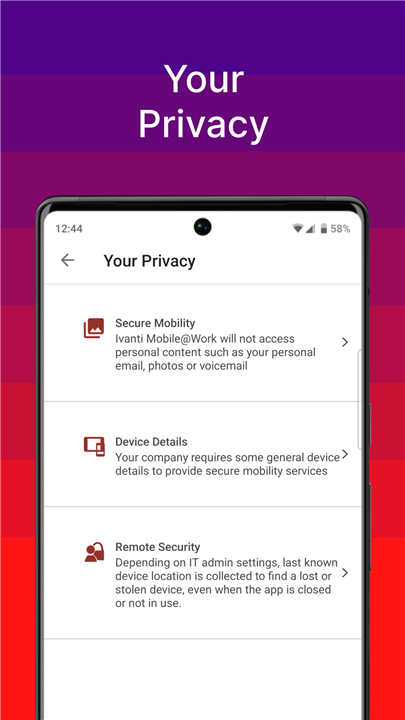
• Transparency and Privacy: Visual Privacy lets you see exactly what data your company can access and which actions IT can take—ensuring full clarity.
• Effortless Access: Instantly connect to your corporate email, calendar, and contacts.
• Smart Automation: Automatically link to secure corporate Wi-Fi and VPN networks.
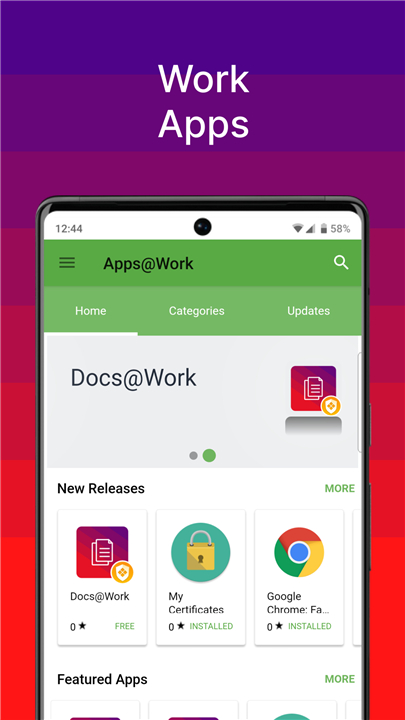
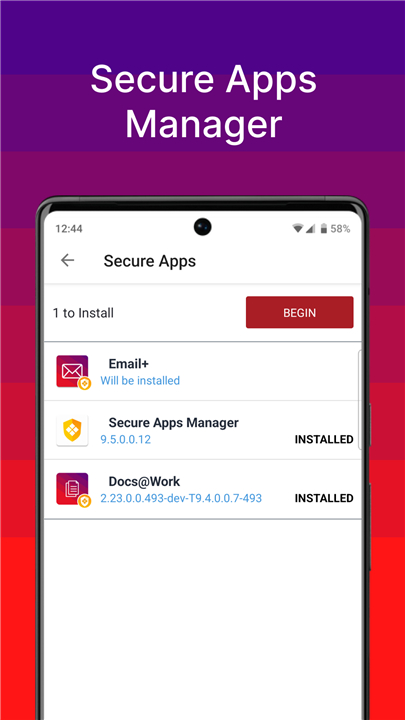
• Simple App Management: Discover and install work-related apps anytime, anywhere.
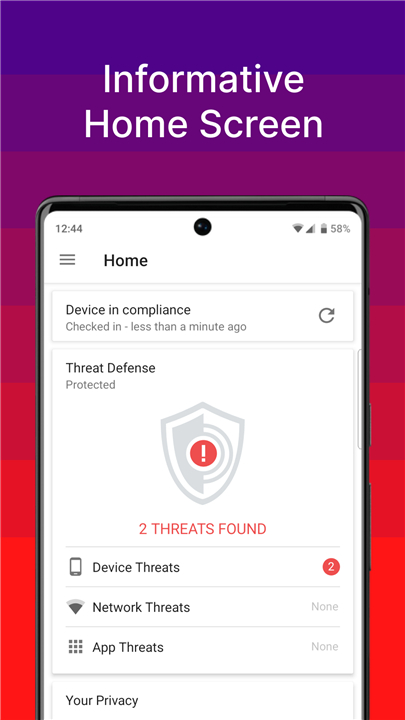
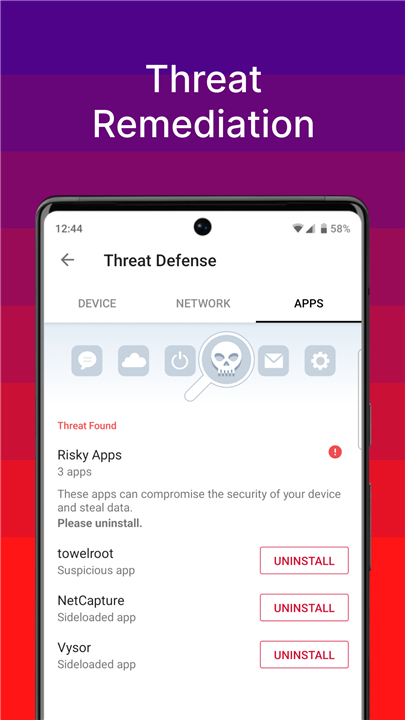
• Enhanced Security: Automatically complies with your company’s security policies.
• Device Protection: Locate, lock, or wipe lost or stolen devices with ease.
• Phishing Defense: Optional VPN-based anti-phishing security, if enabled by your organization.
• Enterprise Archival: Supports auditing, backup, and enterprise-level data retention.
Getting Started
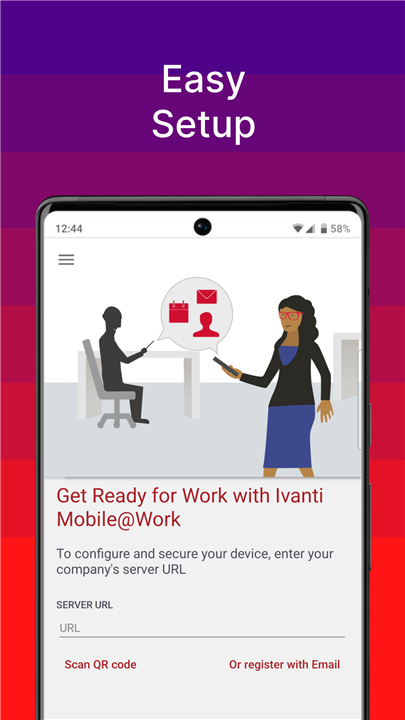
• Mobile@Work works hand in hand with Ivanti Core, deployed by your company’s IT team.
• Follow their setup instructions to ensure proper configuration and secure access to all corporate resources.
• Since Mobile@Work is essential for network connectivity, do not remove it without consulting your IT department.
Your Privacy Matters:
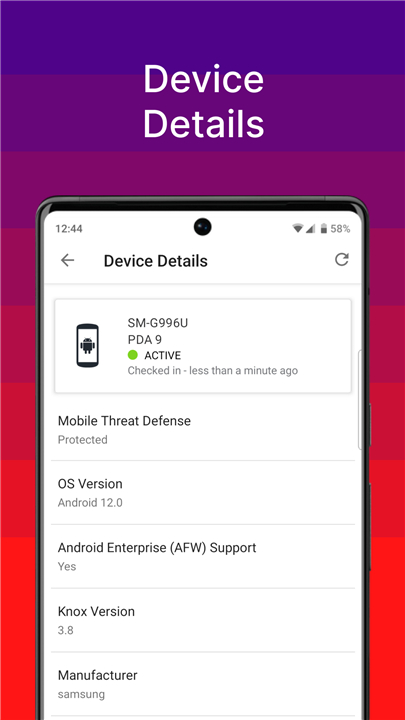
• Your organization can view only device-specific information—such as model, OS version, roaming status, and installed company apps.
• Personal data like private emails, contacts, photos, videos, and voicemail remain completely private.
Learn More
• Explore Mobile Device Management: https://www.ivanti.com/products/ivanti-neurons-for-mdm
• Discover Mobile Security Solutions: https://www.ivanti.com/solutions/security/mobile-security
• Follow us on Facebook: https://www.facebook.com/GoIvanti
• Join the conversation on Twitter: https://twitter.com/goivanti
Learn more about Ivanti and how we help organizations stay secure and connected at www.ivanti.com.
FAQ
Q: How does Mobile@Work keep my personal data private?
A: The platform was built from the ground up with data separation in mind. Corporate resources run inside a secure container that is completely isolated from the rest of your phone. Your personal emails, photos, videos, contacts and voicemail never leave the personal side of the device, and IT can only see information that is strictly required for device management, such as the device model, OS version, roaming status, and the list of approved work‑related apps.
Q: Why do many large enterprises trust Mobile@Work?
A: More than 500 of the Global 2000 companies have adopted Mobile@Work because it delivers a purpose‑built experience for mobile IT. It offers enterprise‑grade security, reliable data separation, and a track record of high customer satisfaction—97 % of users report a positive experience. These factors give IT leaders confidence that their mobile workforce can stay productive without compromising security.
Q: What is “Visual Privacy” and why does it matter?
A: Visual Privacy is a feature that shows you, in plain language, exactly what information your organization can see and which actions it can take on your device. Rather than guessing or reading dense policy documents, you get a clear, at‑a‑glance view of the permissions granted, helping you feel comfortable with the level of access your IT department has.
Version History
v12.7.0.0.42R——14 Oct 2025
Mobile@Work helps you work anywhere, securely and easily. Download the latest version of Ivanti Mobile@Work to enjoy new features and updates immediately!
*12.7.0.0.42R
Minor bug fixes and improvements. Install or update to the newest version to check it out!
*12.6.0.2.2R
Minor bug fixes and improvements. Install or update to the newest version to check it out!
*12.6.0.1.3R
Minor bug fixes and improvements. Install or update to the newest version to check it out!









Ratings and reviews
There are no reviews yet. Be the first one to write one.