


CalcaApp: Transforming Your Device into an Image Projector
Imagine turning your smartphone or tablet into a powerful image projector, capable of transferring any picture onto paper or even a wall. With CalcaApp, this innovative tool revolutionizes how you create art and engage in creative projects right from your device.
How Does It Work?
CalcaApp utilizes your device's camera and image processing capabilities to project images onto any surface. To get started:
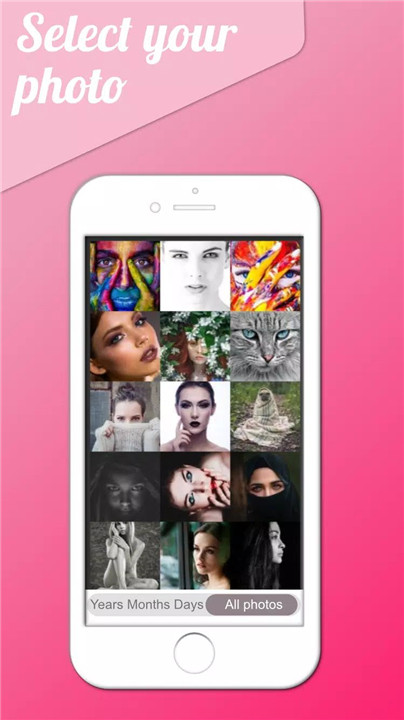
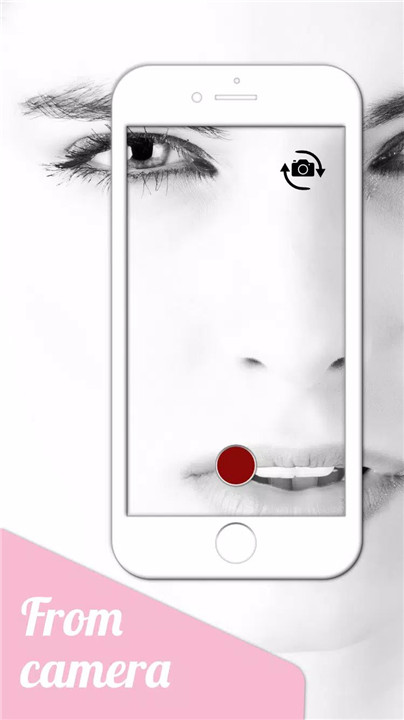
1. Choose Your Image: Select an image from your device’s gallery, capture one with the built-in camera, or search and screenshot from the internet.
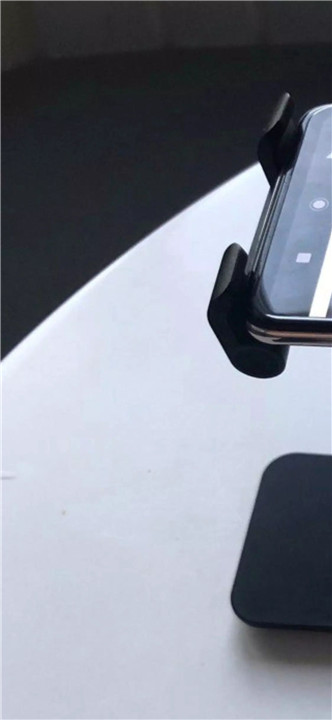
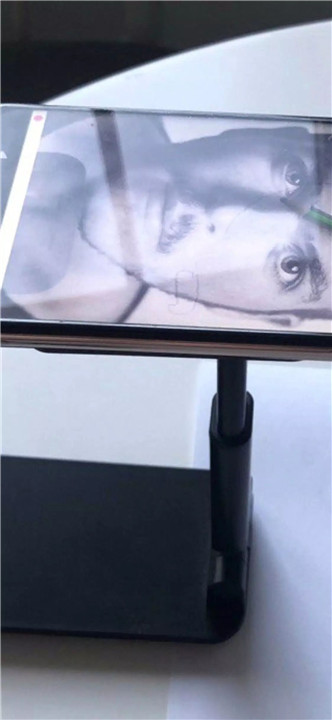
2. Set Up Your Workspace: Place your device on a stable support such as a glass, bottle, or box—options recommended on erbolamm.com or calcaapp.com.
3. Adjust Opacity: Navigate to the editing area where you can adjust the image’s opacity using a slider. This feature ensures optimal visibility for tracing.
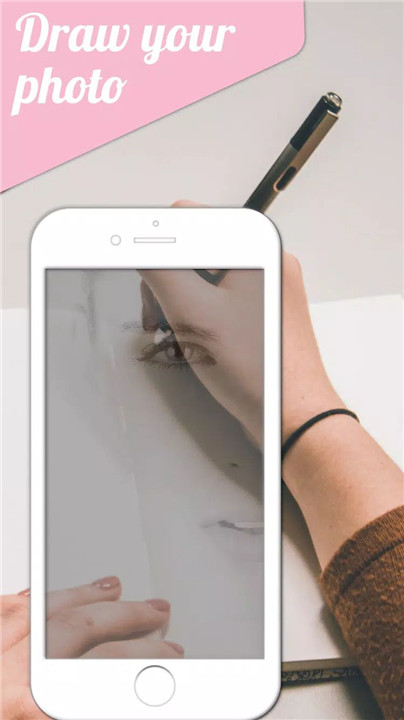
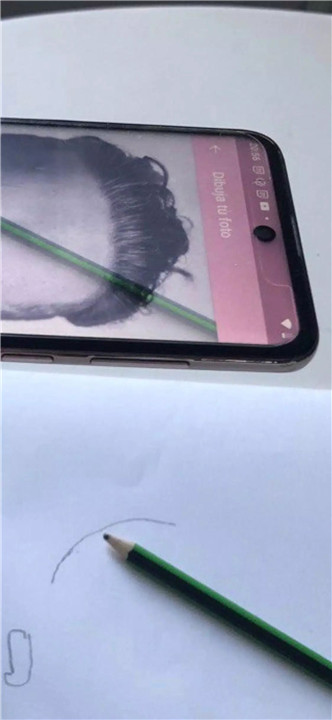
4. Drawing Options: You have two drawing methods: place paper over the device screen or hold the device above the paper. Both methods allow you to trace or create art directly onto paper or even a wall for larger murals.
5. Enhanced Effects: Utilize supports to angle your device for a 3D effect, enhancing your drawing experience and creativity. Detailed examples and tutorials are available through the app.
Additional:
Practice Tool: While the app is not magic, you can still practice using it to get better at drawing
Community and Resources: Visit CalcaApp.com for instructional videos, livestreams on YouTube channel ApliArte, drawing tips, and examples.
User Experience: Enjoy a seamless experience with options to remove ads through a points system, making it accessible for all users.
CalcaApp is constantly evolving based on user feedback. Visit erbolamm.com, apliarte.com, or calcaapp.com to provide comments and suggestions.
Ensure proper focus by allowing the app to adjust after locking the screen, and use recommended supports for optimal results.
What's New in the Latest Version 2.0.61
Last updated on Jul 20, 2024
- Ability to enable and disable autofocus
- Three tracing modes
- Improved font search
- More information at calcaapp.com









Ratings and reviews
There are no reviews yet. Be the first one to write one.