

Paperless Mobile
Overview
• Paperless Mobile is the companion Android application that lets you interact with a running Paperless‑ng instance from anywhere.
• By connecting the app to your own Paperless‑ng server, you gain full‑featured, on‑the‑go access to all your digitised documents.
Prerequisites
• Running Paperless‑ng instance – the app works only when it can reach a live Paperless‑ng server (self‑hosted or cloud‑based).
• Internet or local network access – required for synchronization, uploads and downloads.
Core Document Management
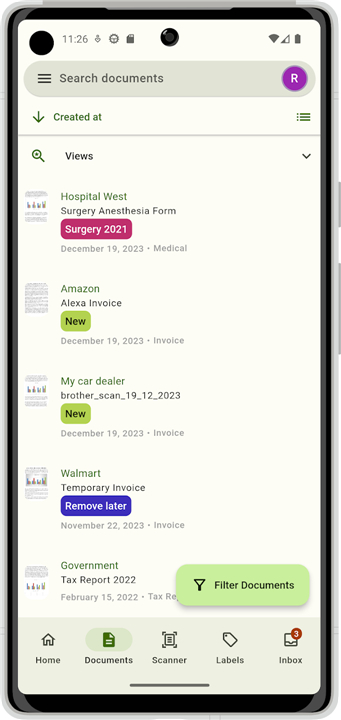
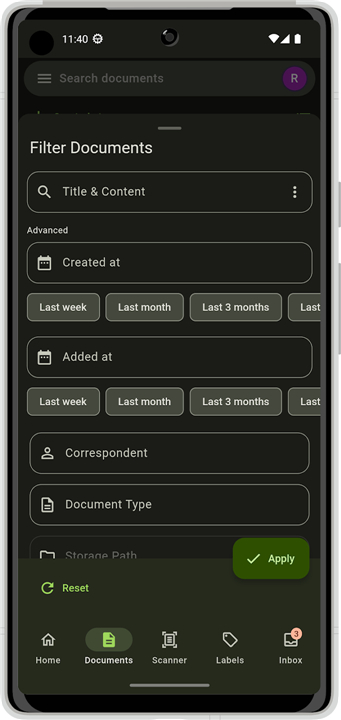
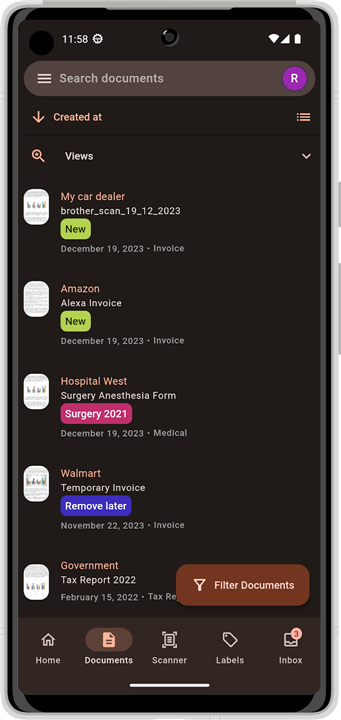
• View & search – instantly browse the entire archive and locate files using full‑text, tag, correspondent or date filters.
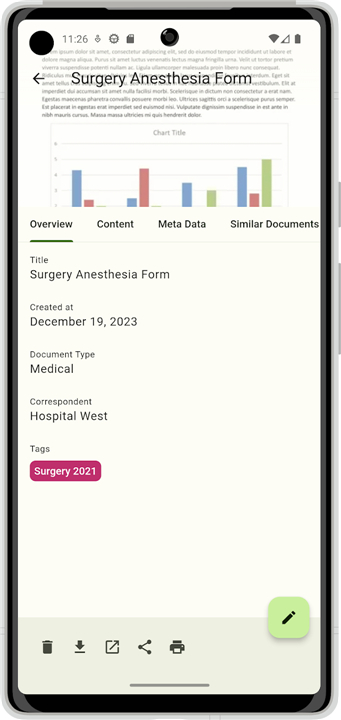
• Add, delete, edit – create new entries, remove obsolete ones, and modify metadata such as title, tags or correspondent.
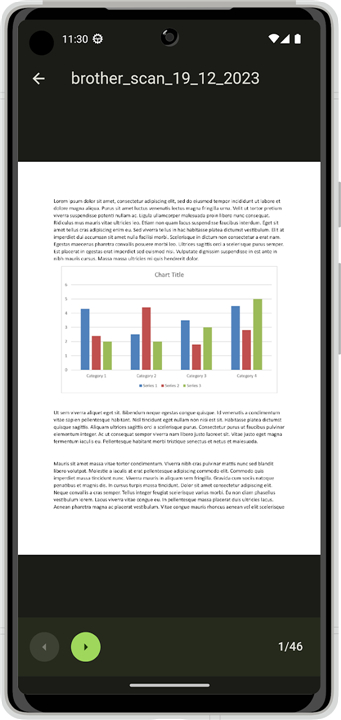
• Share, download, print, preview – open documents in external apps, export PDFs, print directly, or preview pages without leaving the app.
Advanced Workflow
• Correspondents, document types, tags & storage paths – define and maintain the taxonomy that drives automatic routing and organisation.
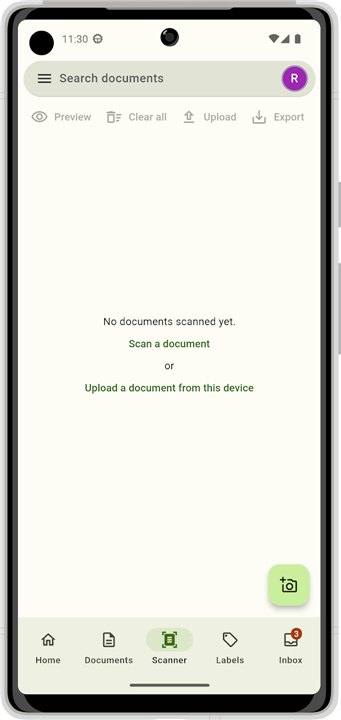
• Scan & upload – capture paper documents with the device camera; the app automatically applies a preset correspondent, document type, tags and creation date before sending the file to the server.
• Inbox processing – a dedicated view shows newly added items, allowing rapid review, classification and filing.
Security & Authentication
• Biometric lock – protect the app with fingerprint or facial recognition.
• mTLS support – optional client‑certificate authentication for environments that require mutual TLS.
User Experience
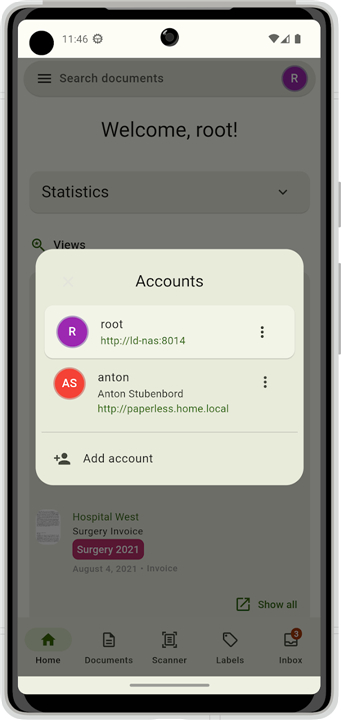
• Seamless account switching – manage multiple Paperless‑ng instances without logging out.
• Material Design 3 UI – modern, intuitive interface that follows Google’s latest design guidelines.
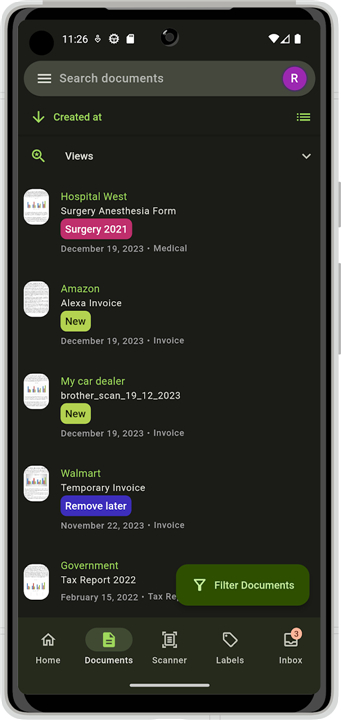
• Light & dark themes – automatic adaptation to system settings.
• Dynamic color (Android 12+) – UI colours can be derived from the device’s wallpaper for a personalized look.
Localization
• Available in English, German, French, Spanish, Catalan, Polish, Czech, Russian and Turkish, with additional languages planned.
• All these capabilities make Paperless Mobile a powerful, secure, and user‑friendly extension of your Paperless‑ng document management system.
FAQ
Q: Can I use Paperless Mobile on a Wi‑Fi‑only network, or do I need mobile data?
A: Both work. The app only requires a stable network connection—Wi‑Fi, cellular data, or even a VPN‑tunneled LAN—to talk to your Paperless‑ng server. Choose the connection that best fits your data plan and security preferences.
Q: How do I add new documents from my phone?
A: You have two main options. First, you can scan a paper document with the device’s camera; the app will automatically apply the preset correspondent, document type, tags and creation date you configured, then upload the PDF to the server. Second, you can upload an existing file from storage, add or edit its metadata, and push it to Paperless‑ng with a single tap.
Q: Is it possible to search for files while I’m offline?
A: The app caches the metadata of the last synchronized view, so you can still browse titles, tags, correspondents and dates without an active connection. However, full‑text search and any operation that requires server data (such as previewing a PDF) will need a network connection.
Version History
v5.0.0-alpha2——27 Aug 2026
An (almost) fully fledged mobile paperless-ng*x client. Download the latest version of Paperless Mobile to enjoy new features and updates immediately!
*5.0.0-alpha2
Minor bug fixes and improvements. Install or update to the newest version to check it out!
*5.0.0-alpha1
Minor bug fixes and improvements. Install or update to the newest version to check it out!
*4.5.0
Minor bug fixes and improvements. Install or update to the newest version to check it out!











Ratings and reviews
There are no reviews yet. Be the first one to write one.