
PDF text editor - Edit PDF APK
pdfviewer-6.13.0
PDF text editor - Edit PDF
PDF text editor - Edit PDF APK
Download for Android
PDF Text Editor
Create, Edit, and Transform with Ease
• Looking for a powerful all-in-one tool to read, edit, and create PDFs?
• PDF Text & Image Editor offers everything you need to work with your documents in one simple app.
• Whether you want to convert images into PDFs, modify text, edit images, or merge multiple files, this free app makes it effortless.
• Capture documents on the go, organize them, and share instantly through email or messaging apps.
Key Features
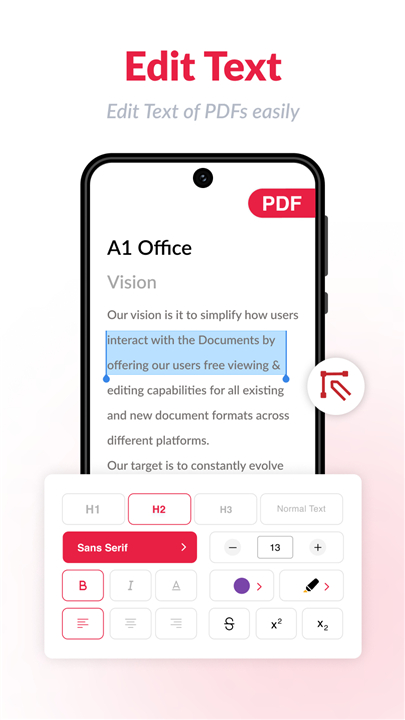
1. PDF Text Editor
• Edit, update, or rewrite text within any PDF in seconds.
• Upload your document, make changes, save, and get an updated version instantly.
• Designed for speed, simplicity, and accuracy.
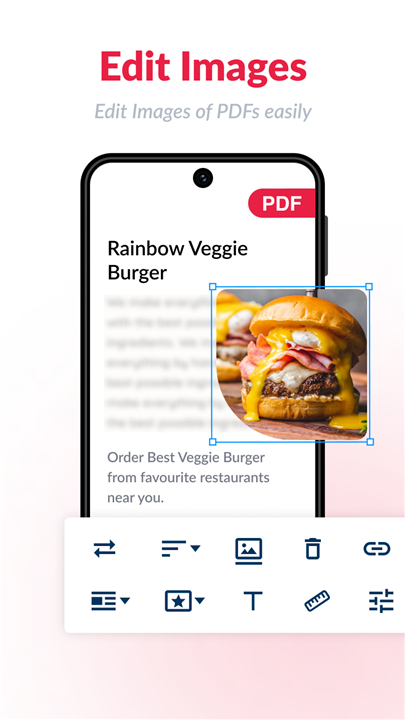
2. PDF Image Editor
• Modify or replace images directly inside your PDF.
• Upload your file, select the image to change, and save.
• Perfect for quick adjustments and professional results.
3. Pocket Mobile Scanner
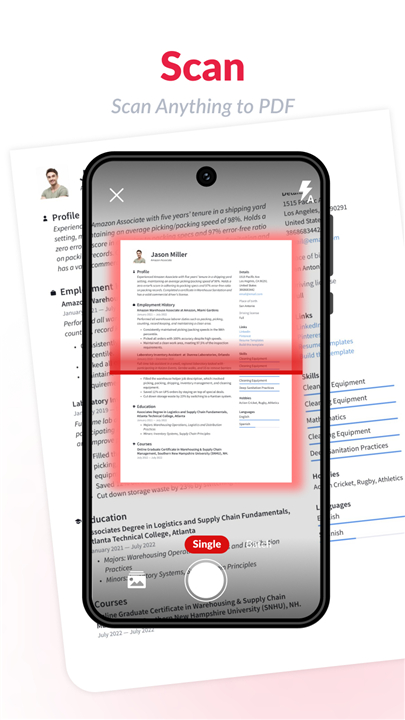
• Turn your phone into a portable, high-quality document scanner.
• Capture sharp images using your camera and instantly convert them into a single, polished PDF file.
• Ideal for professionals, students, or anyone needing a reliable document maker anytime, anywhere.
4. Smart Editing Tools
• Automatic Cropping: Detects edges automatically or allows manual cropping before conversion.
• Image Enhancement: Adjust brightness, contrast, and color tones to create clear, sharp documents.
5. ID Card Scanner
• Easily scan and store IDs such as passports, driver’s licenses, or government cards.
• It’s not just a document scanner—it’s your all-purpose digital organizer for identification documents.
6. Security and Privacy
• Your documents stay on your device—never uploaded to external servers.
• Enjoy peace of mind knowing your data is fully private.
• You can also create password-protected PDFs for extra security.
Customization Options
• Choose from various paper sizes such as A4, Legal, or Ledger.
• Add personalized watermarks to protect your work.
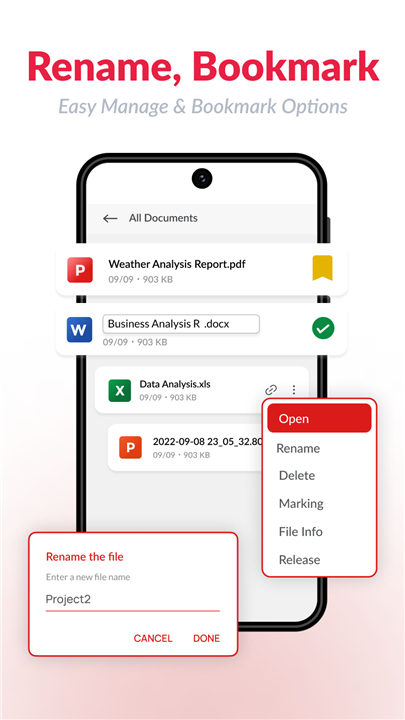
• Manage, merge, or convert your files seamlessly.
More Useful Features
• Built-in PDF Viewer for convenient reading.
• Completely free—no subscriptions required.
• Works offline without an internet connection.
• Merge multiple documents into one PDF.
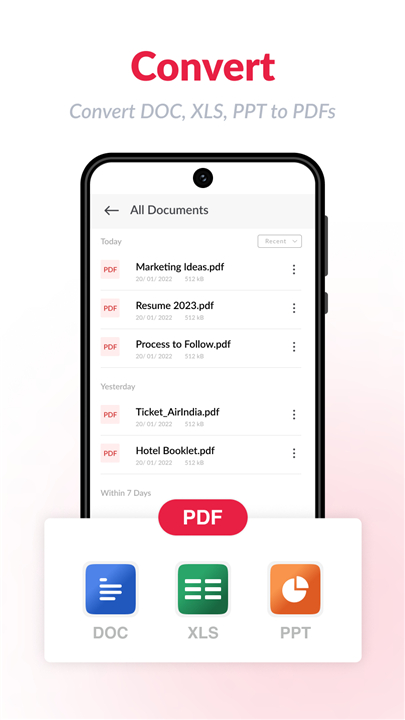
• Convert text, images, or Excel files to PDF.
• Remove duplicate files with one tap.
Why Choose PDF Scanner & Editor?
• This app saves time, reduces effort, and eliminates the need for expensive tools.
• Experience the convenience of a complete PDF solution right on your phone.
Support & Feedback
• We value your input! Share your thoughts or suggestions to help us improve.
• If you love the app, please rate it on the Play Store and tell others about it.
For a professional online PDF editing experience, visit: https://a1office.co/pdf-editor/
PDF Editor by A1 is proudly developed by Rhophi Analytics LLP.
FAQ
Q: Can I edit text directly inside a PDF file?
A: Yes, the app includes a PDF Text Editor that allows you to edit, rewrite, or update existing text in your document instantly. Simply upload your file, make changes, and save the updated version within seconds.
Q: How do I modify or replace images in a PDF?
A: With the built-in PDF Image Editor, you can change or replace images directly in your PDF. Upload your document, select the image you want to edit, make the necessary changes, and save your file with the new content seamlessly.
Q: Is there a way to scan physical documents using this app?
A: Absolutely. The Pocket Mobile Scanner feature transforms your phone’s camera into a high-quality scanner, enabling you to capture crisp images of papers or receipts and convert them instantly into a polished PDF file.
Version History
vpdfviewer-6.13.0——13 Oct 2025
PDF Editor & Reader: Edit pdf easily, split, convert, merge, Sign pdf at no cost Download the latest version of PDF Editor: Edit PDF, Sign PDF to enjoy new features and updates immediately!
*pdfviewer-6.13.0
New PDF Editor Introduced! - with Powerful Features
* Edit existing text or images, and add new ones in PDF.
* Reorder, Replace, Rotate, Delete, Insert, Copy, or Export PDF pages.
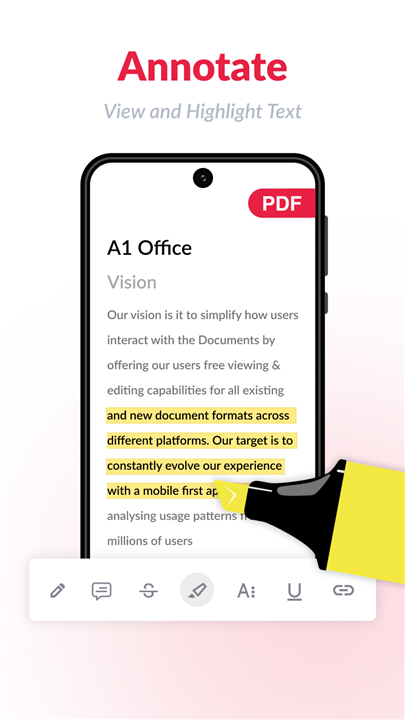
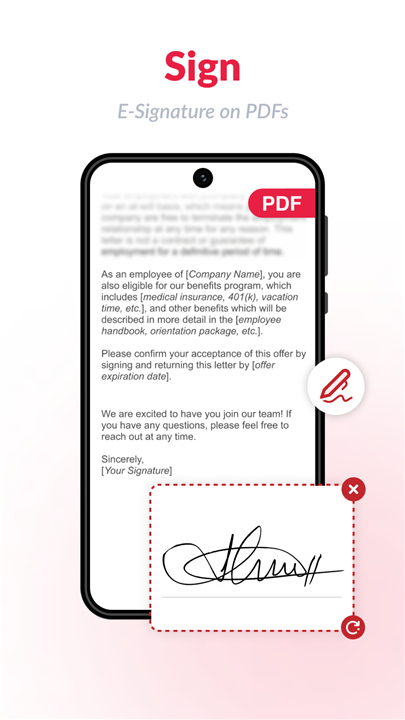
* E-sign, Annotate, Add Comments, Audio record, shapes, links, and stamp in PDF.
* Create new PDF files, edit and save them on your device.
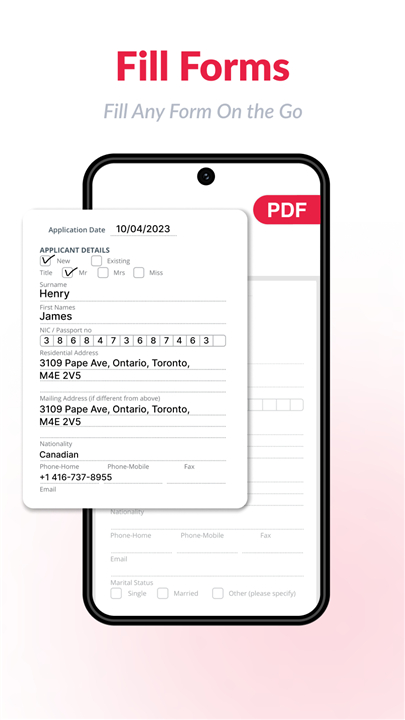
* Create or Fill Forms on fingertips with abundant options.
* New improved tools - Merge PDF, Compress PDF, Convert & Split PDF.
*pdfviewer-6.12.0
New PDF Editor Introduced! - with Powerful Features
* Edit existing text or images, and add new ones in PDF.
* Reorder, Replace, Rotate, Delete, Insert, Copy, or Export PDF pages.
* E-sign, Annotate, Add Comments, Audio record, shapes, links, and stamp in PDF.
* Create new PDF files, edit and save them on your device.
* Create or Fill Forms on fingertips with abundant options.
* New improved tools - Merge PDF, Compress PDF, Convert & Split PDF.
*pdfviewer-6.11.0
Minor bug fixes and improvements. Install or update to the newest version to check it out!









Ratings and reviews
There are no reviews yet. Be the first one to write one.