

Panasonic LUMIX Sync
Supported Camera Models
• S Series DC-S1 / S1R / S1H / S5 / BS1H / S5M2 / S5M2X / S9
• G Series DC-G100 / G110 / GH5M2 / BGH1 / GH6 / G9M2 / G100D / GH7 / G97
Note:
• Remote recording and image transfer are also available for DC-GH5, GH5S, and G9 models.
• For all other compatible cameras, please use the Panasonic Image App.
Discover the Power of Connected Photography
• LUMIX Sync bridges your creative vision between camera and smartphone, unlocking a seamless workflow that transforms how you capture, share, and organize your photography.
• Experience the freedom to shoot from anywhere while your images flow naturally to the device you use every day.
Key Features
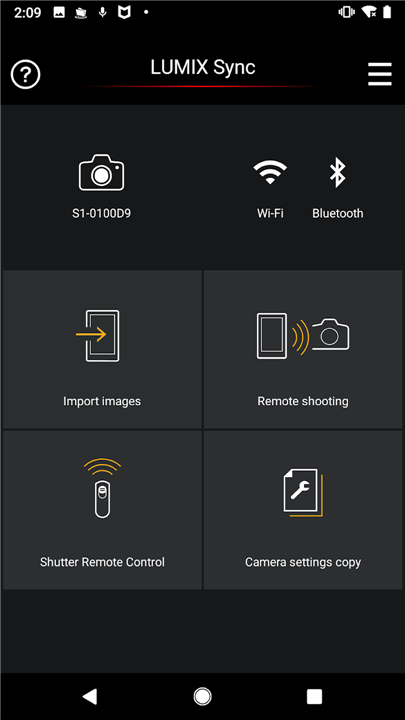
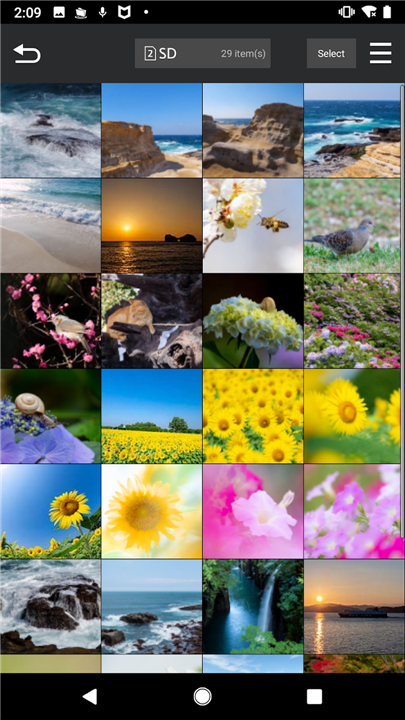
• Wireless Image Transfer — Move your photos and videos from camera to smartphone effortlessly, freeing your creativity from cables and card readers
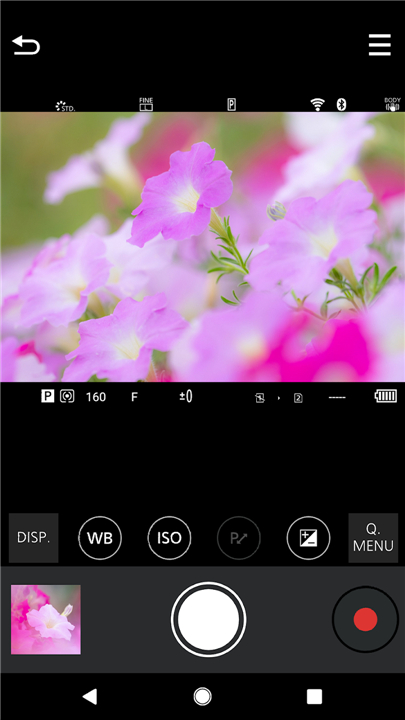
• Remote Shooting — Frame every shot perfectly by viewing your camera's live feed directly on your smartphone screen, putting you in control even when you're behind the lens
• Effortless Setup — Guided camera pairing makes connecting your devices intuitive and quick, so you can start creating within moments
• Smart Bluetooth Connection — Establish Wi-Fi connections automatically through Bluetooth, streamlining your workflow with intelligent technology
• Built-In Location Tagging — Geographic data embeds automatically in your images, creating a visual journey of where your best moments unfolded
• High-Speed Transfer — 802.11ac Wi-Fi support enables rapid image copying through your router when every second counts
Technical Requirements
• Compatible Operating Systems: Android 10 through 16
Important Considerations
• GPS tracking enhances photo organization but significantly impacts battery life when used continuously
• For detailed guidance and compatibility information, visit the official support page at panasonic.jp/support/global/cs/soft/lumix_sync/en/index.html
• Direct developer contact via email is not available for this application
FAQ
Q: Which camera models are officially supported by LUMIX Sync?
A: The app works with the entire S‑Series line—DC‑S1, S1R, S1H, S5, BS1H, S5M2, S5M2X and S9—as well as a broad range of G‑Series models, including DC‑G100, G110, GH5M2, BGH1, GH6, G9M2, G100D, GH7 and G97. Remote recording and image transfer are also available for the earlier DC‑GH5, GH5S and G9 models.
Q: I have a different Panasonic camera; can I still transfer images?
A: For any LUMIX camera that isn’t listed above, Panasonic recommends using the Panasonic Image App. That app provides basic transfer and remote‑control features for a wider variety of models.
Q: How does the wireless image transfer work?
A: When you pair your camera with the app, LUMIX Sync creates a Wi‑Fi link (802.11ac when a router is present) that moves photos and videos directly to your phone. The transfer is automatic once you select the images you want to copy, eliminating the need for cables or card readers.
Version History
v2.0.16——12 May 2026
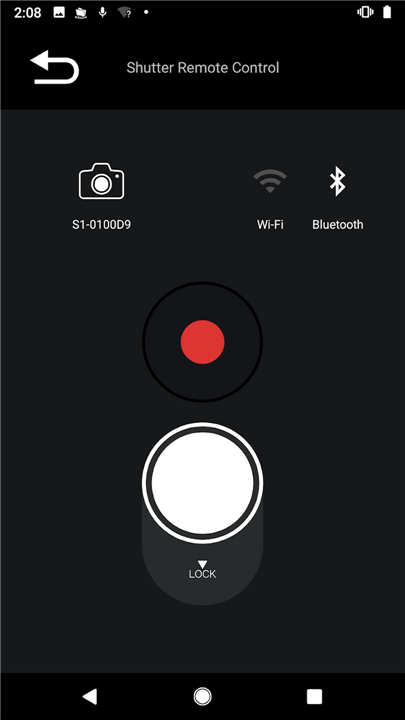
The app lets you control Panasonic Wi-Fi cameras via smartphone.(DC-S1/S1R/S1H) Download the latest version of Panasonic LUMIX Sync to enjoy new features and updates immediately!
*2.0.16
[Newly added features in Panasonic LUMIX Sync 2.0.16]
Now compatible with DC-S5M2 (Firmware Version 3.4).
Now compatible with DC-S5M2X (Firmware Version 2.4).
Now compatible with DC-S9 (Firmware Version 1.6).
Now compatible with DC-GH7 (Firmware Version 1.5).
Now compatible with DC-G9M2 (Firmware Version 2.5).
*2.0.15
[Newly added features in Panasonic LUMIX Sync 2.0.15]
Now compatible with DC-GH5M2 (Firmware Version 1.4).
*2.0.14
[Newly added features in Panasonic LUMIX Sync 2.0.14]
New LUMIX digital camera models DC-G97 are now supported.










Ratings and reviews
There are no reviews yet. Be the first one to write one.