

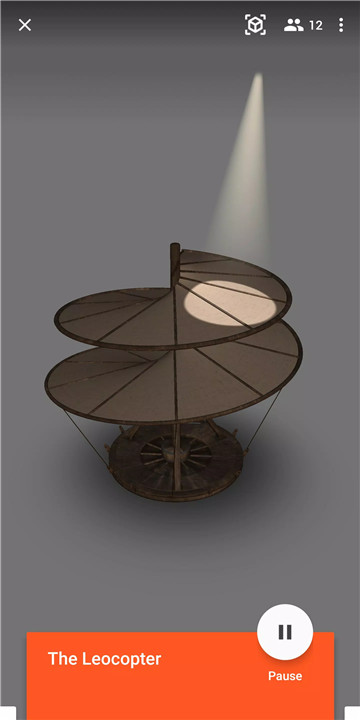
1. Dive into Immersive Learning:
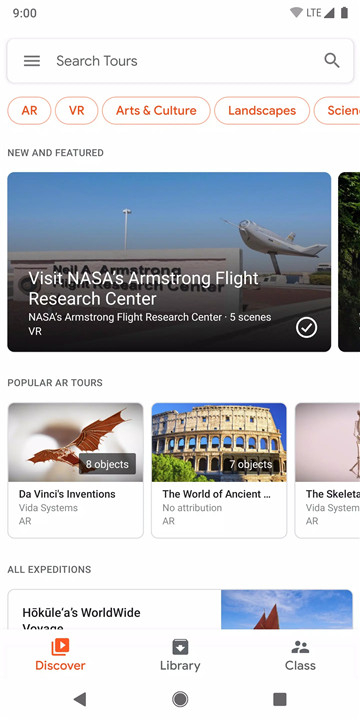
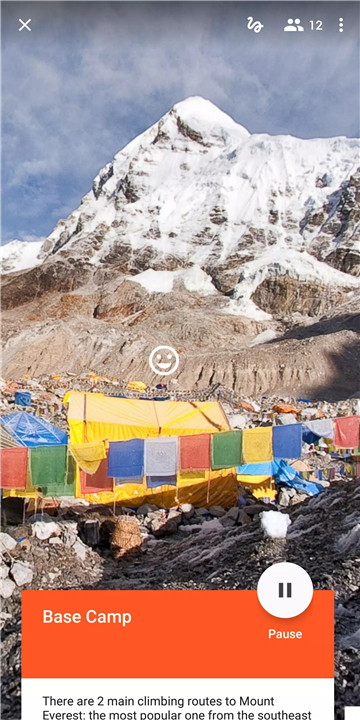
Virtual Reality (VR) Tours: Embark on virtual trips to historical landmarks, dive into the ocean, or travel to space, all from the comfort of your home or classroom. VR mode enhances these experiences with a Google Cardboard or Daydream viewer.
Augmented Reality (AR) Exploration: Interact with AR objects and see them in your space, adding an extra layer of engagement to your learning or teaching.
2. Flexible Usage:
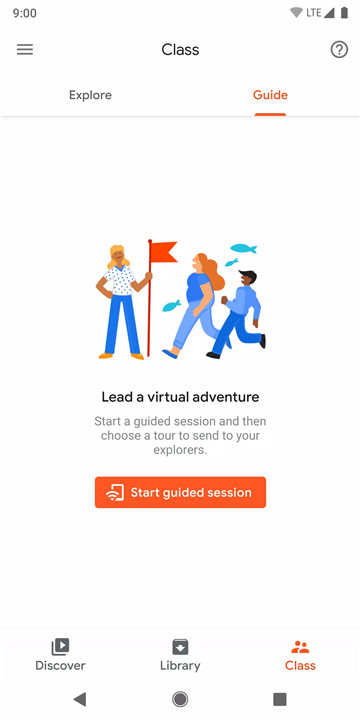
For Educators: Google Expeditions allows teachers to lead classroom-sized groups through interactive VR or AR tours. Use your phone or tablet to act as a “guide,” showcasing various points of interest and facilitating engaging discussions.
For Individual Users: Whether you’re exploring solo or with a group, you can enjoy the expeditions on your own terms, using either VR or AR.
3. Broad and Growing Content:
Expansive Library: Choose from over 800 curated Expeditions that feature VR imagery or AR objects, complete with detailed descriptions, talking points, and questions to enrich your experience.
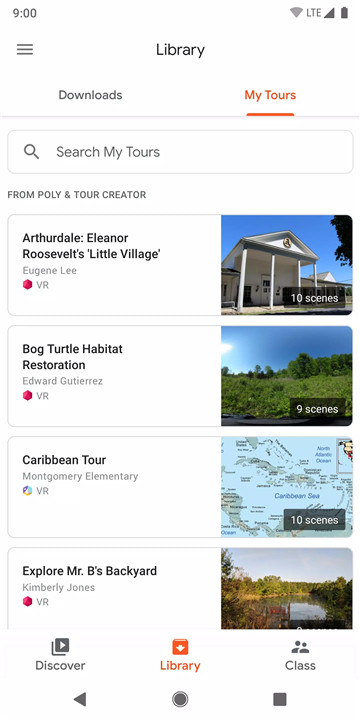
Offline Access: Download Expeditions and access them later without needing an internet connection. Simply connect devices over the same WiFi network, and you’re good to go.
How Does Google Expeditions Work?
For Group Experiences:
Setup: Teachers or guides prepare by selecting and downloading Expeditions on their device.
Connection: Devices in the same class or group connect over WiFi.
Guided Tours: The guide uses their phone or tablet to navigate and showcase various points during the tour. The guide can highlight interesting features and provide additional information.
For Individual Exploration:
Choose Your Expedition: Browse and select from a wide range of VR or AR Expeditions.
Experience: Use your phone, tablet, or VR headset to start exploring. Dive into VR with Google Cardboard or Daydream, or interact with AR objects in your surroundings.
Features:
Wide Range of Expeditions: Access a diverse set of VR and AR experiences, with each Expedition offering unique insights and interactive elements.
Guide Tools: Teachers can utilize a set of tools to enhance the learning experience by pointing out and discussing various features during the expedition.
Device Compatibility: Compatible with phones, tablets, and VR devices like Google Cardboard or Daydream.
FAQ
Q: Do I need an internet connection to use Google Expeditions?
A: Once you’ve downloaded the Expeditions, you can use them offline. Devices need to be on the same WiFi network, but no internet connection is required to run the Expeditions themselves.
Q: Can I use Google Expeditions on my own?
A: Absolutely! You can explore on your own using either VR or AR modes, making it a flexible tool for both individual users and groups.
Q: What devices are compatible with Google Expeditions?
A: Google Expeditions can be used on phones, tablets, and VR devices like Google Cardboard and Daydream viewers.
Q: How often are new Expeditions added? A: Google Expeditions features a growing library with over 800 Expeditions, and new ones are added regularly to expand your learning and exploration options.
Q: Are there any safety considerations?
A: It’s important to avoid using Google Expeditions while driving, walking, or engaging in activities that could distract you from real-world safety. Always stay aware of your surroundings.
What's New in the Latest Version 2.3.3.200207006
Last updated on Feb 21, 2020
* Expeditions content can now be shared via deep links, meaning that over 1,000 AR & VR tours are easier to discover than ever! Users can now use a link or QR code to jump to a specific tour.
* Bug fixes









Ratings and reviews
There are no reviews yet. Be the first one to write one.